

webshop
Bookinger
Begivenheder
Popup

Order Triggers for Automations
Fra
Shipping emails with tracking, within a minute
Ingen anmeldelser endnu
Gratis abonnement er tilgængeligt

Order Triggers for Automations-oversigt
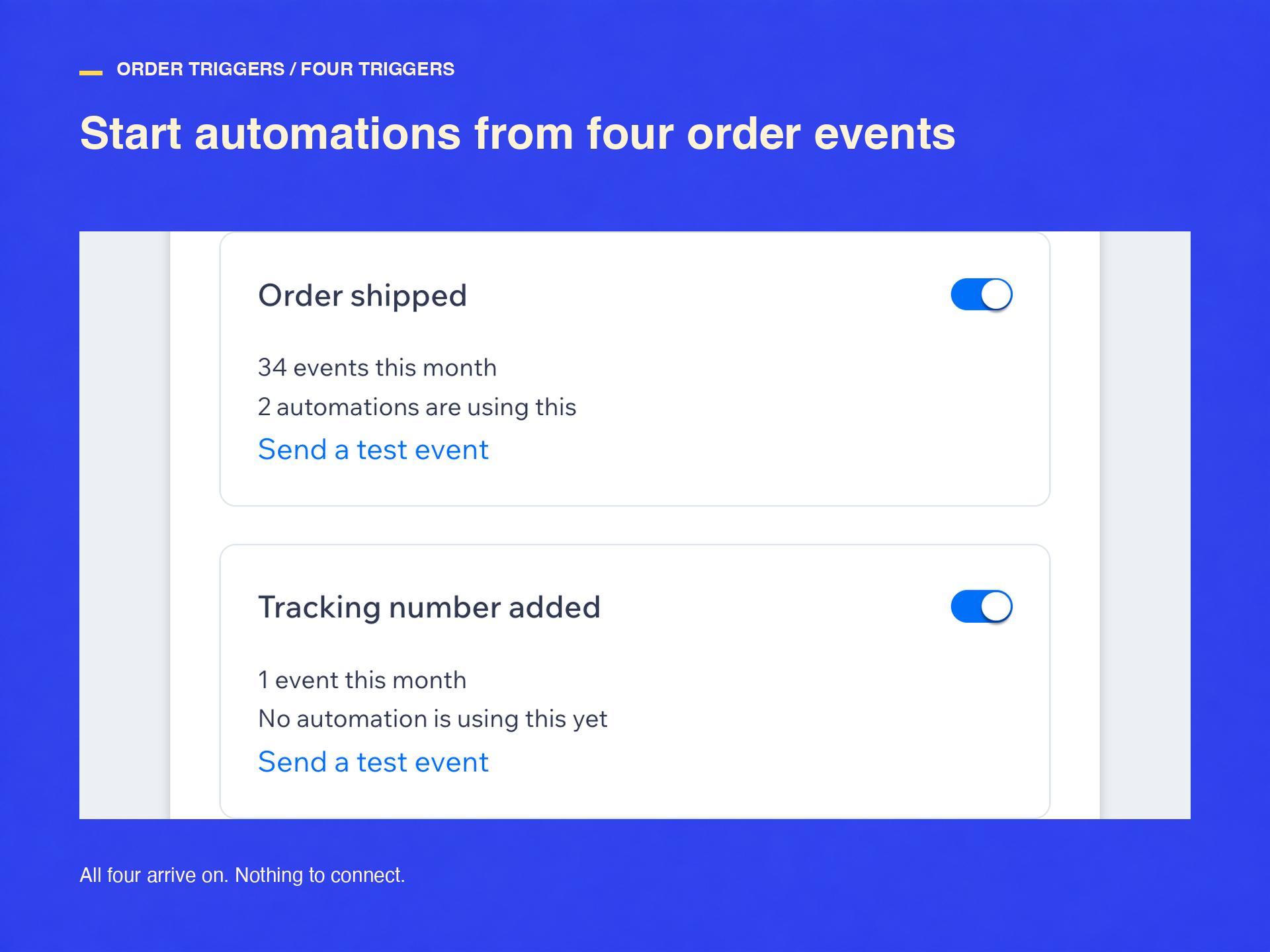
- Start automations when an order ships, not only when it is placed
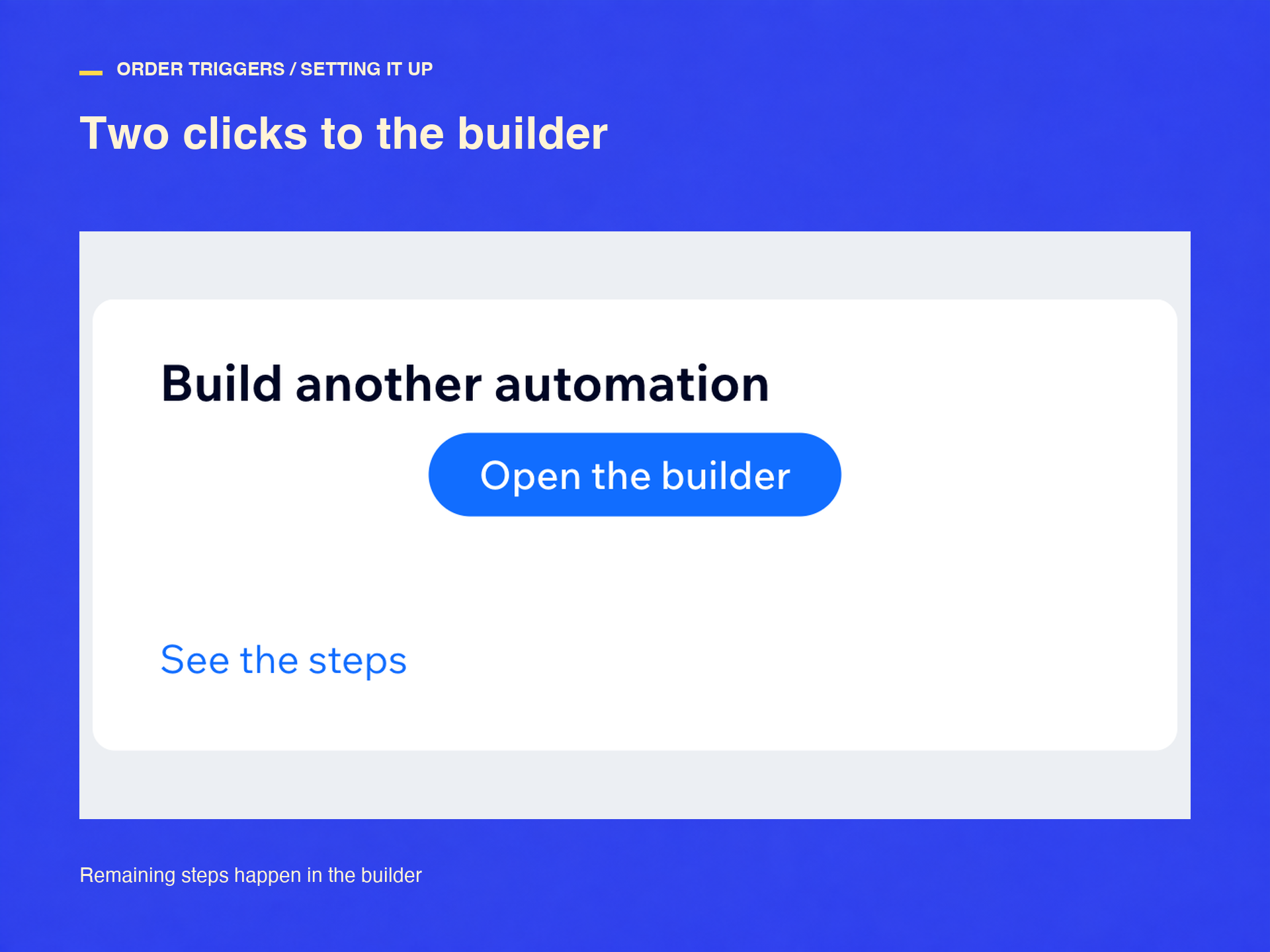
- Find them in the builder's Order Triggers group
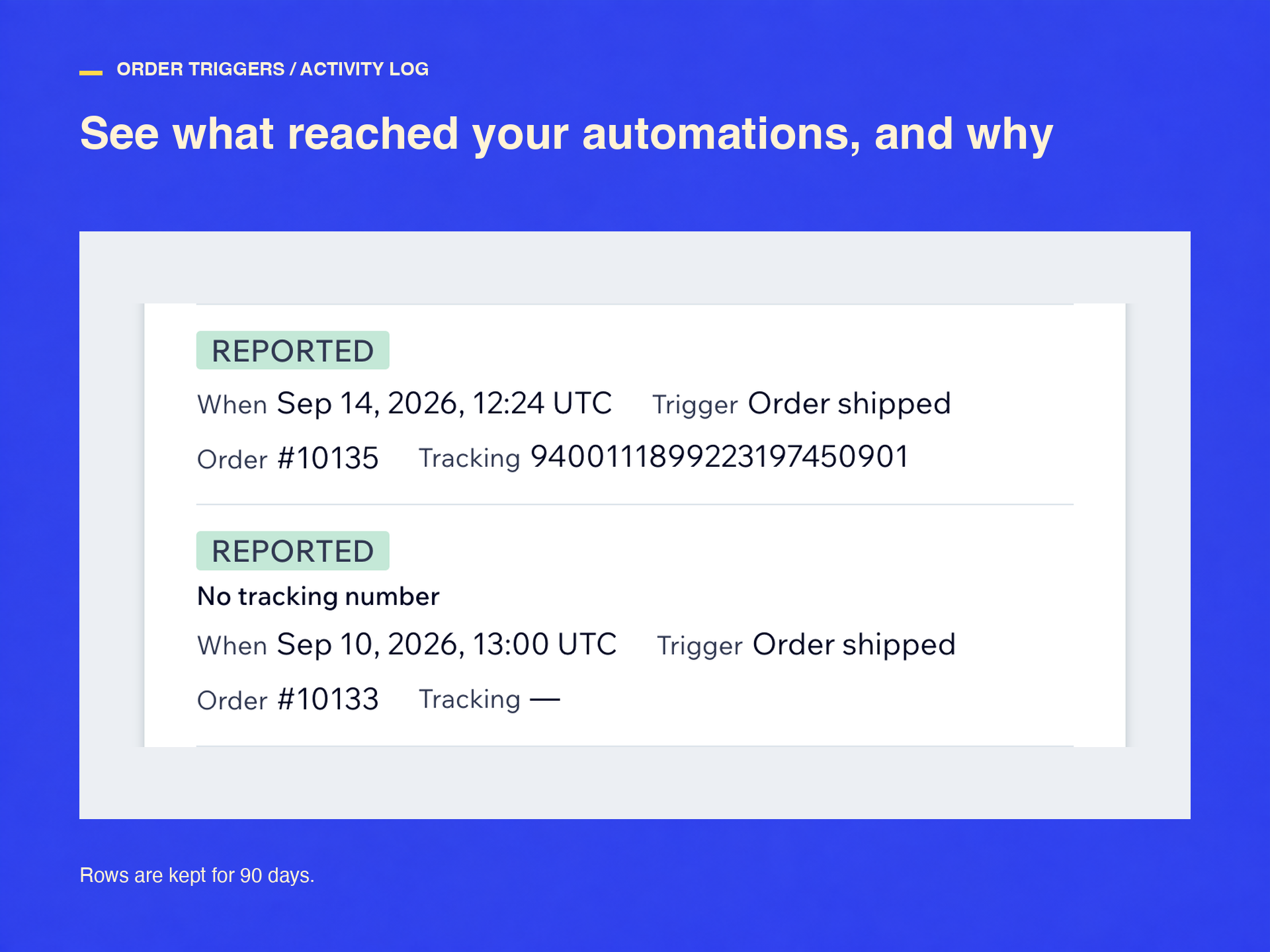
- Each order reported once, duplicates folded, malformed events refused
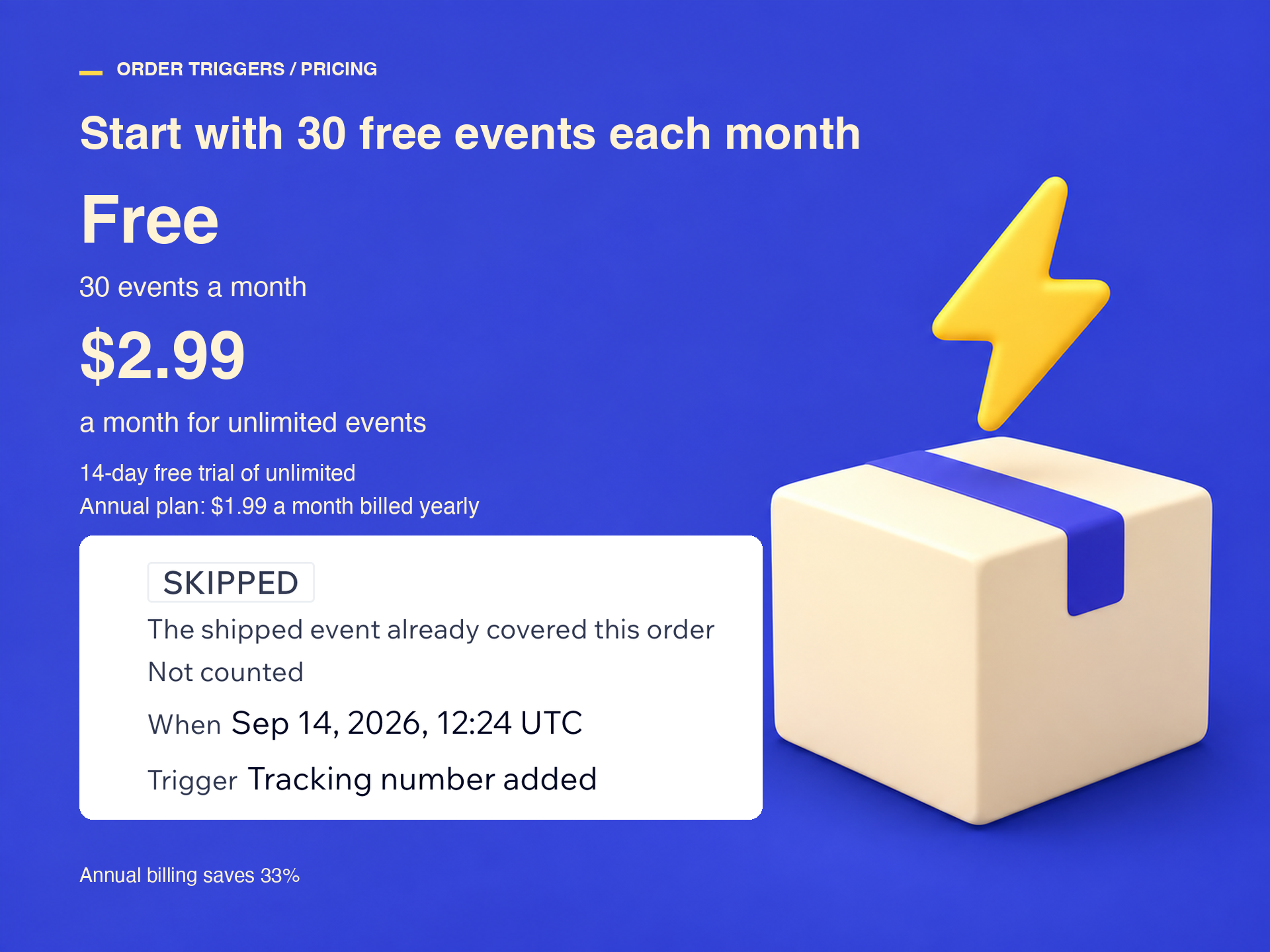
- 30 events a month free, then $2.99 monthly or $1.99 billed yearly
Kategorier
Tilgængelig:
Denne app er tilgængelig over hele verden.App-sprog:
Engelsk
Hjemmesidekrav:
-
Fremhævet i
Bedømmelse & anmeldelser
Denne app har ikke modtaget nogen bedømmelser endnu, vær den første til at bedømme den.Priser og betalingspakker
Basic-abonnement
Gratis
30 events a month, free forever
All four order triggers
Activity log and test events
Standard-abonnement
$
1
99
/måned
Unlimited events every month
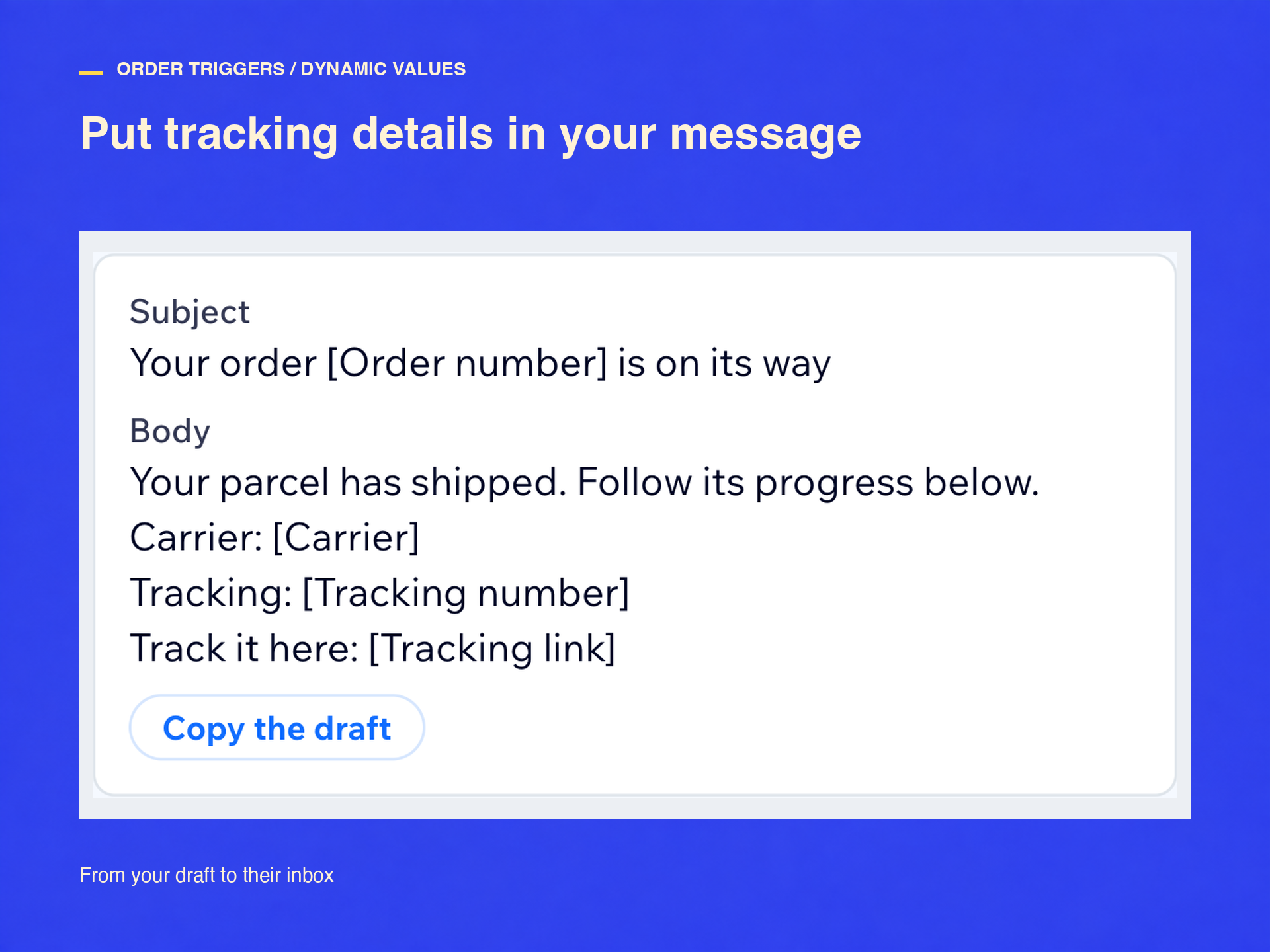
Shipped, tracking, partial, canceled
Activity log, retries, test events
Yearly: $23.88 up front, $1.99 a month
* Prisen er i USD.