

webshop
Bookinger
Begivenheder
Popup

- 50%
Add FAQs in Product
Fra
Add FAQs. Build trust. Boost sales in stores
5.0
Gratis abonnement er tilgængeligt

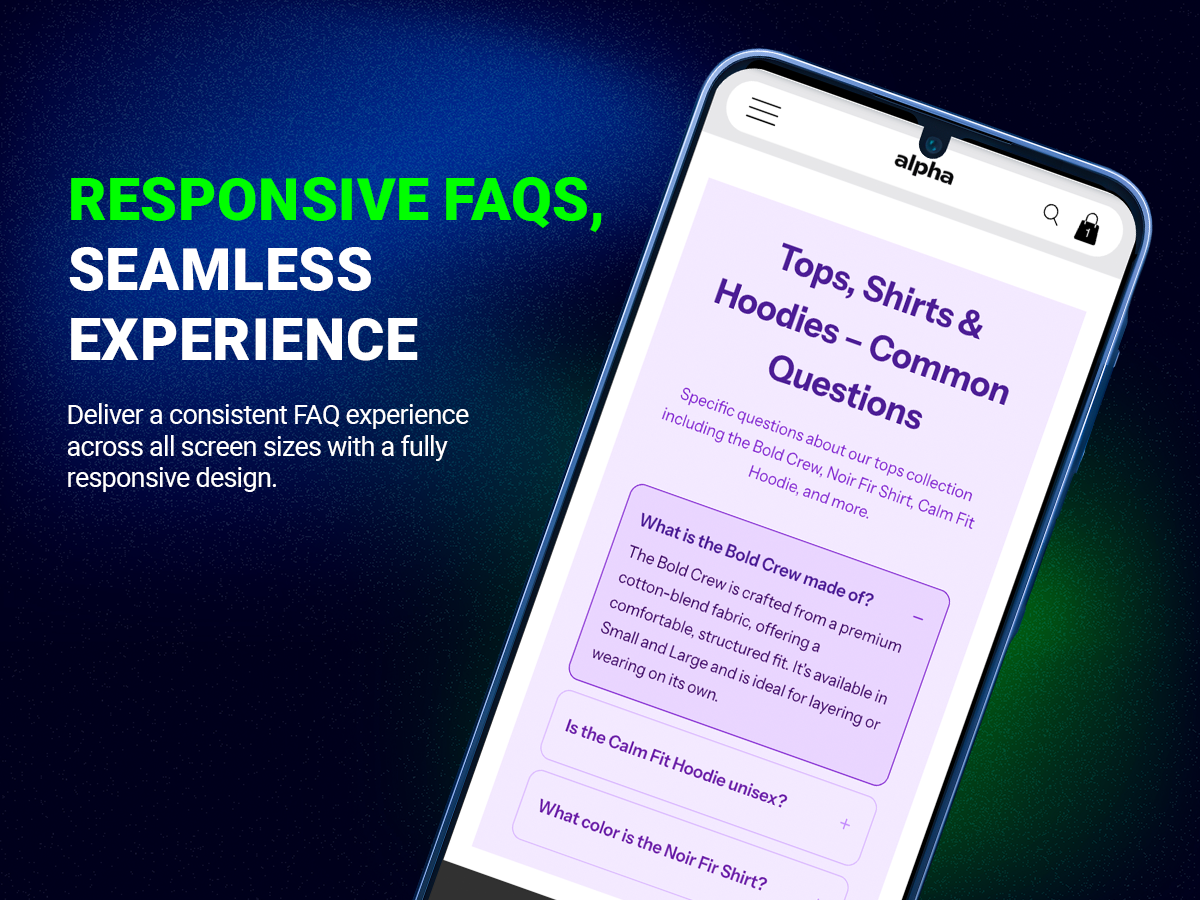
Add FAQs in Product-oversigt
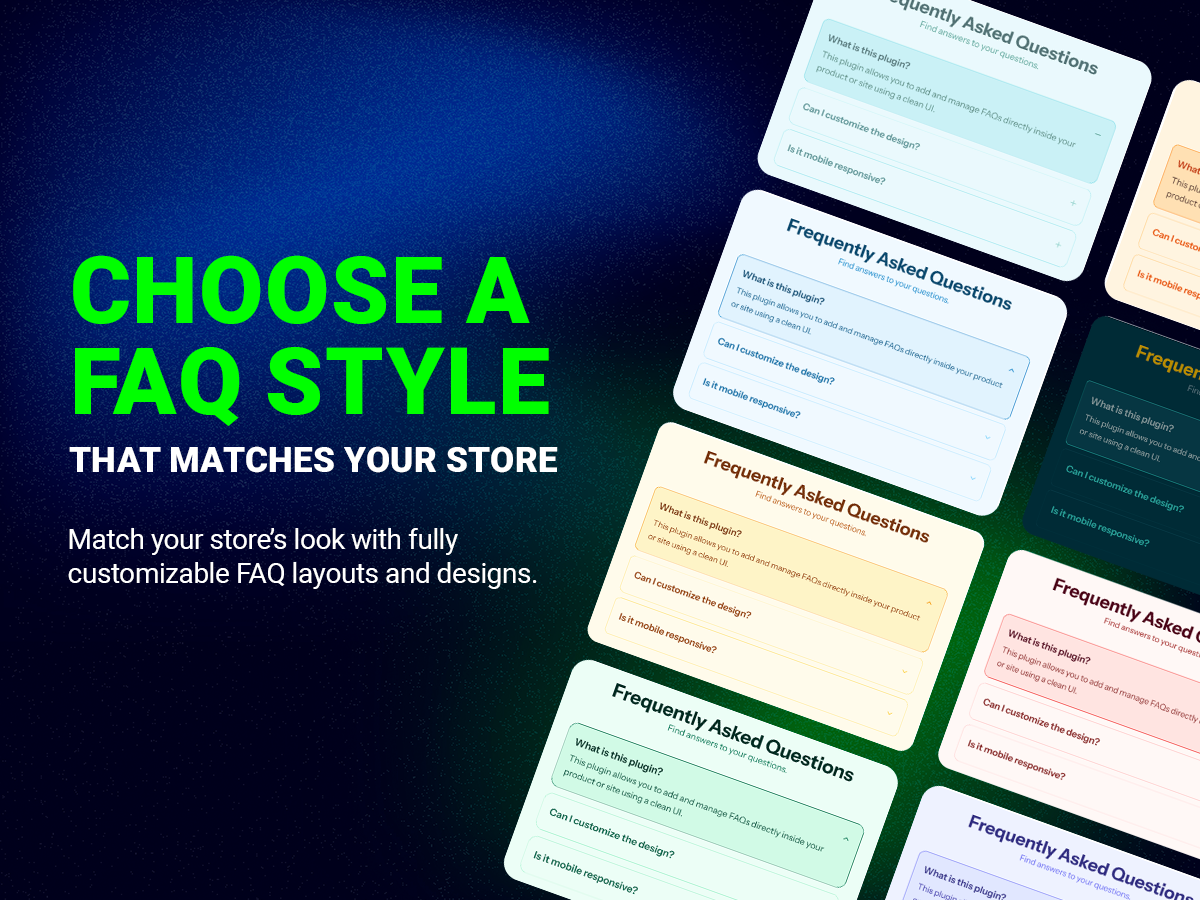
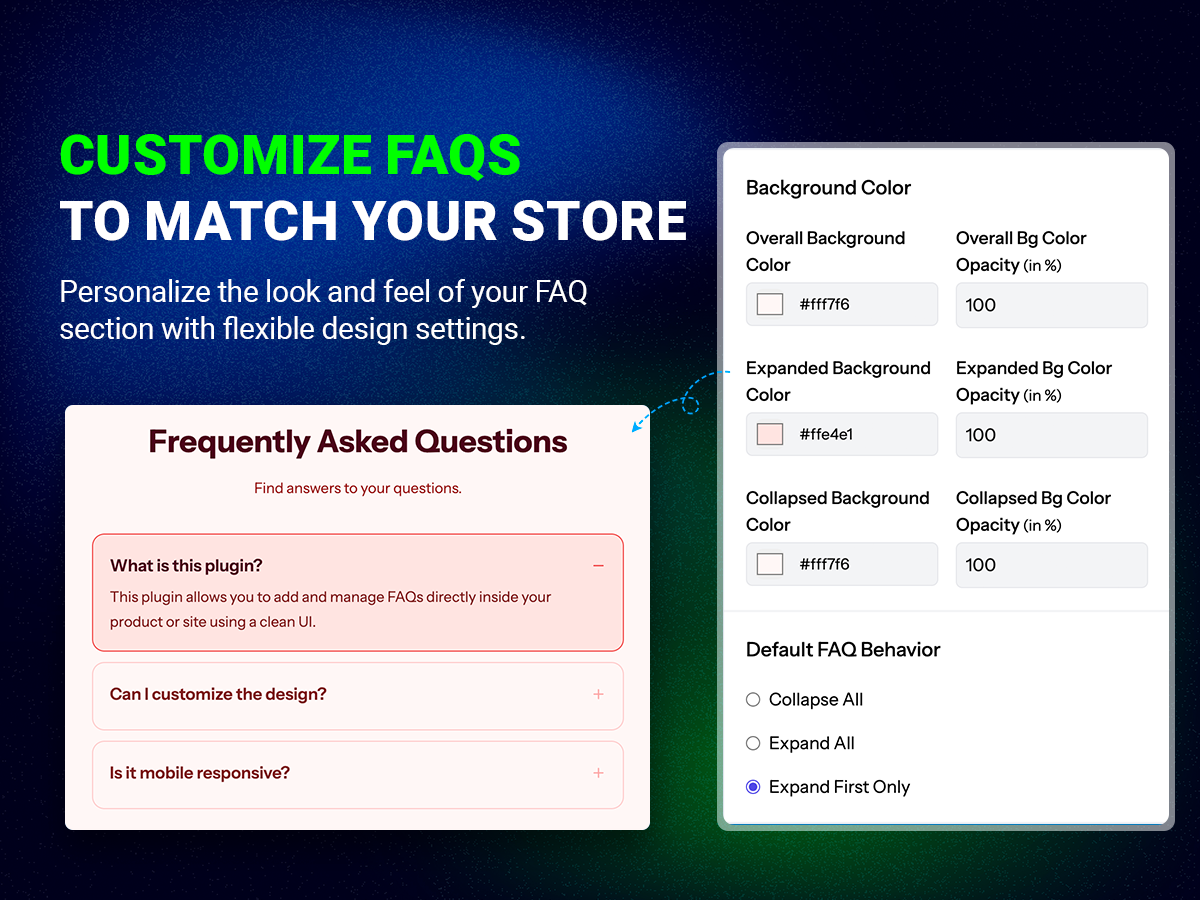
- Fully customize the look and feel of your FAQ section with templates or your own design to match your store's branding
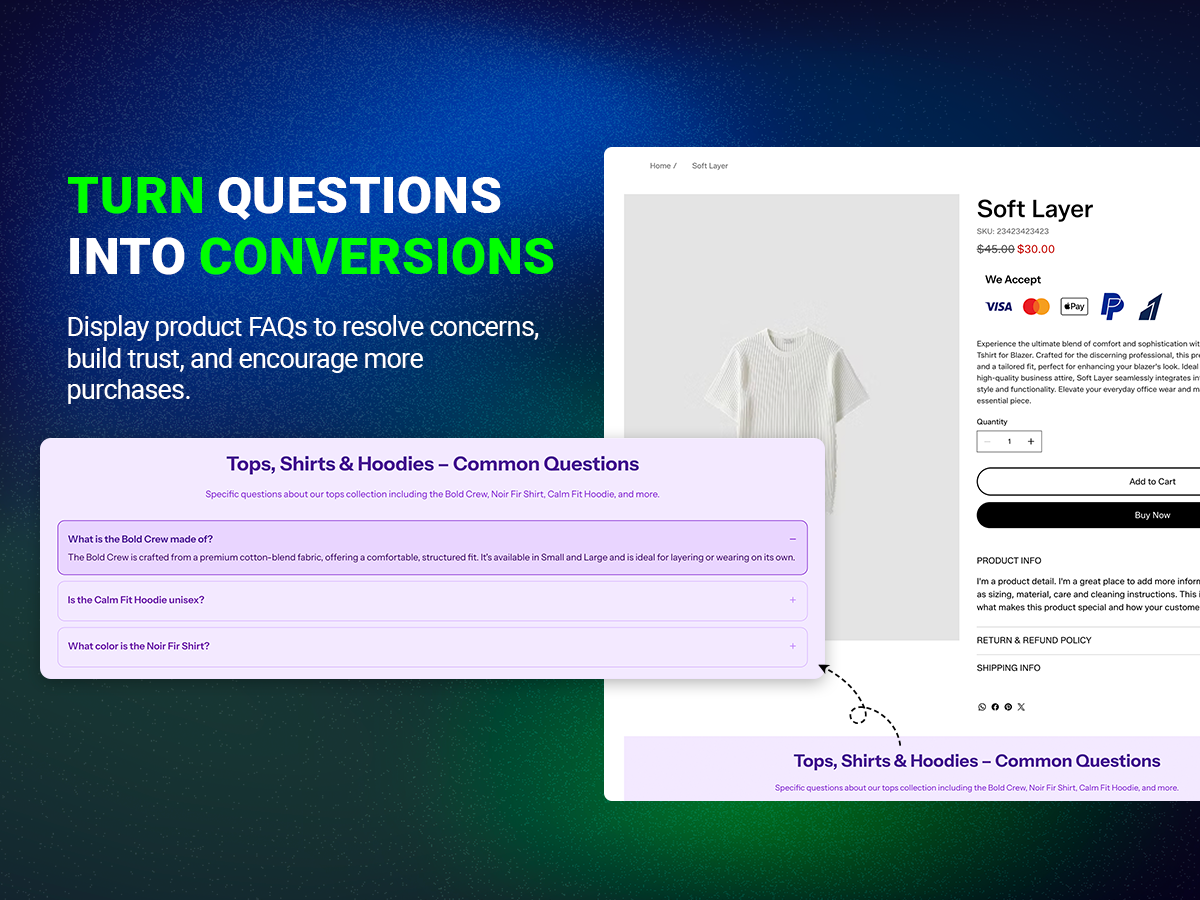
- Bulk assign FAQs across multiple products at once, saving you hours of repetitive manual work
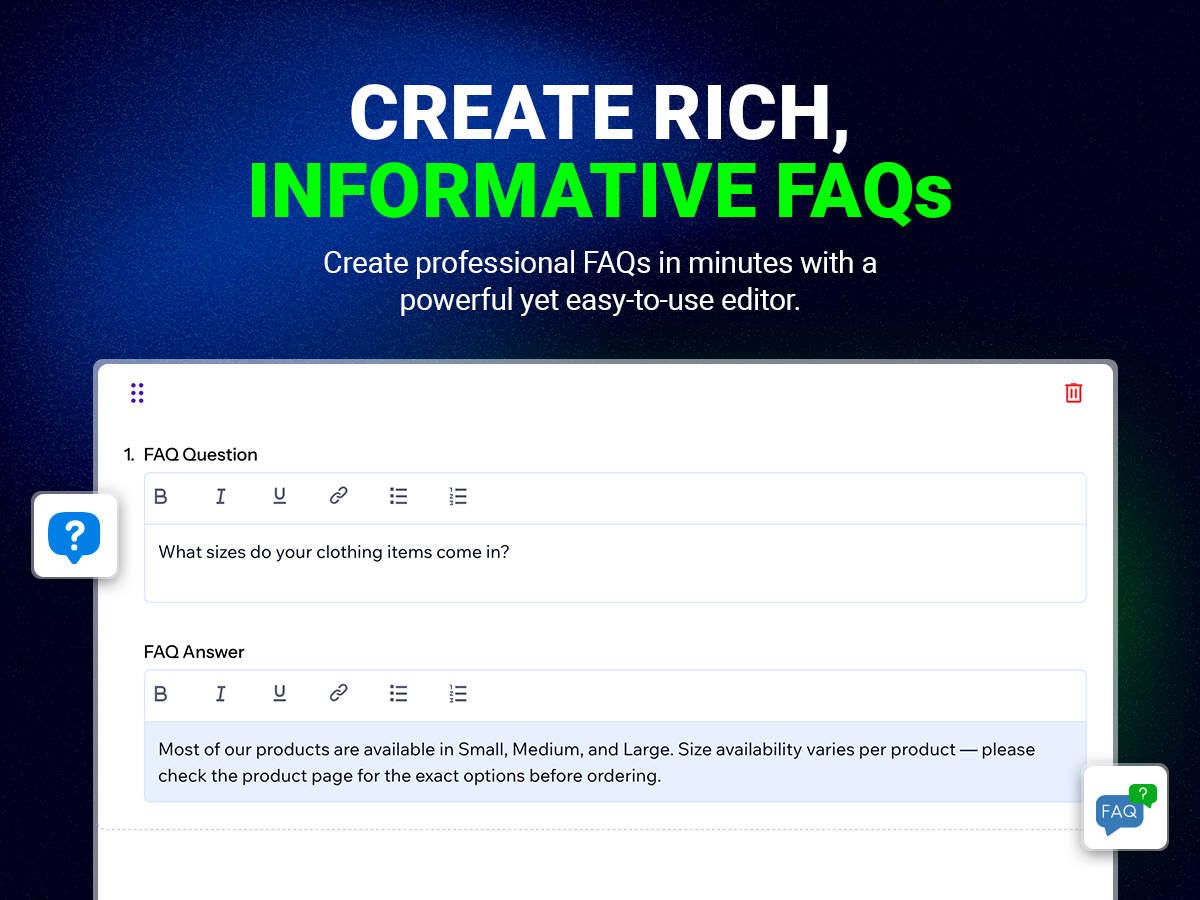
- Create and format FAQs with rich text support including bold, italic, underline, links, and lists
- Toggle visibility on or off instantly and preview your product page live
5.0 gennemsnitlig bedømmelse
1 bedømmelse
5
1
4
0
3
0
2
0
1
0
IN
Info355678/ Aug 24, 2026
.
CO
team Codeyard
Thank you so much for your feedback.
(0)
Tak for din feedback
Priser og betalingspakker
Basic-abonnement
Gratis
Usage across unlimited products
No limits on views
No coding required
Free customer support
Starter-abonnement
- 50%
$
1
99
/måned
$399
Usage across unlimited products
No limits on views
15+ ready to use templates
Fully customizable design
* Prisen er i USD.
* Dette tilbud er gyldigt indtil d. 30. november 2026 kl. 23.59 UTC. App-udvikleren forbeholder sig retten til at afslutte tilbuddet når som helst, og at salgsvilkårene kan ændres.