

webshop
Bookinger
Begivenheder
Popup

Table of Contents by Hullspark
Fra
Blog table of contents, Japanese headings OK
Ingen anmeldelser endnu
Gratis abonnement er tilgængeligt

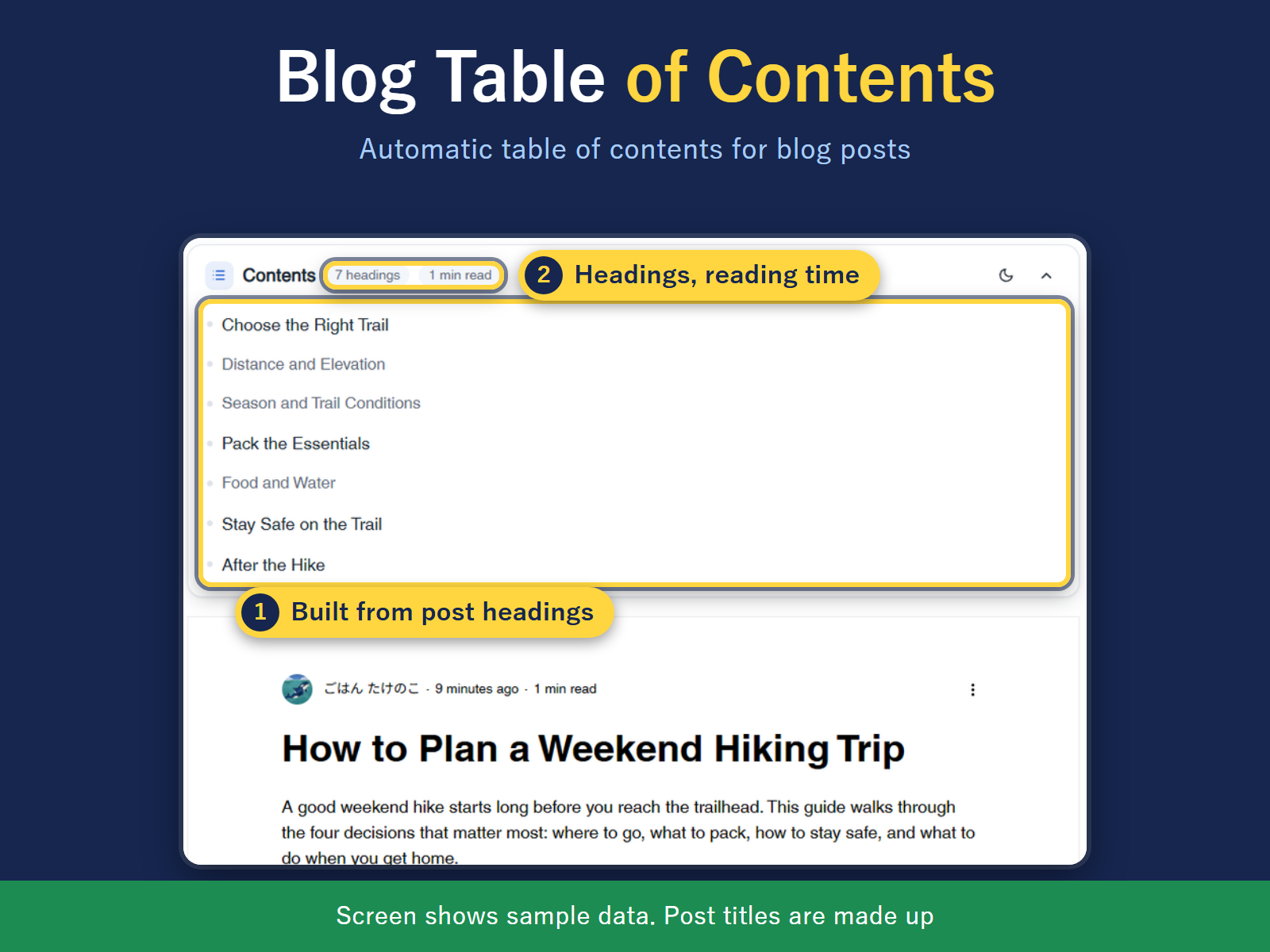
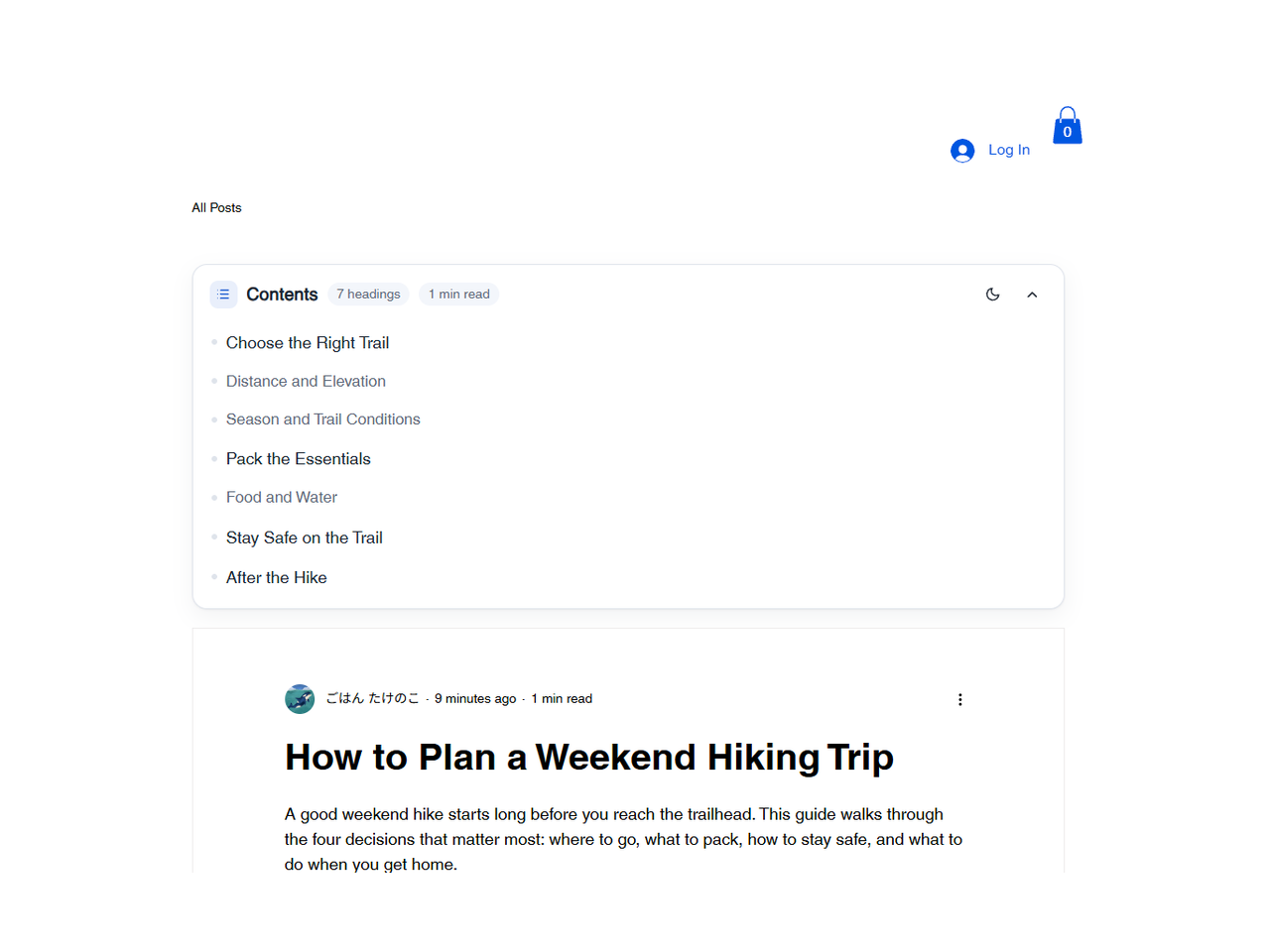
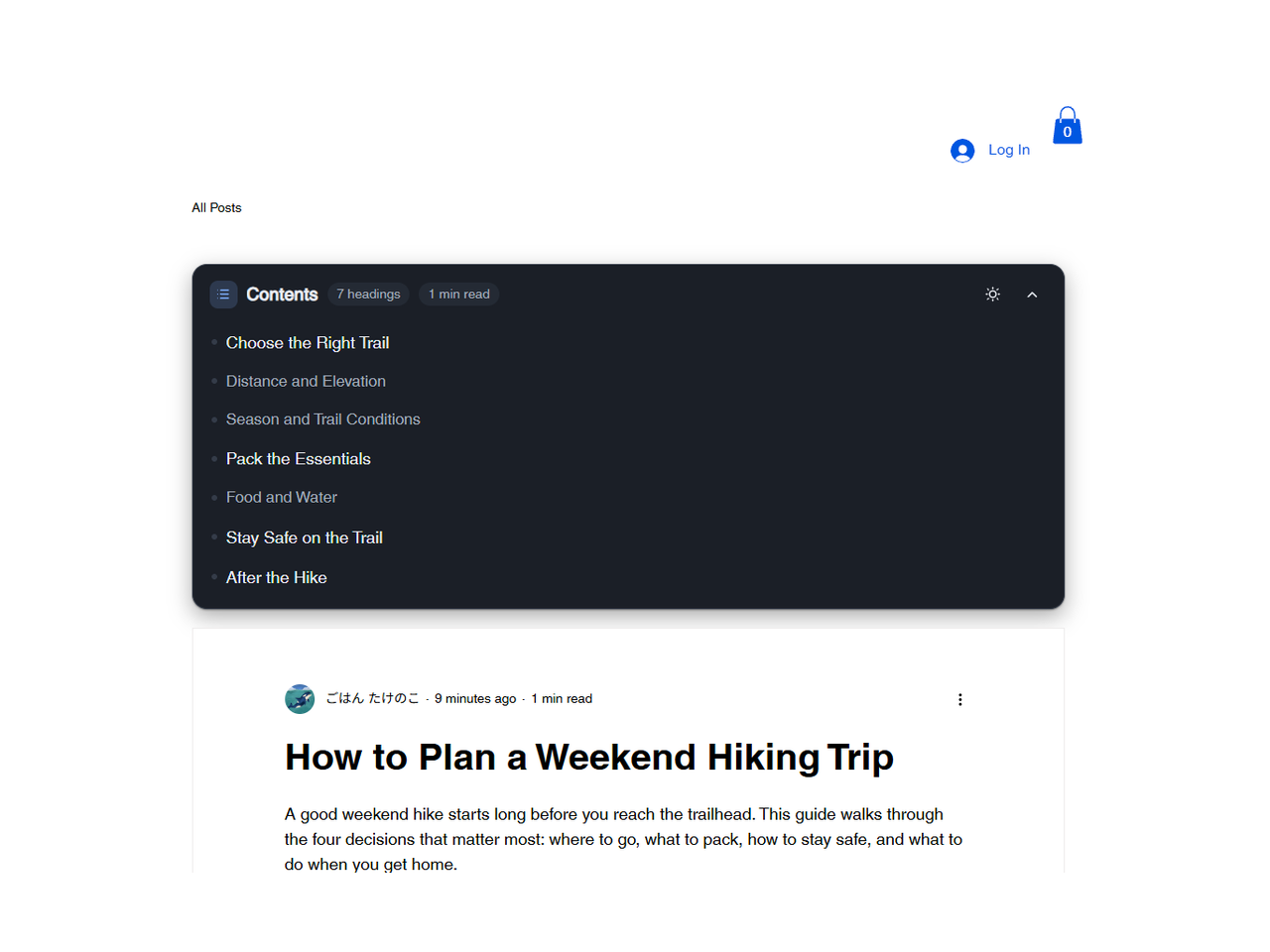
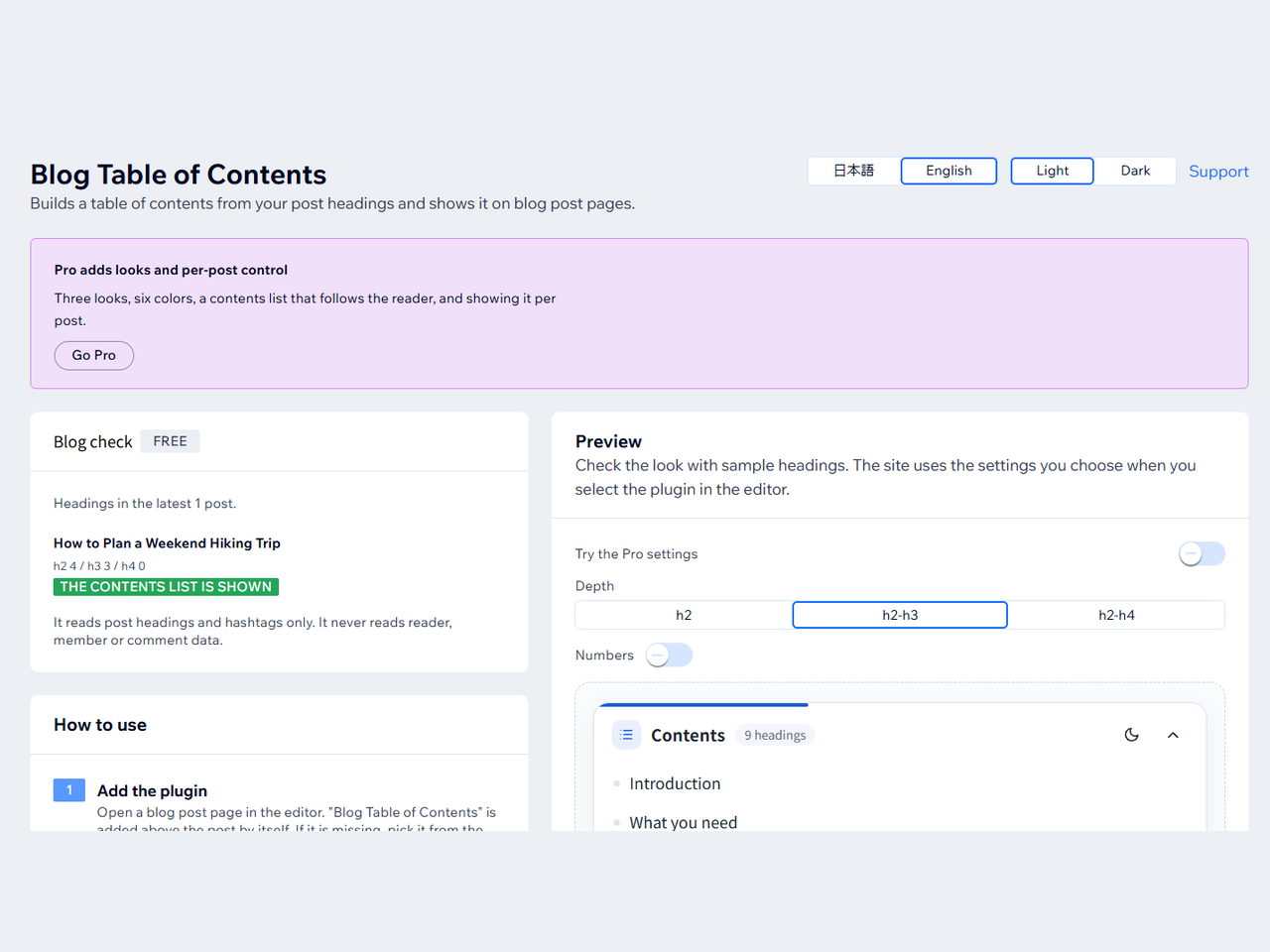
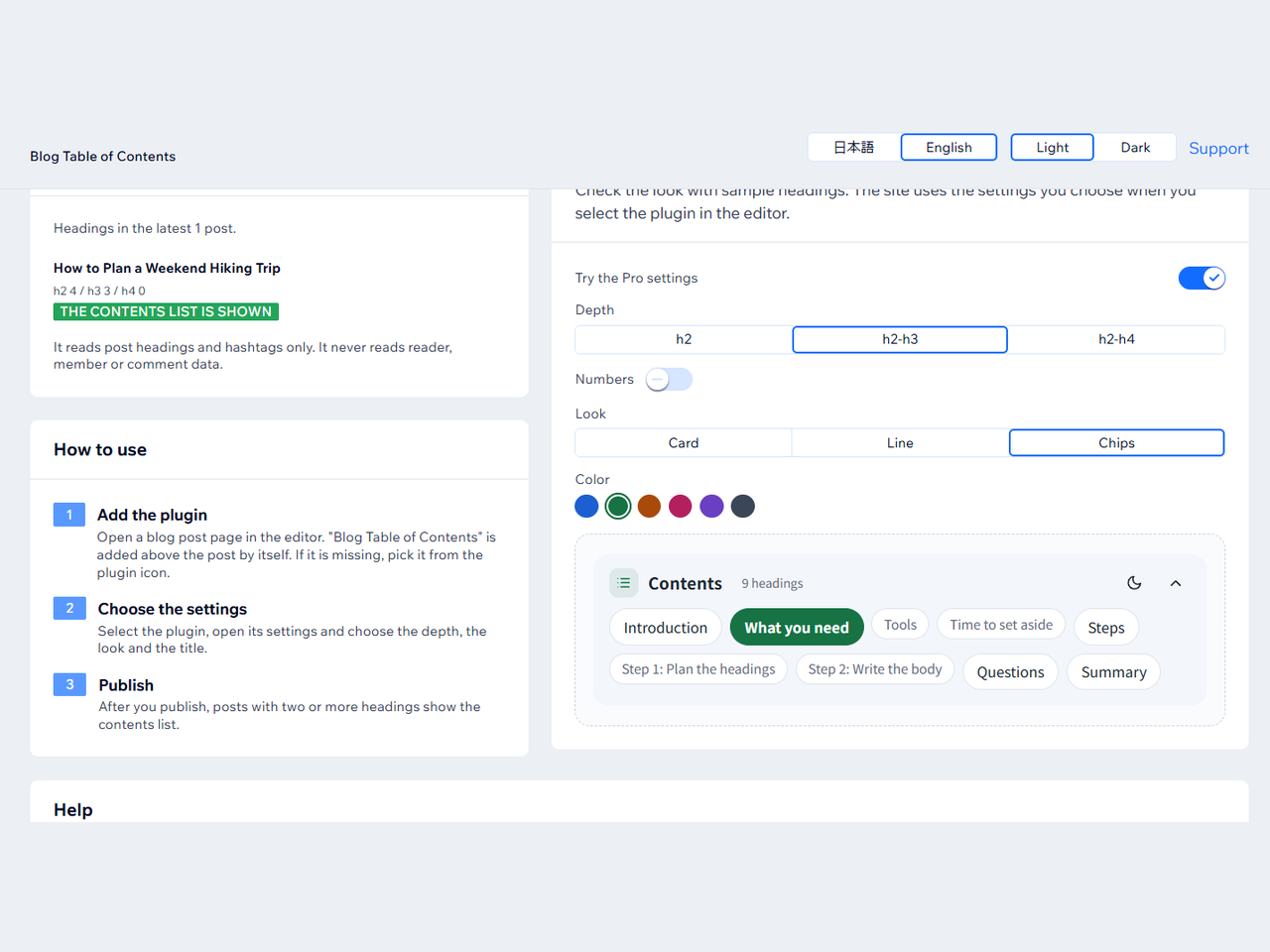
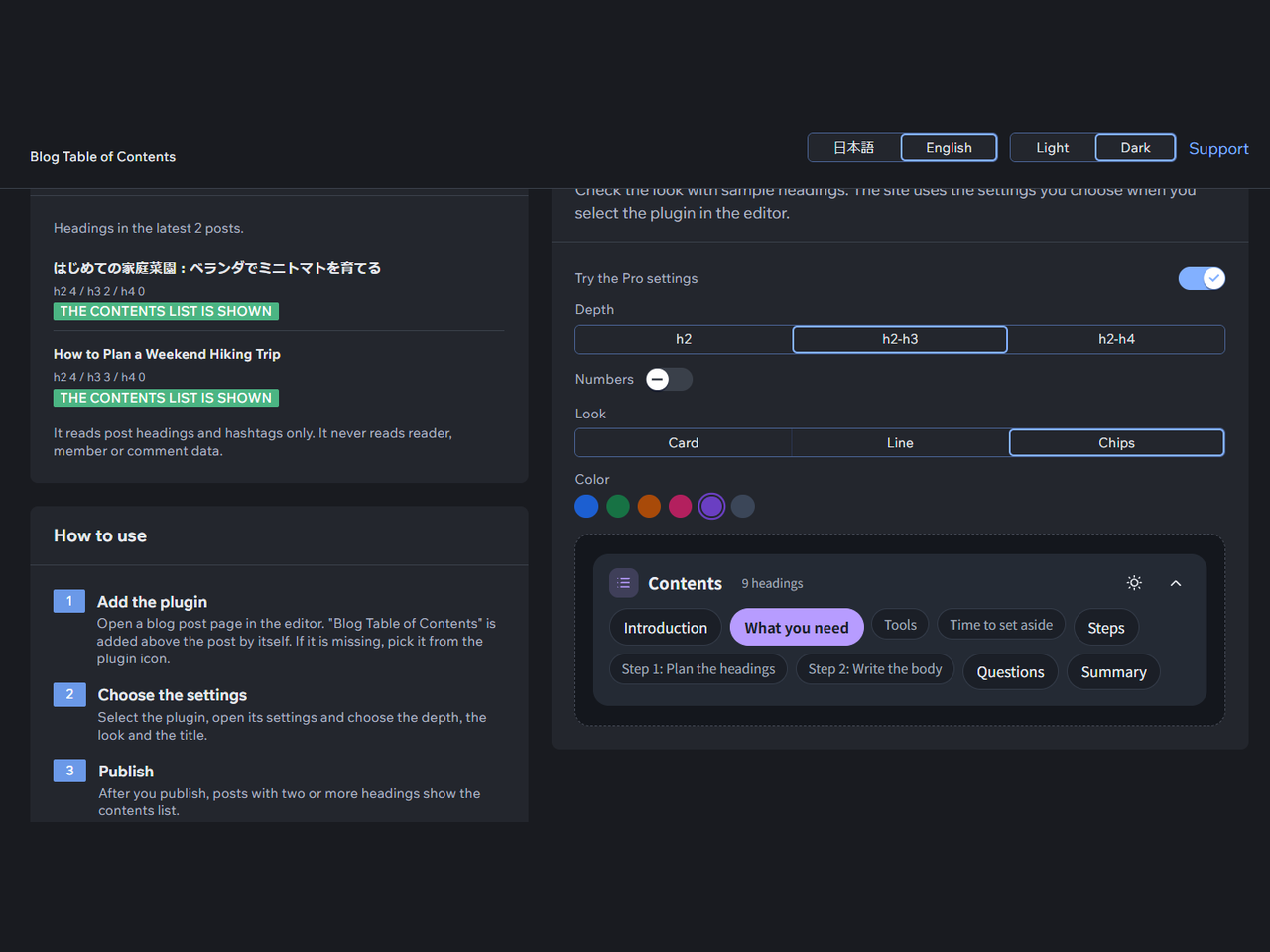
Table of Contents by Hullspark-oversigt
- Contents list built from post headings
- Select a line to jump to the heading
- Depth: h2, h2 to h3, or h2 to h4
- Works with Japanese headings
Bedømmelse & anmeldelser
Denne app har ikke modtaget nogen bedømmelser endnu, vær den første til at bedømme den.Priser og betalingspakker
Basic-abonnement
Gratis
Contents list on posts with headings
Depth, title, numbering, minimum count
English or Japanese, light or dark
Space for a fixed site header
Pro-abonnement
$
2
99
/måned
3 looks and 6 accent colors
Contents list that follows the reader
Show or hide it per post
* Prisen er i USD.