

webshop
Bookinger
Begivenheder
Popup

AutoMega Menu
Fra
Turn your site menu into a full-width mega menu
Ingen anmeldelser endnu
Gratis abonnement er tilgængeligt

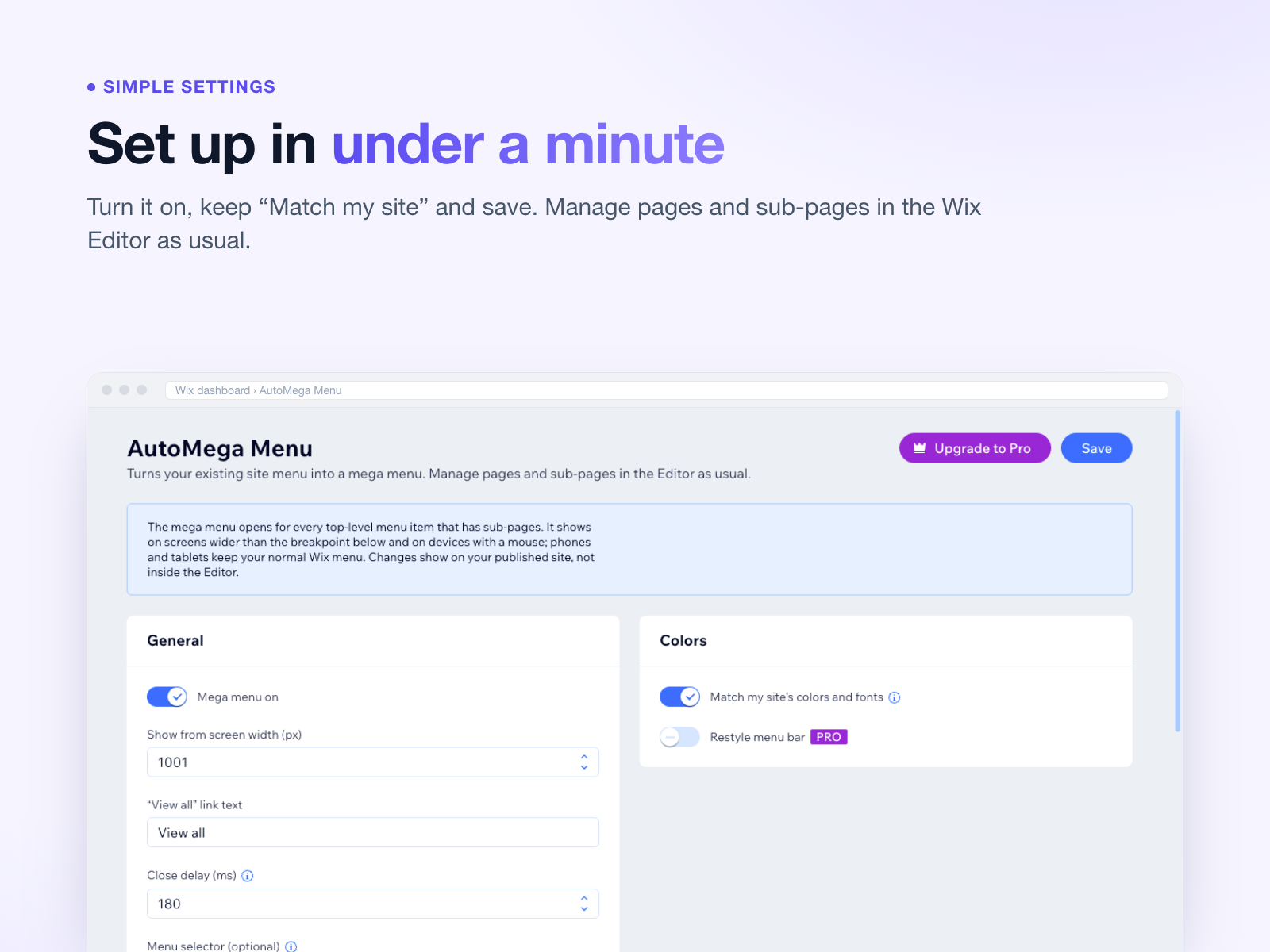
AutoMega Menu-oversigt
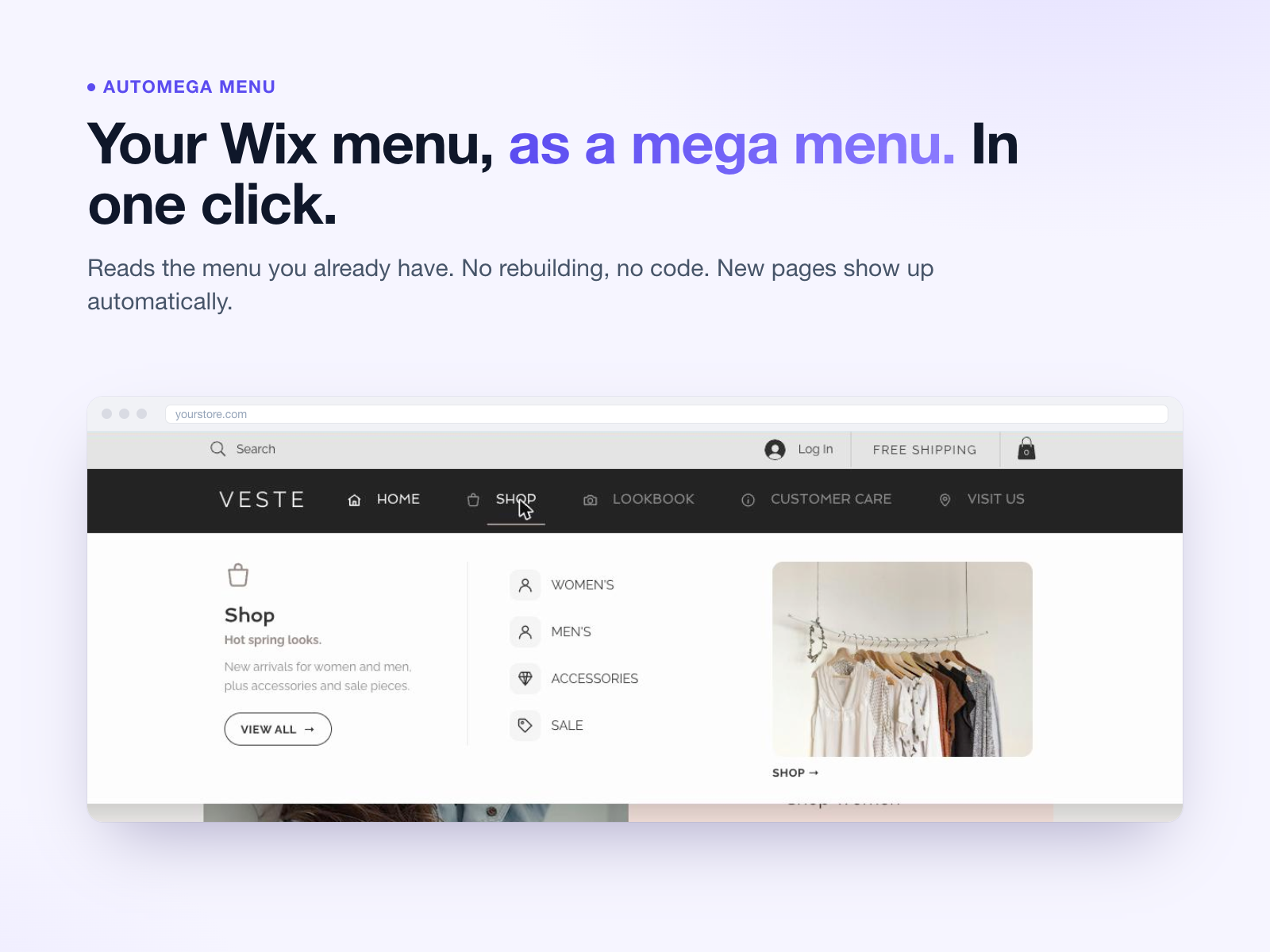
- Uses the menu you already have, no rebuilding
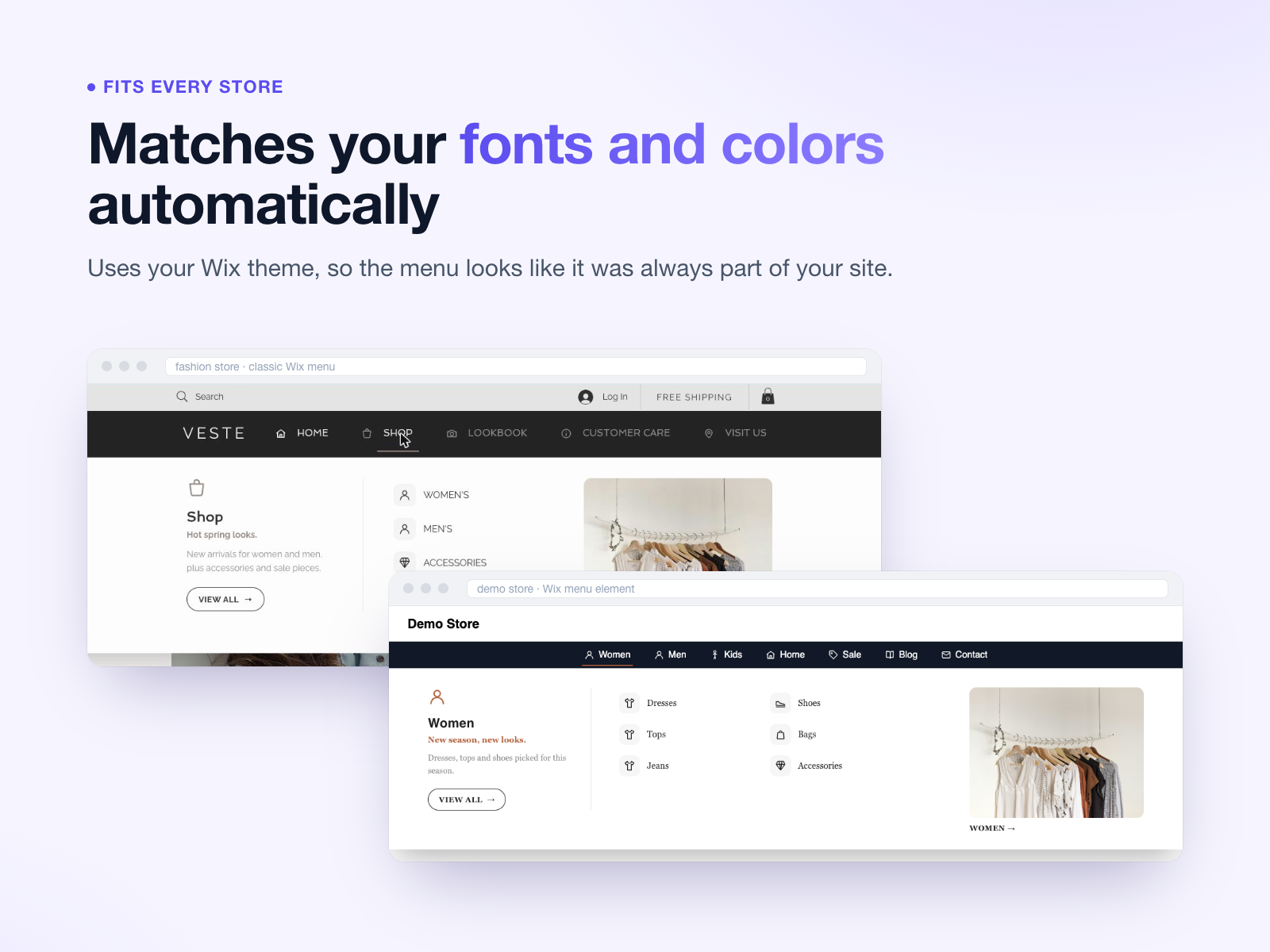
- Matches your site's fonts and colors automatically
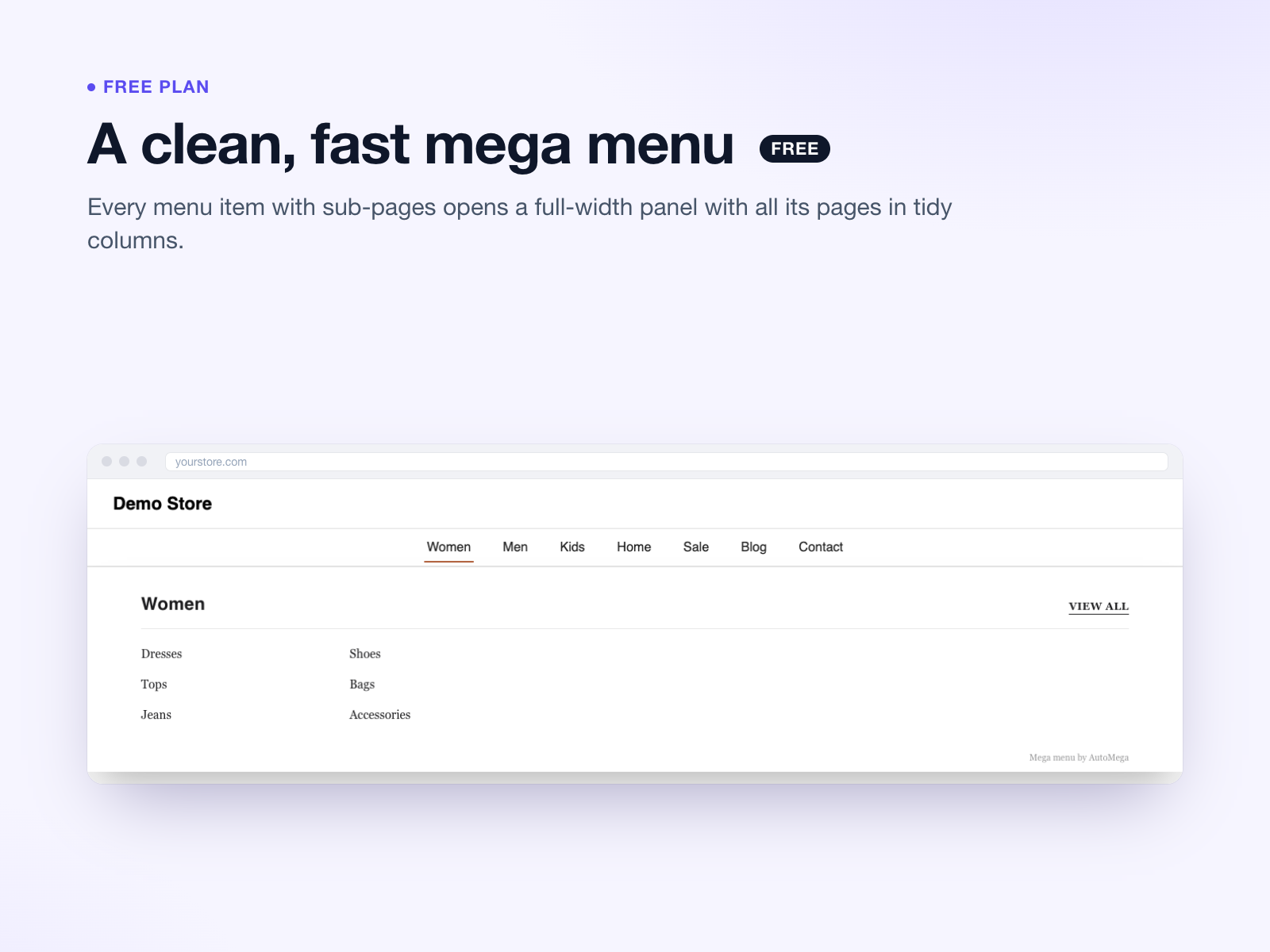
- Full-width panels with every sub-page in clean columns
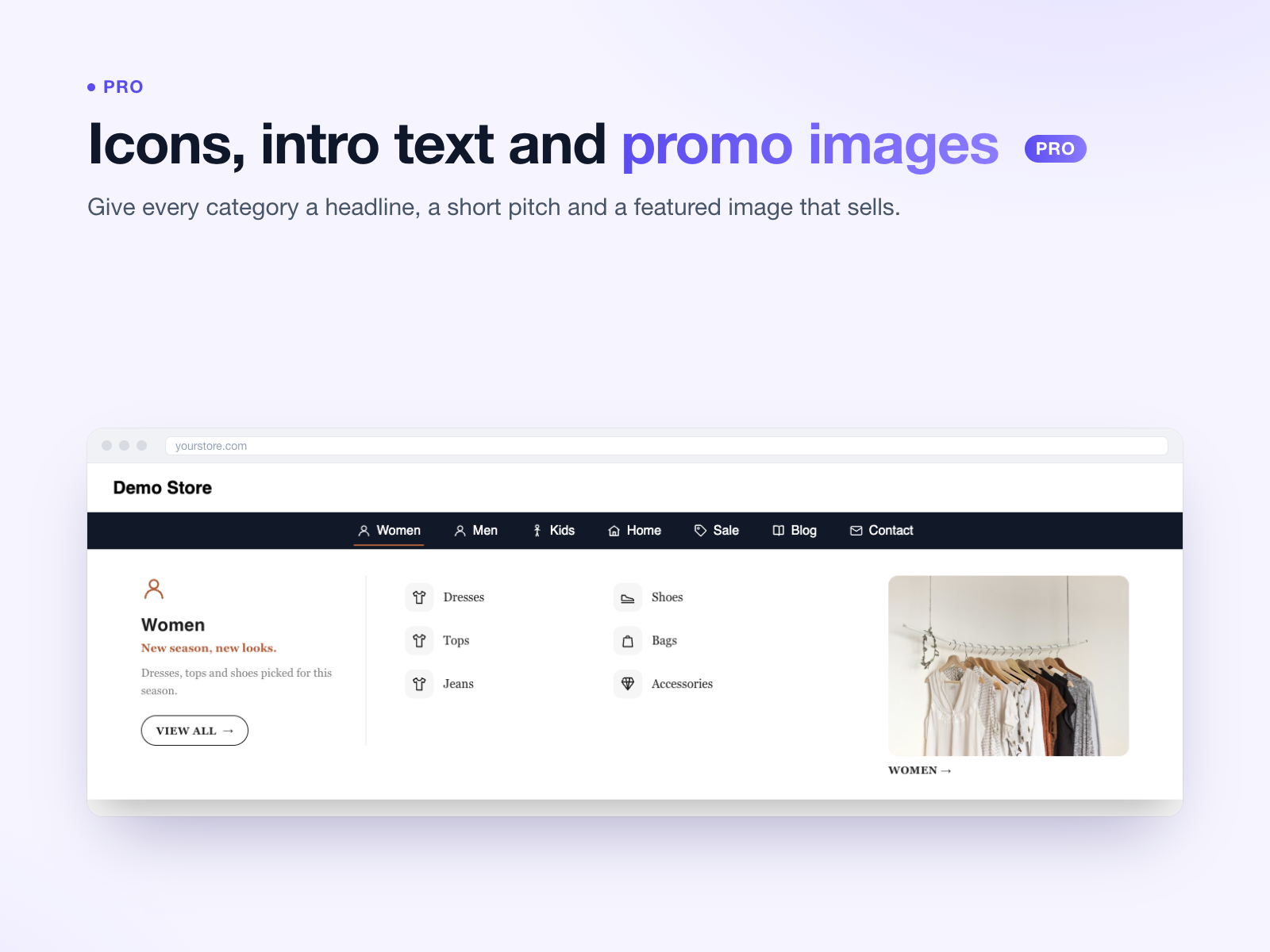
- Pro: icons, intro text and promo images per menu
Bedømmelse & anmeldelser
Denne app har ikke modtaget nogen bedømmelser endnu, vær den første til at bedømme den.Priser og betalingspakker
Basic-abonnement
Gratis
Mega menu for all menu items
Matches your fonts and colors
Unlimited pages and visitors
Pro-abonnement
$
3
92
/måned
Icons and intro column
Promo images per menu
No AutoMega branding
* Prisen er i USD.