

webshop
Bookinger
Begivenheder
Popup
Before After Image Compare
Fra
Before/after compare slider, no watermark
Ingen anmeldelser endnu
Gratis abonnement er tilgængeligt

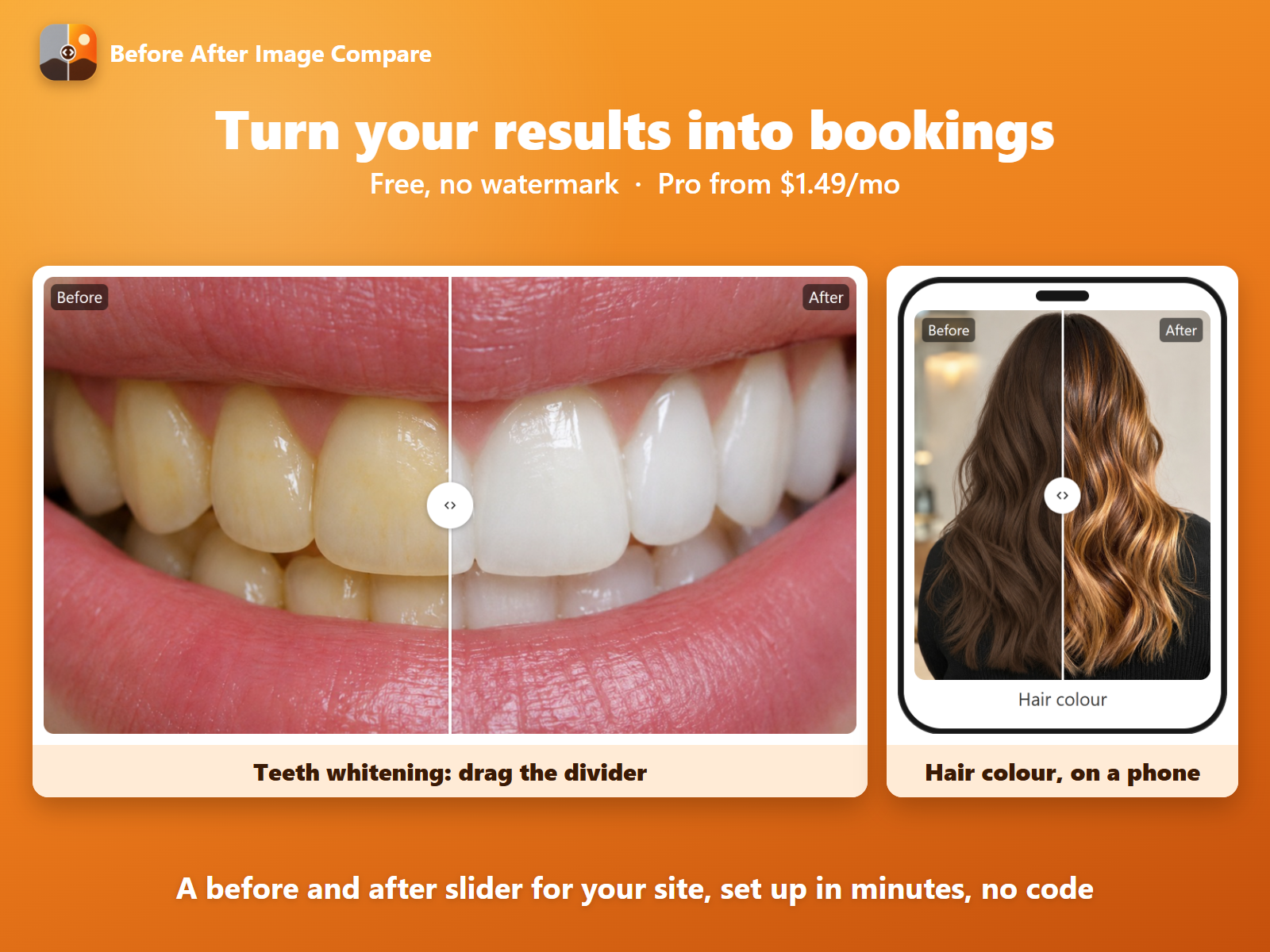
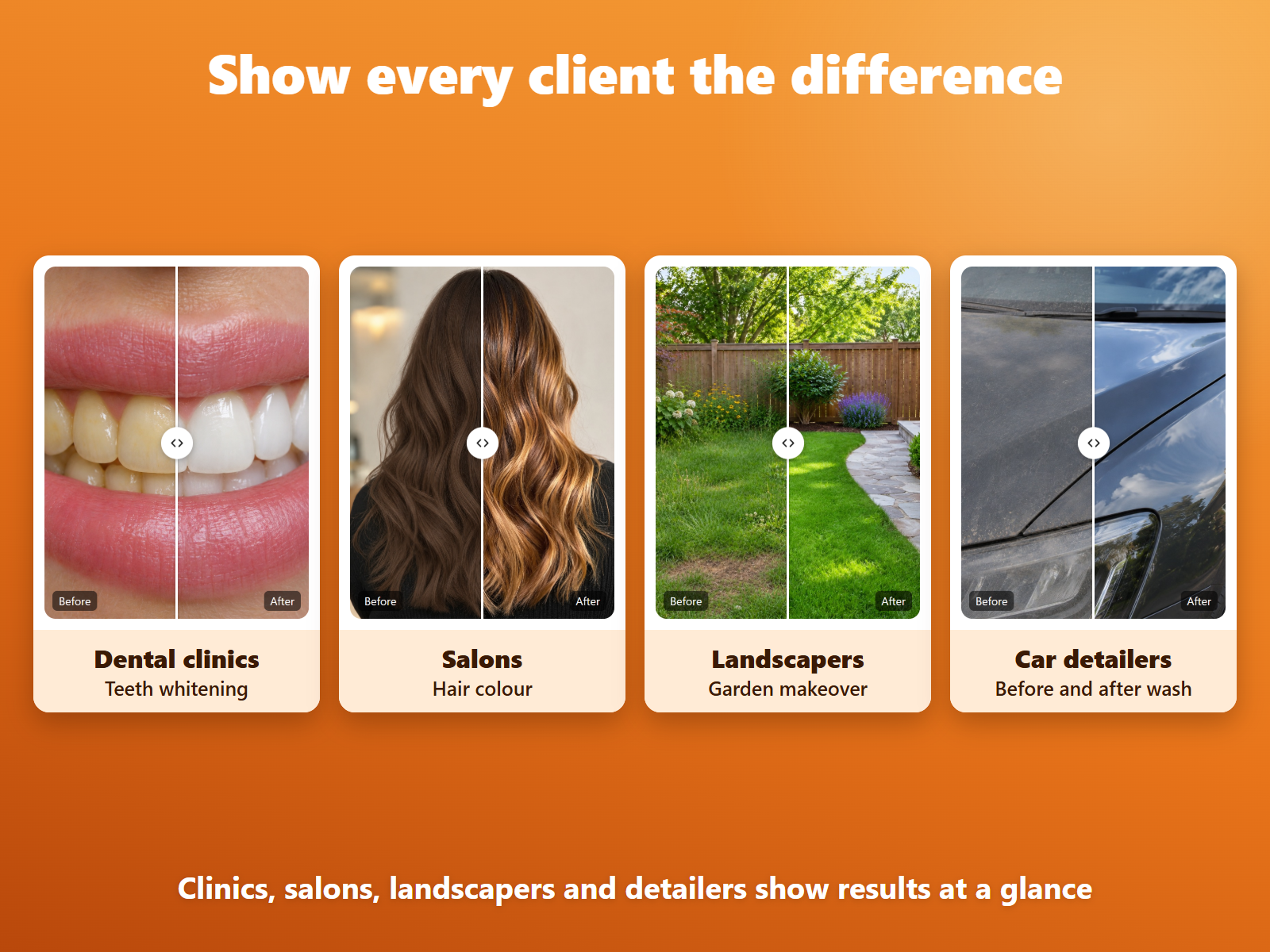
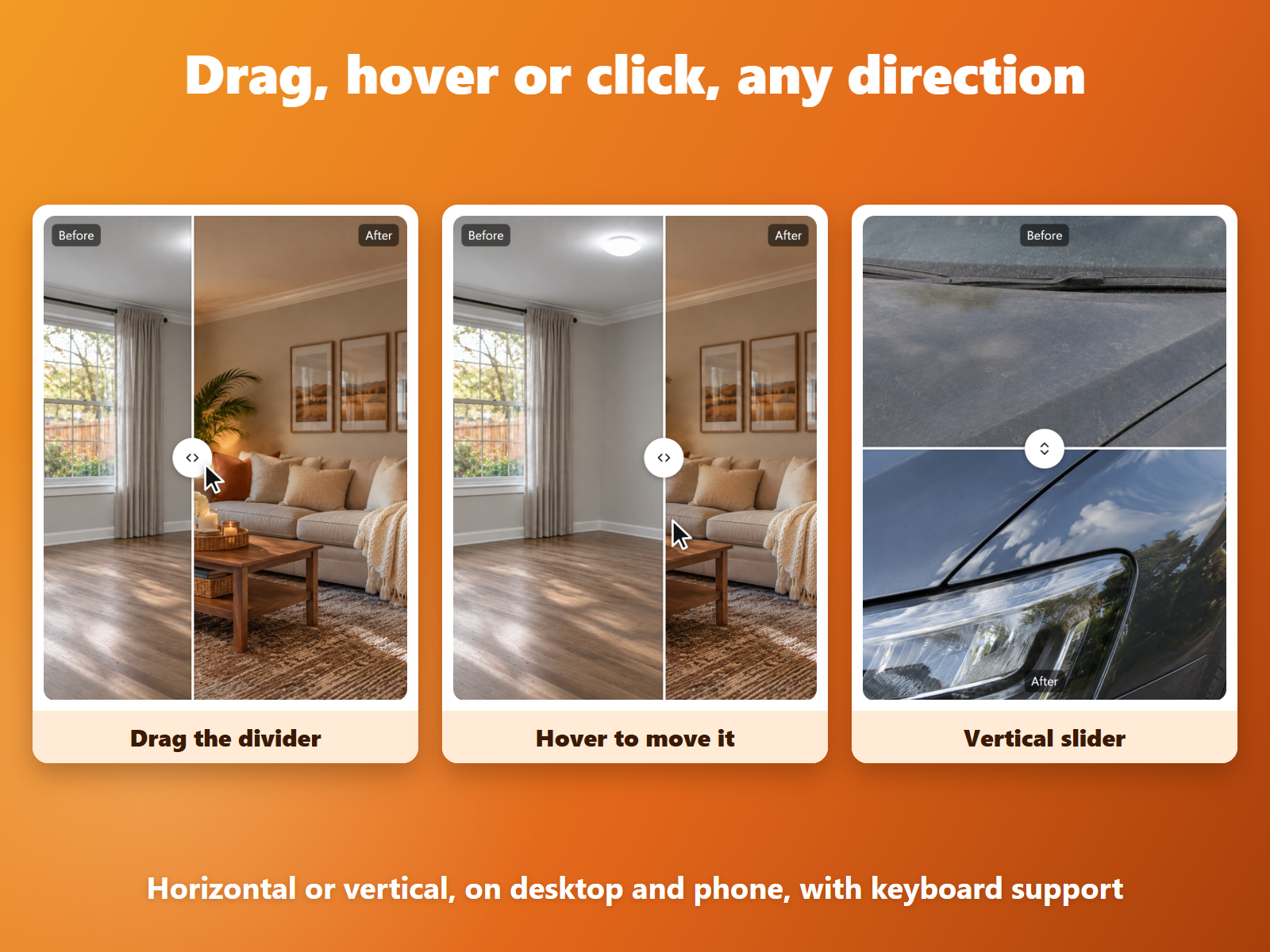
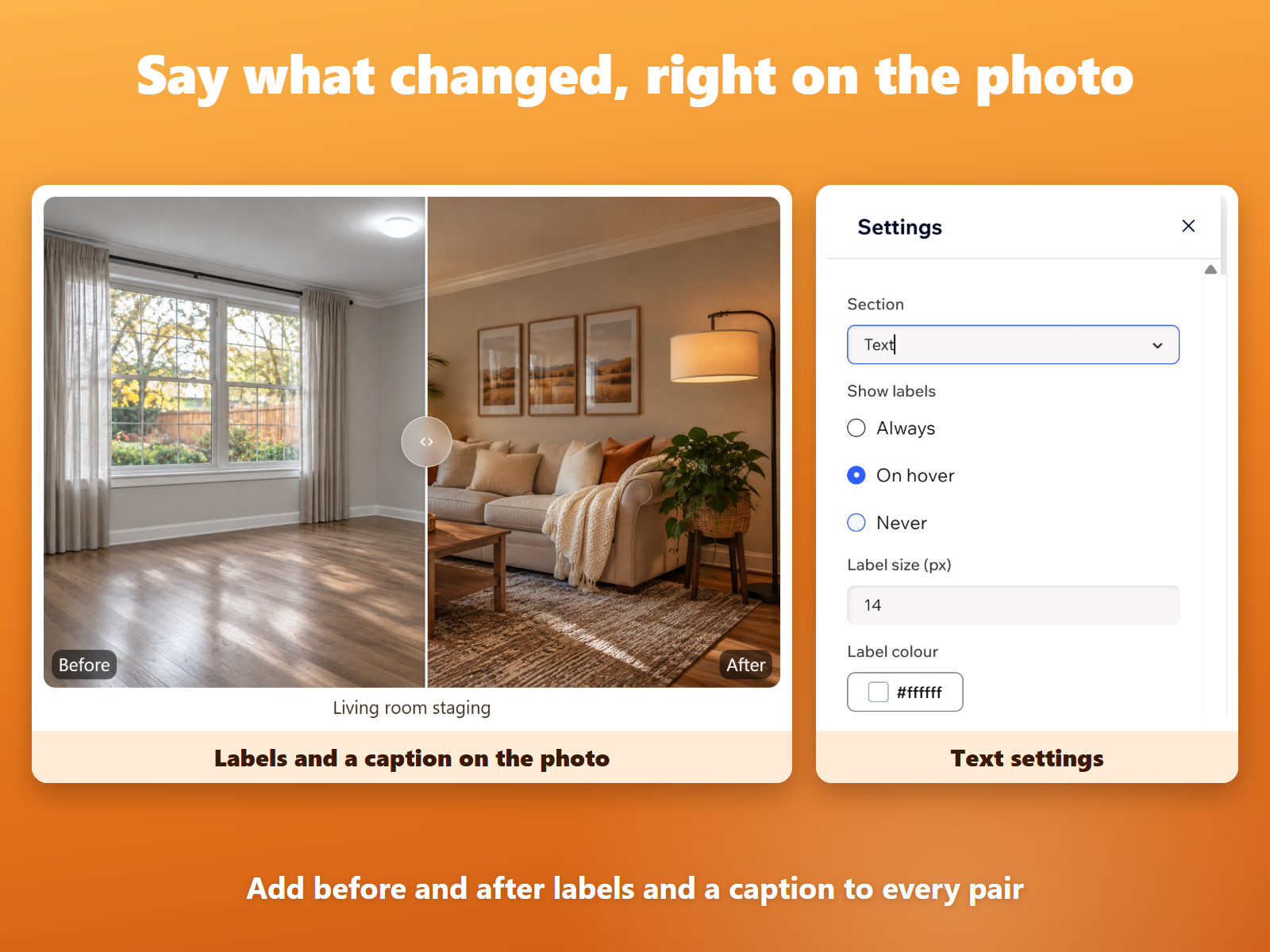
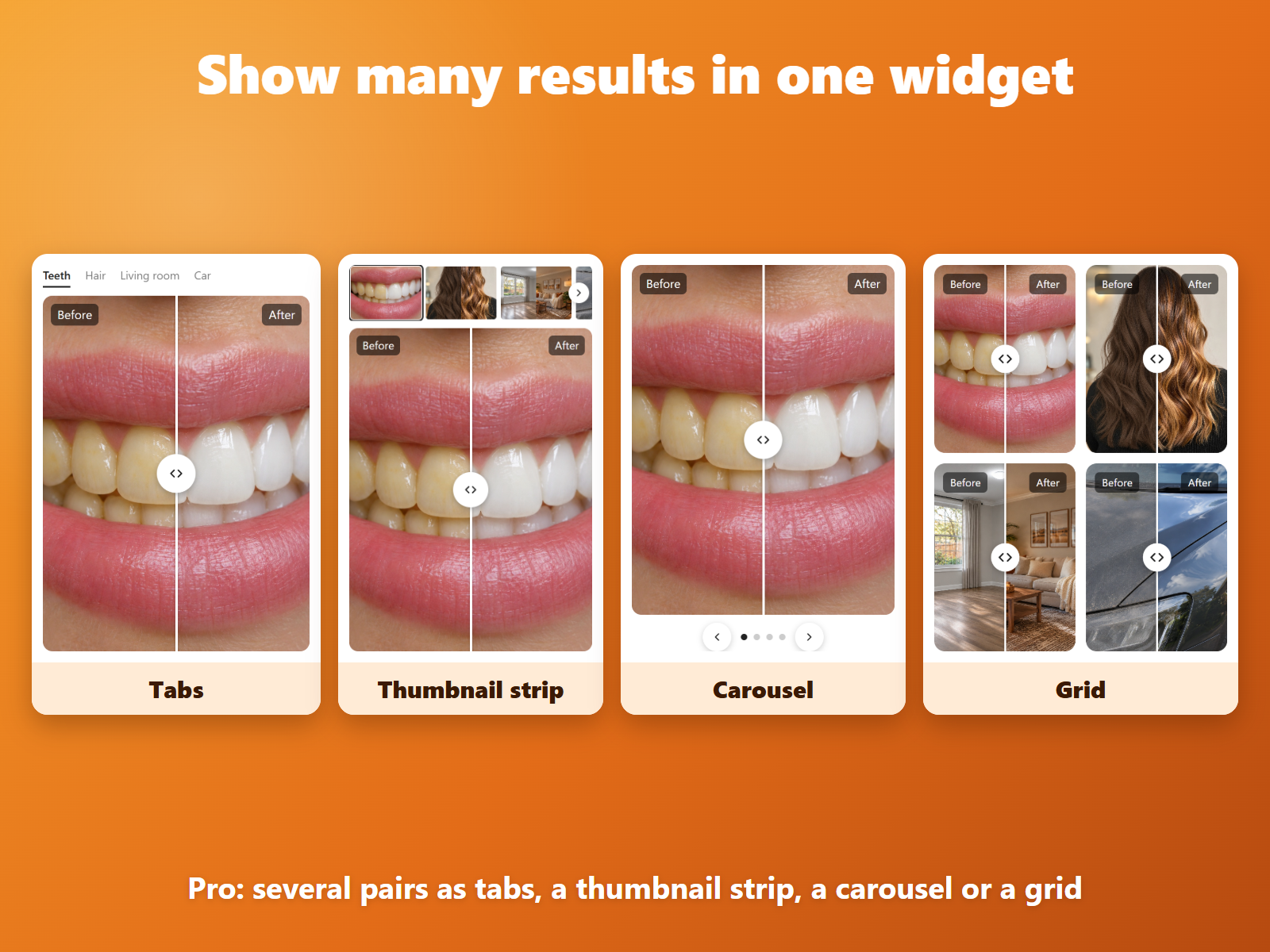
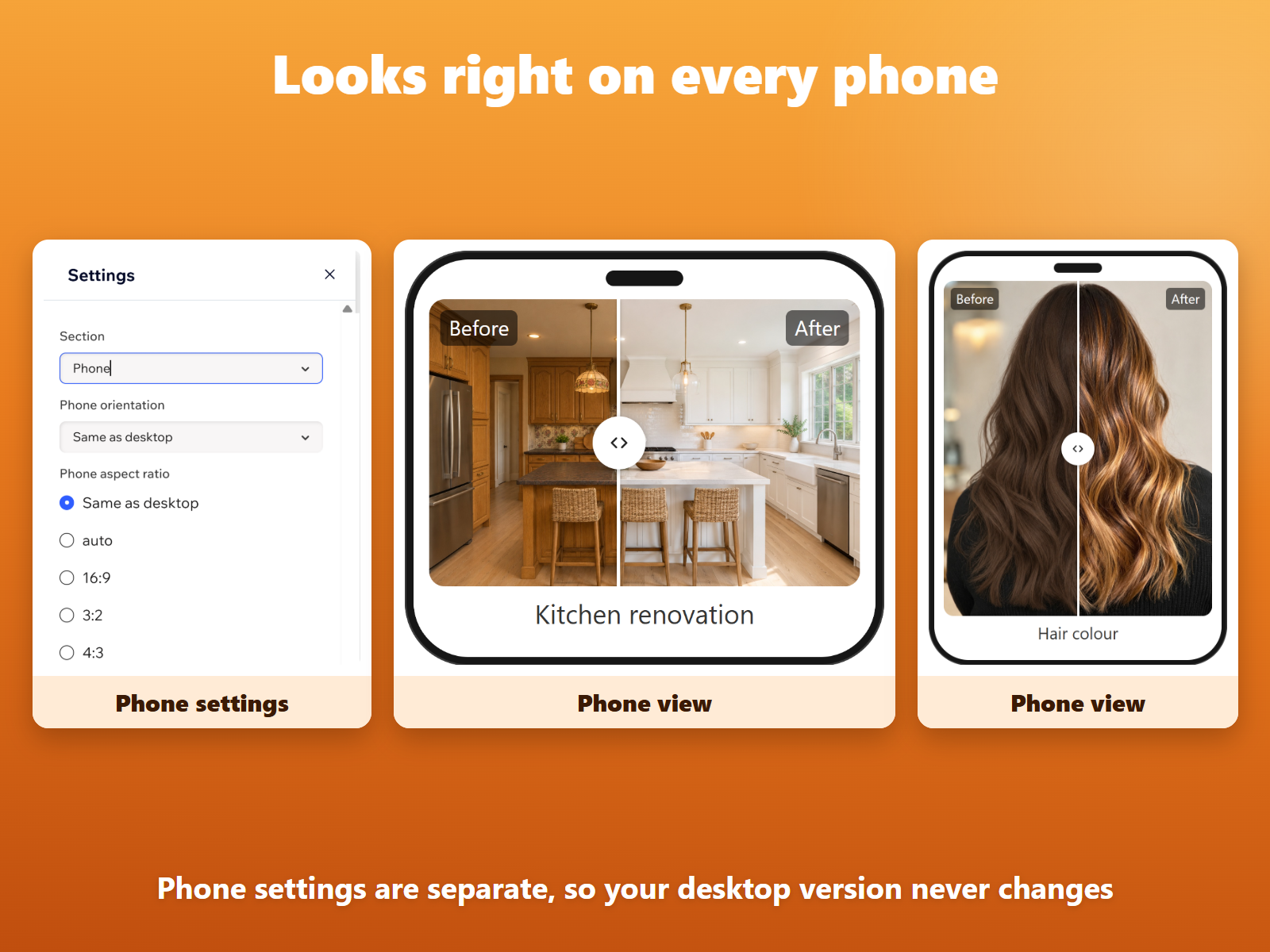
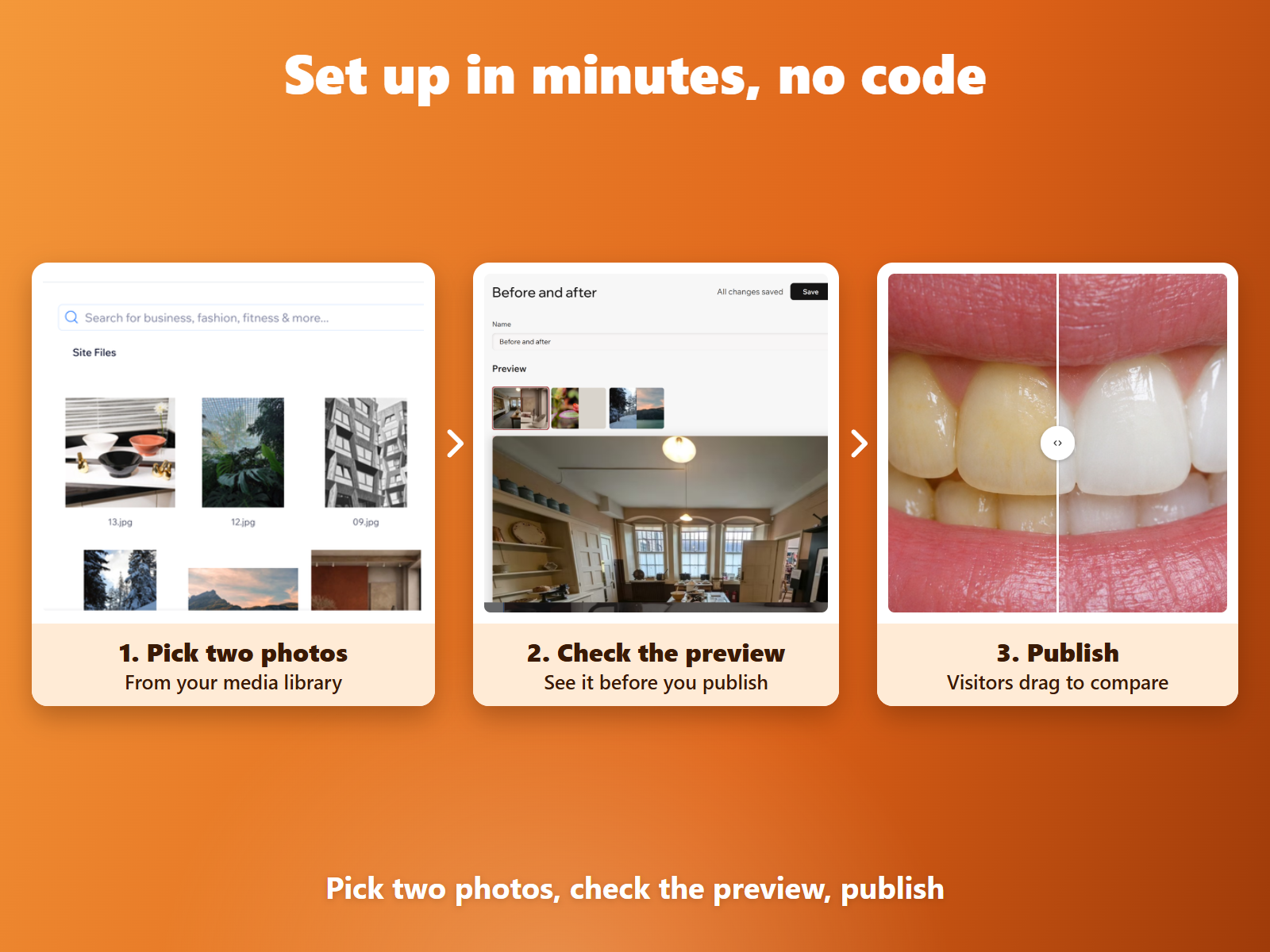
Before After Image Compare-oversigt
- No watermark on visitor pages
- Hover, click, drag or use the keyboard
- Phone settings separate from desktop
- Editable alt text for both images
Bedømmelse & anmeldelser
Denne app har ikke modtaget nogen bedømmelser endnu, vær den første til at bedømme den.Priser og betalingspakker
Free-abonnement
Gratis
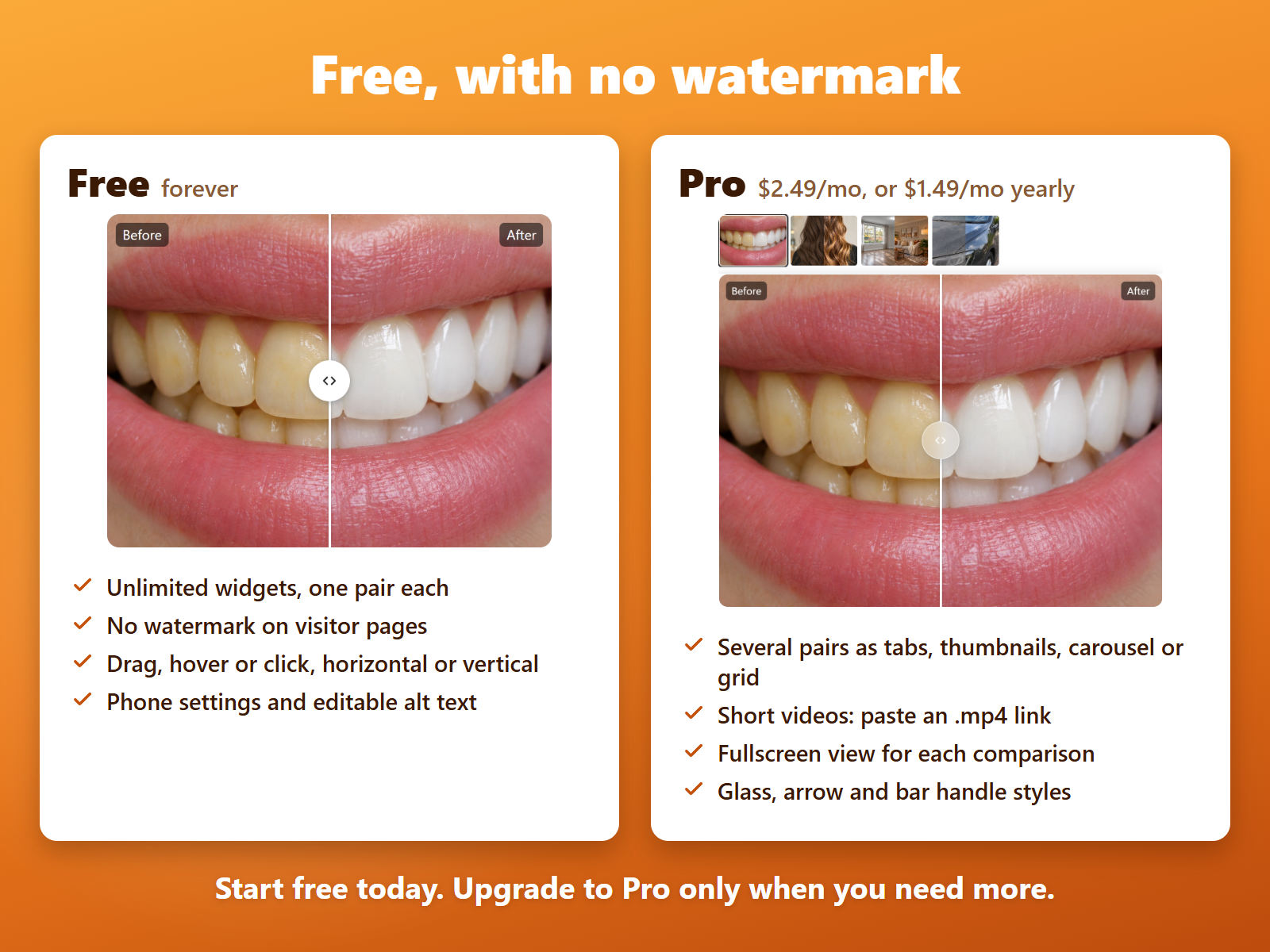
Unlimited widgets, one pair each
No watermark on visitor pages
Click and drag, horizontal or vertical
Phone settings and editable alt text
Pro-abonnement
$
1
19
/måned
$149
Many pairs: tabs, carousel or grid
Before/after videos from .mp4 links
Fullscreen view for each comparison
Glass, arrow and bar handle styles
* Prisen er i USD.