

webshop
Bookinger
Begivenheder
Popup
Podcast Player
Fra
Auto-sync your RSS feed to a custom web players
Ingen anmeldelser endnu
15 dages gratis prøveperiode

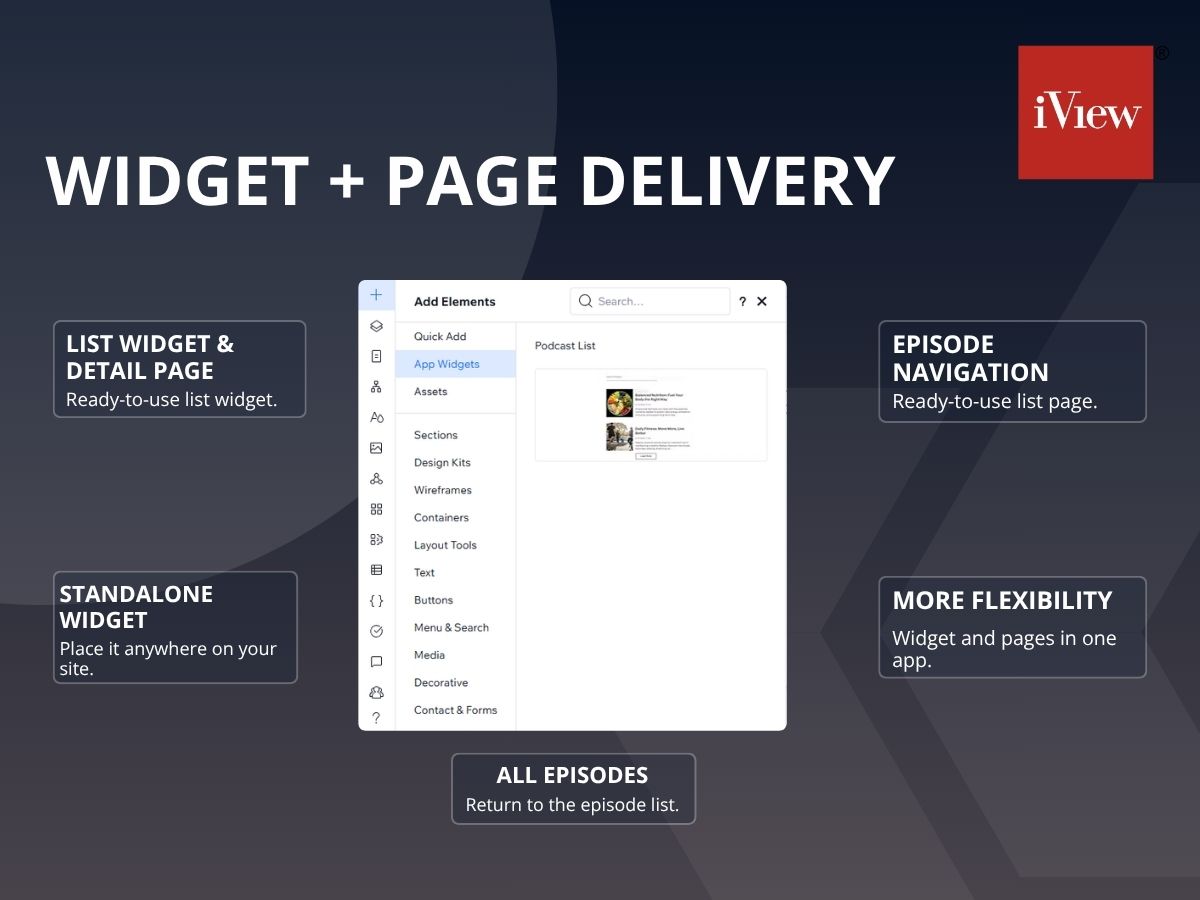
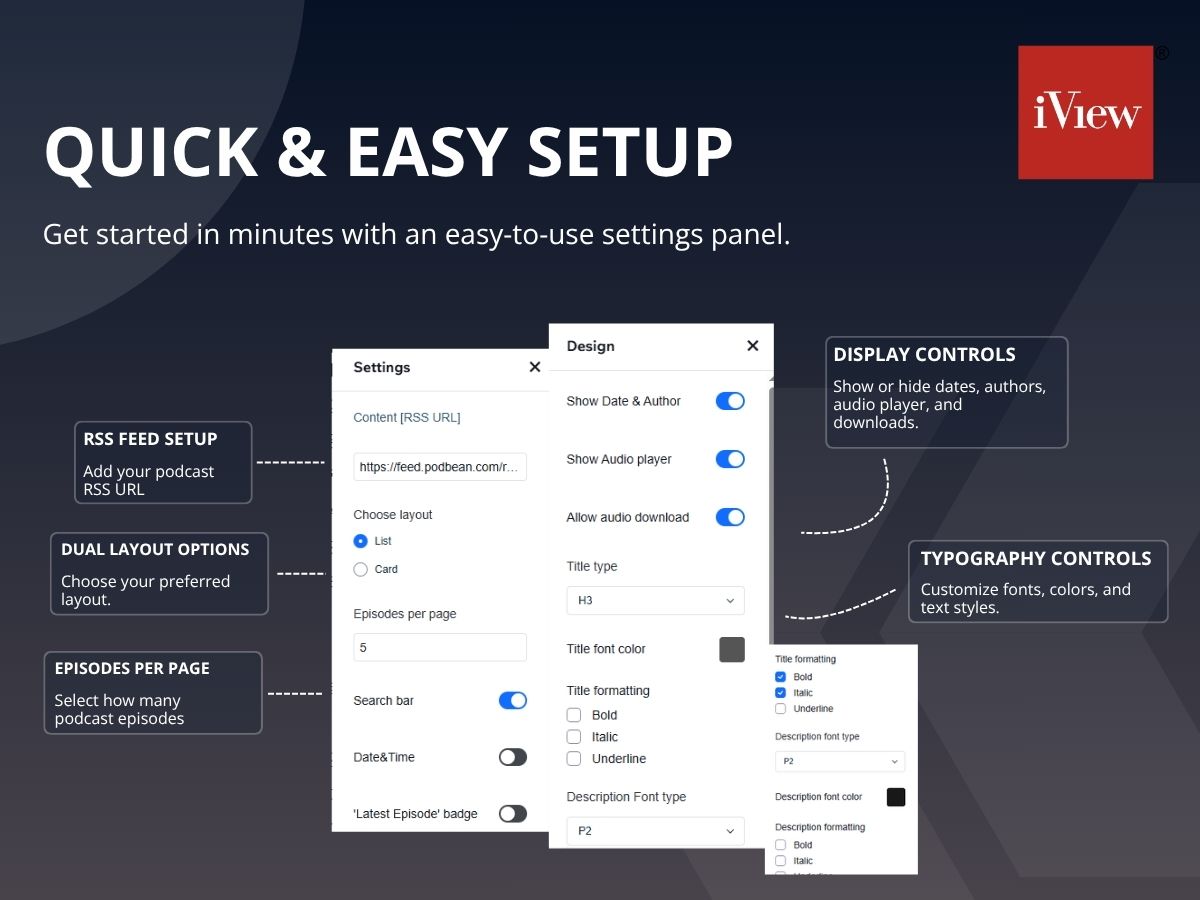
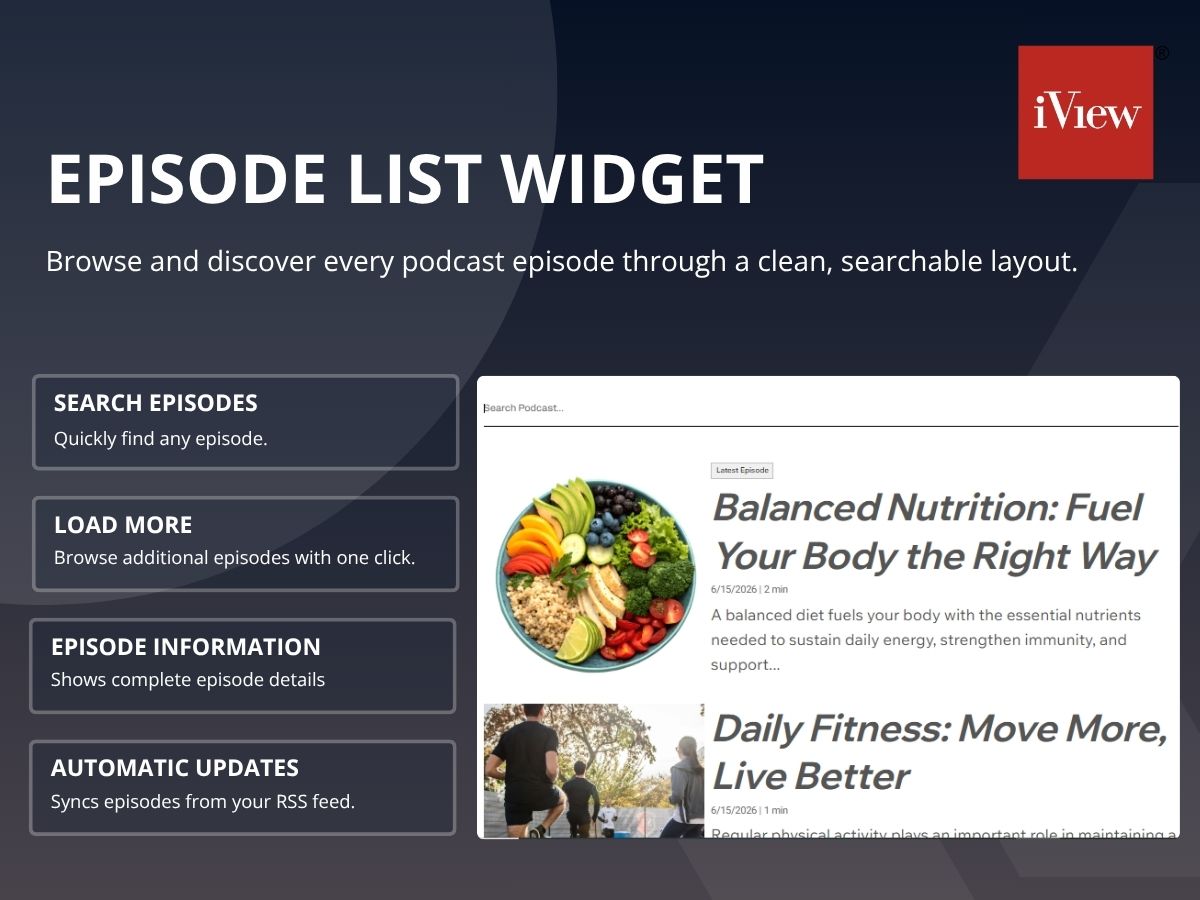
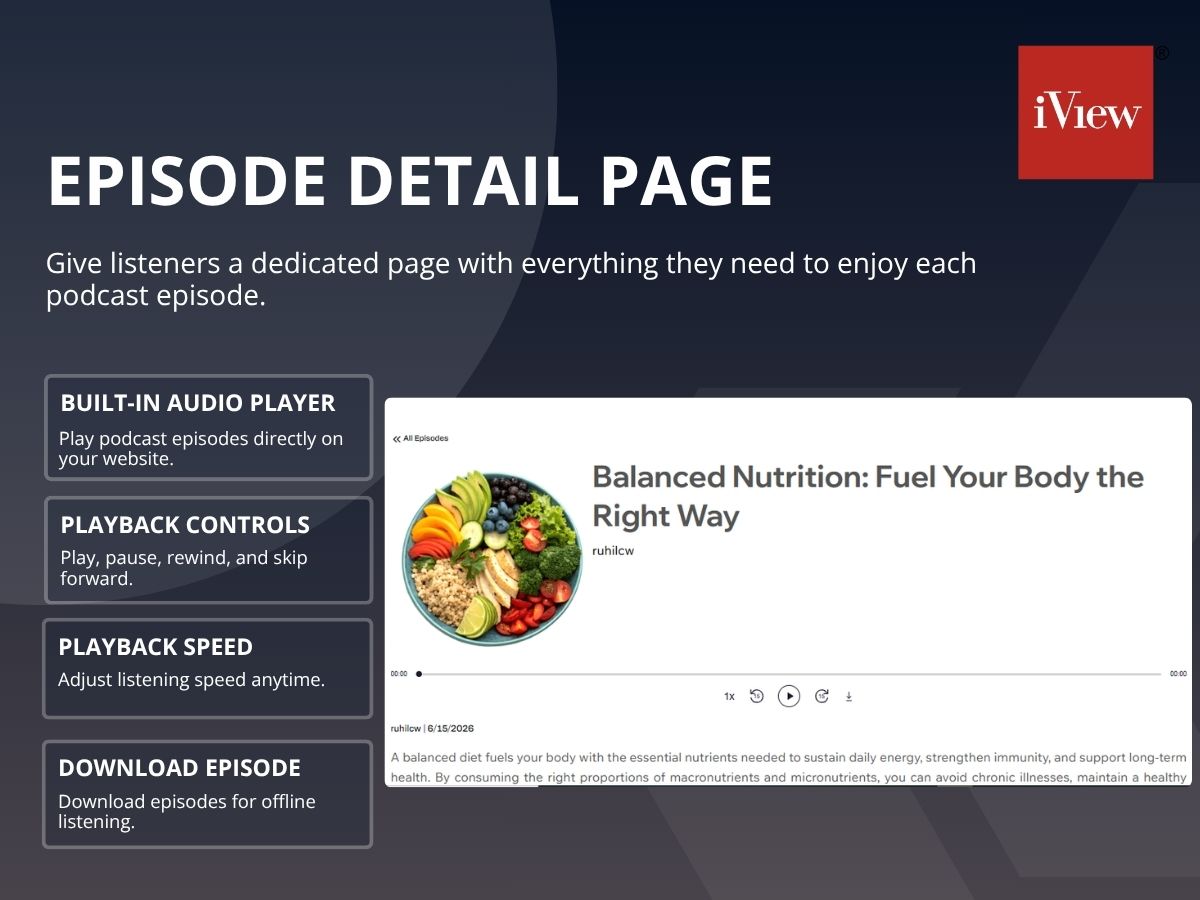
Podcast Player-oversigt
- Fast & Lightweight: Loads quickly, every time
- One-Link Setup: Paste your RSS link, episodes appear
- Fully Customizable Look: Change colors, fonts, and layout easily
- Use Anywhere: Add it to multiple pages on your site
Kategorier
Tilgængelig:
Denne app er tilgængelig over hele verden.App-sprog:
Engelsk
Bedømmelse & anmeldelser
Denne app har ikke modtaget nogen bedømmelser endnu, vær den første til at bedømme den.Priser og betalingspakker
Denne app tilbyder en -dages gratis prøveperiodePremium-abonnement
$
9
00
/måned
Blazing-Fast Load Speed
Full Custom Branding
Unlimited Widget Instances
Advanced Layout Controls
* Prisen er i USD.