

webshop
Bookinger
Begivenheder
Popup

Upload Files on Products
Fra
Customers attach files on your product pages
Ingen anmeldelser endnu
Gratis abonnement er tilgængeligt

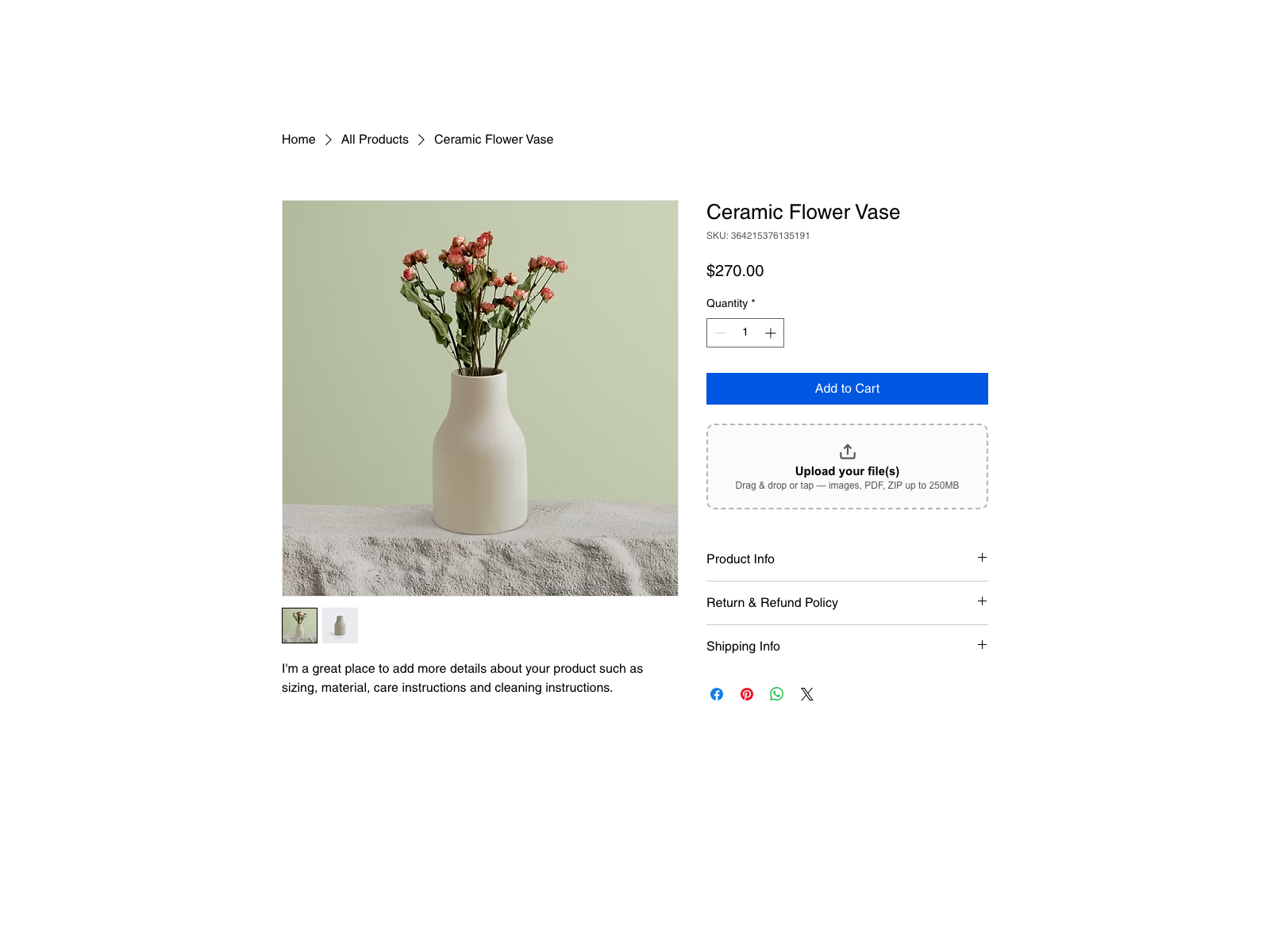
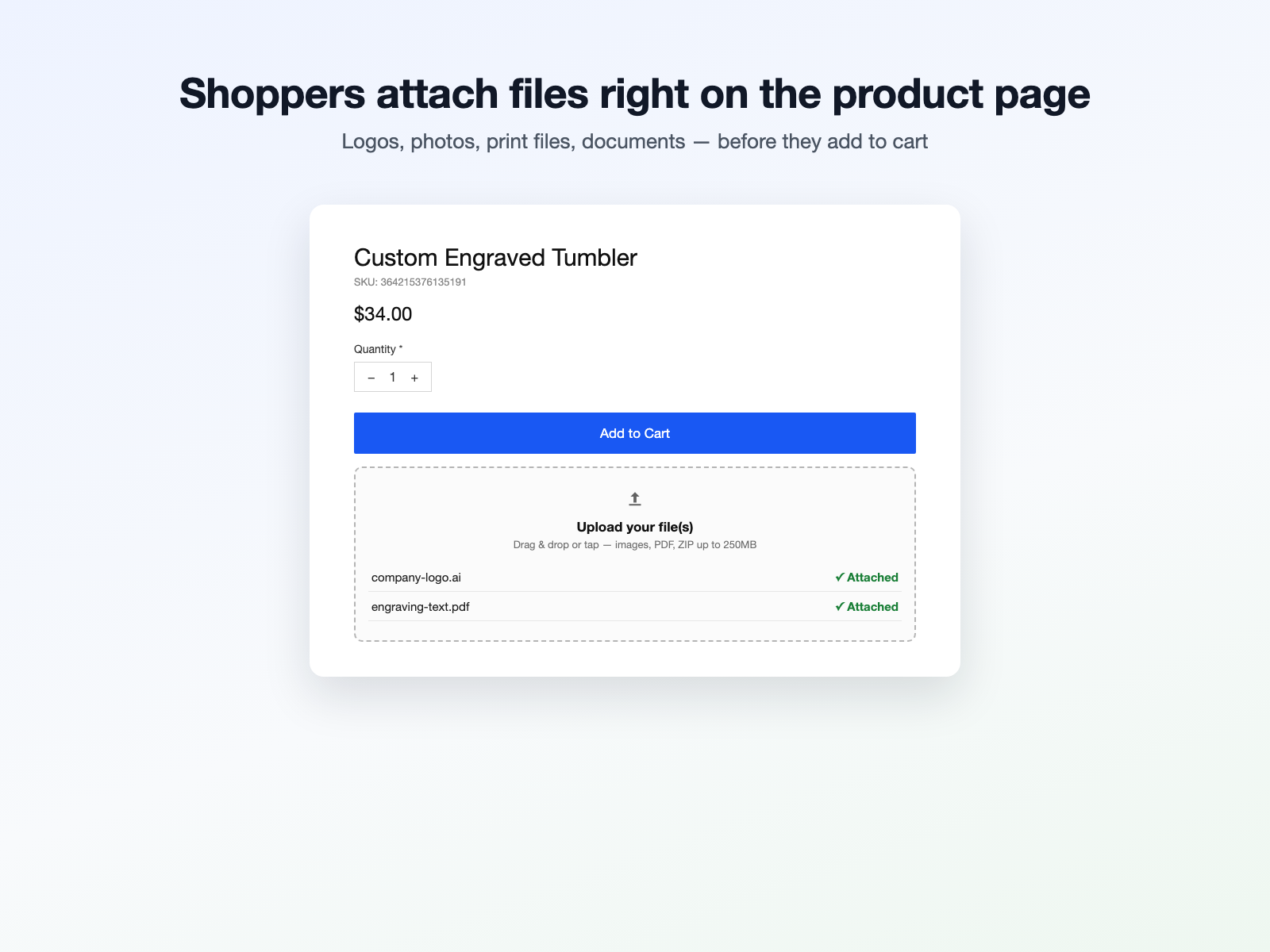
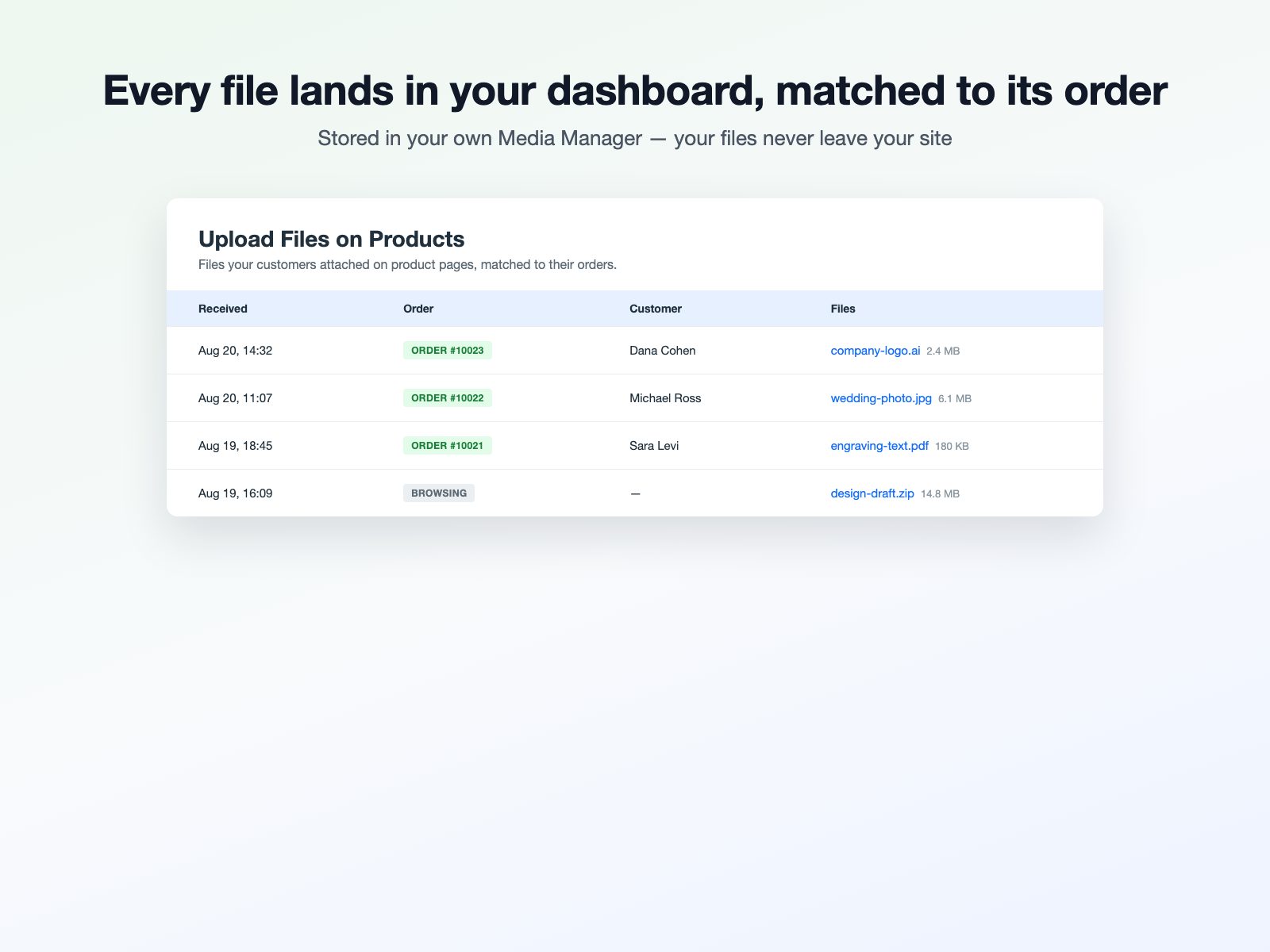
Upload Files on Products-oversigt
- Add a file upload box to product pages in one click
- Files land in your own Media Manager, matched to orders
- Images, PDF, ZIP and design files - up to 250MB on Pro
Kategorier
Tilgængelig:
Denne app er tilgængelig over hele verden.App-sprog:
Engelsk
Hjemmesidekrav:
-
Fremhævet i
Bedømmelse & anmeldelser
Denne app har ikke modtaget nogen bedømmelser endnu, vær den første til at bedømme den.Priser og betalingspakker
Basic-abonnement
Gratis
Customer uploads on 1 product page
10 uploads in total, to try it
Files up to 25 MB each
Files land in your own Media Manager
Pro-abonnement
$
7
99
/måned
Upload box on every product
Unlimited customer uploads
Files up to 250 MB each
Require a file before checkout
* Prisen er i USD.