

webshop
Bookinger
Begivenheder
Popup

Quote Calculator | Quotely
Fra
Show visitors an itemized price estimate
Ingen anmeldelser endnu
Gratis abonnement er tilgængeligt

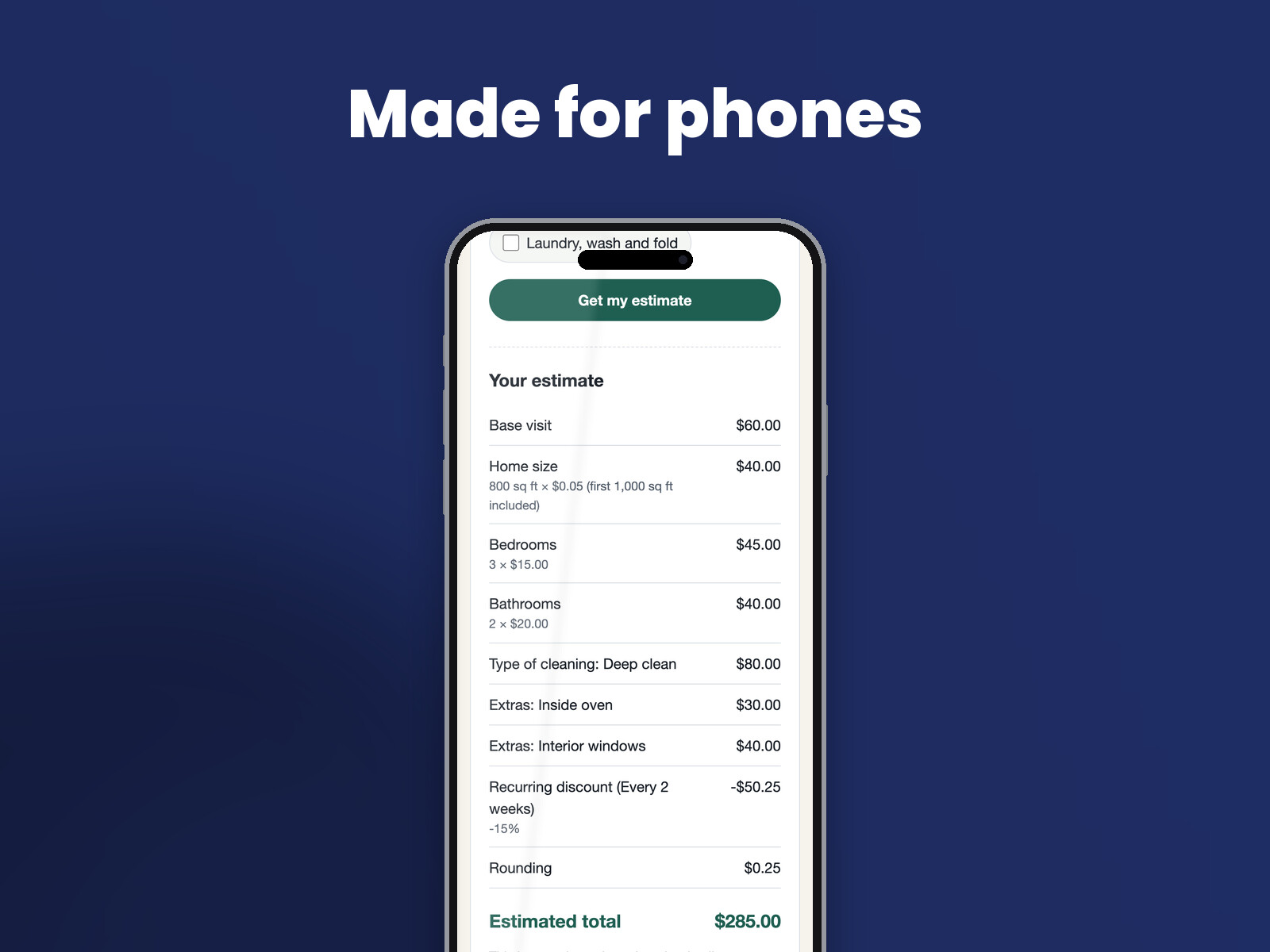
Quote Calculator | Quotely-oversigt
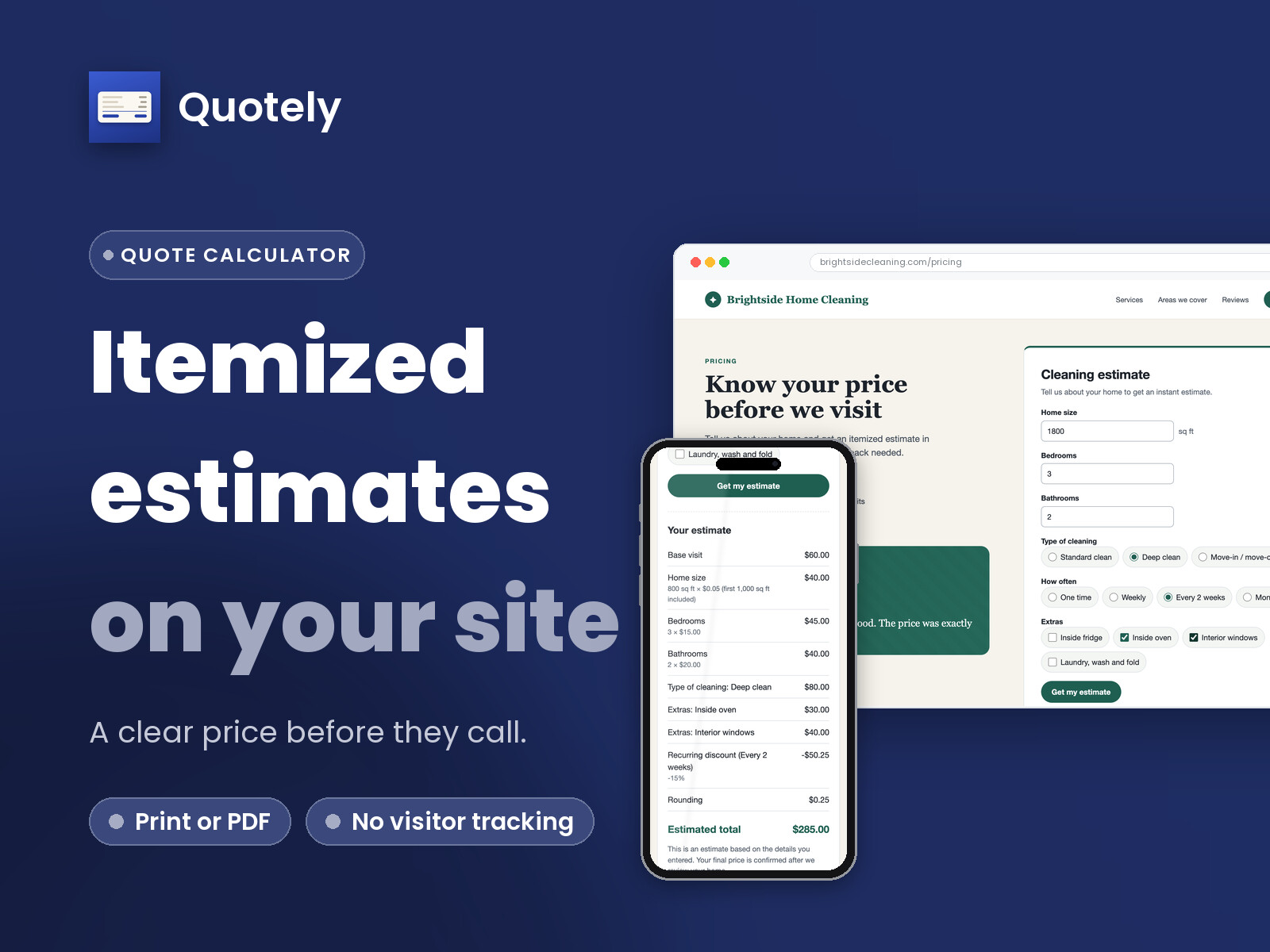
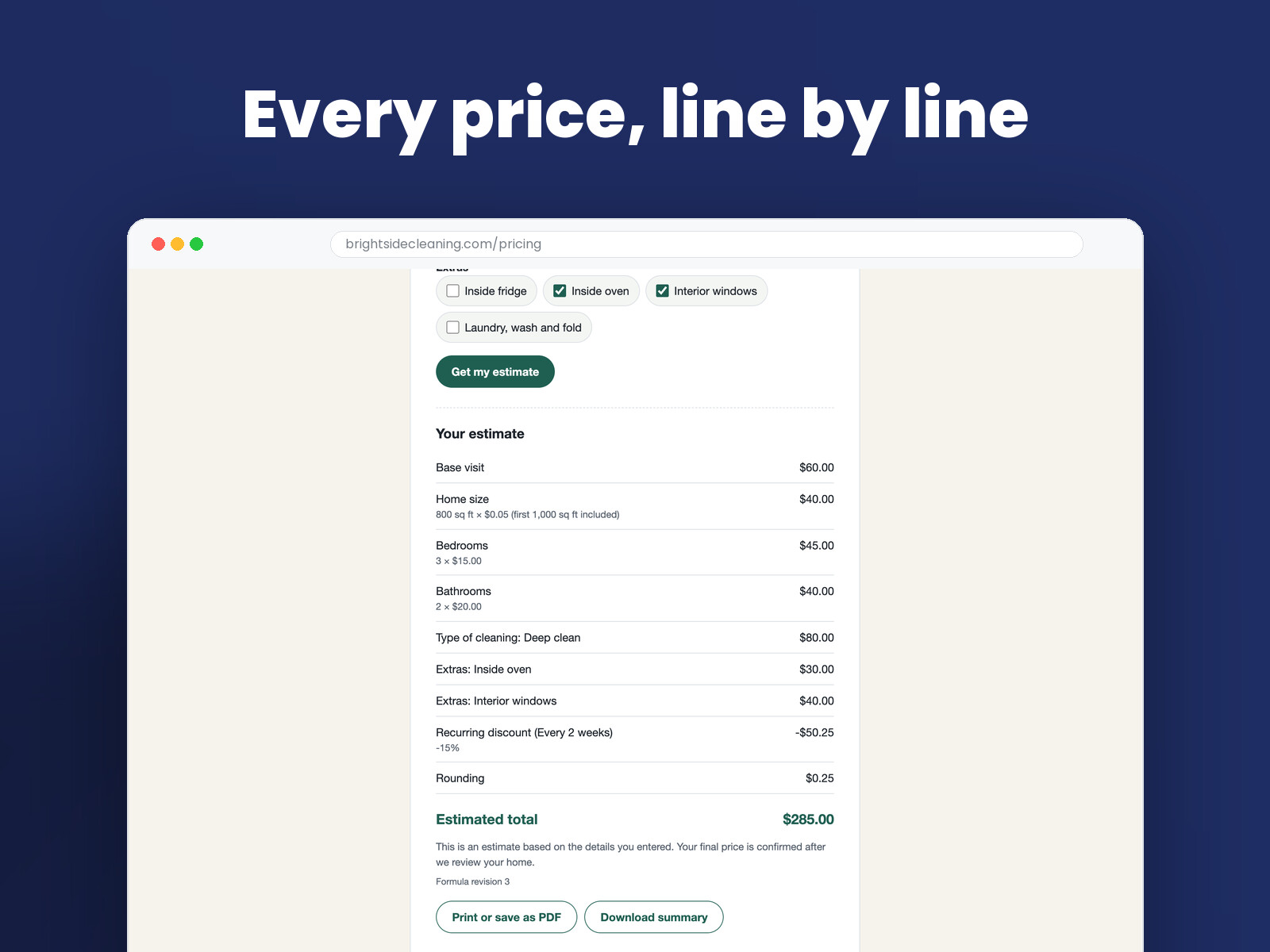
- Itemized price estimates on your site
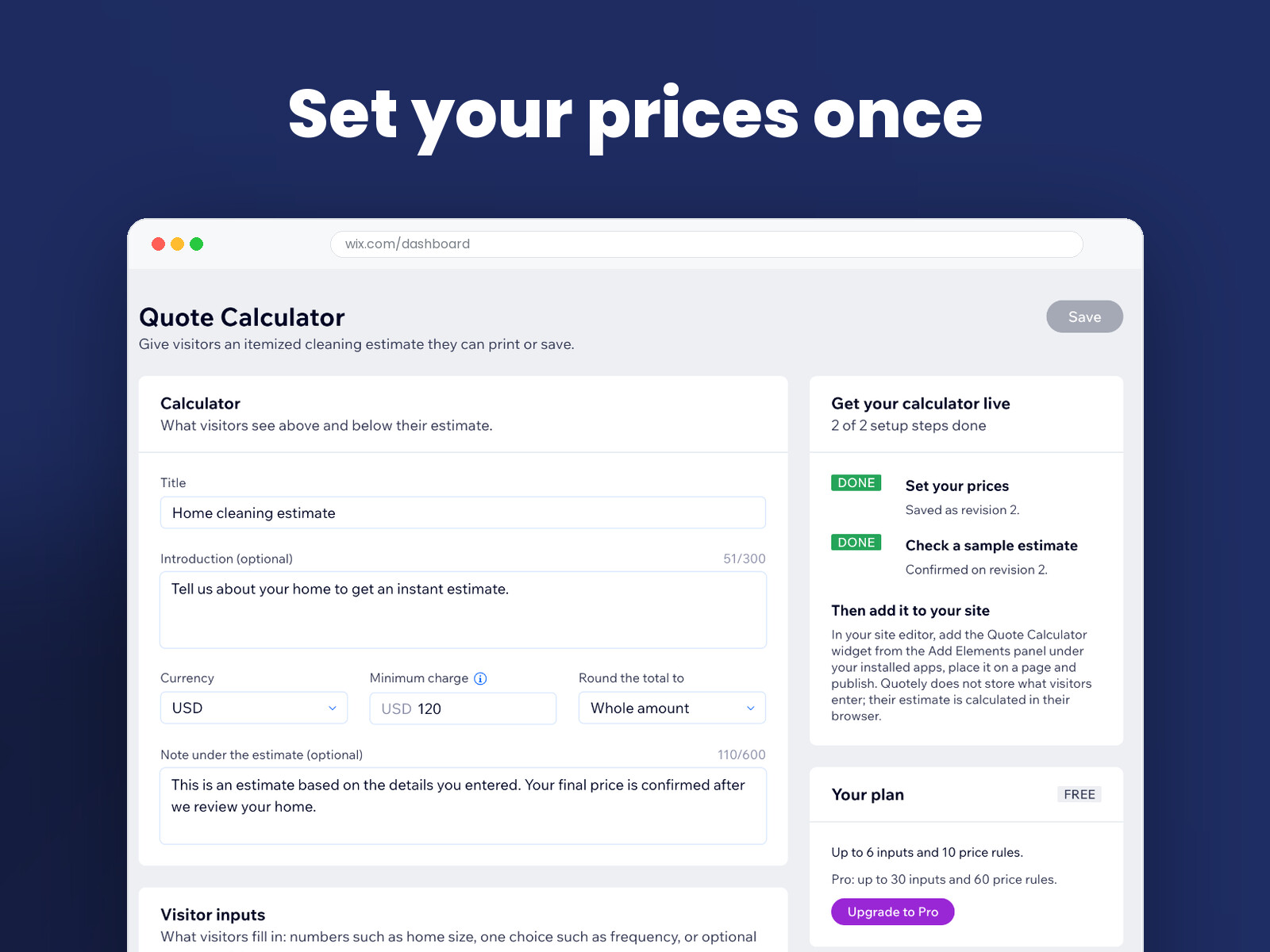
- Questions and price rules you set, no code
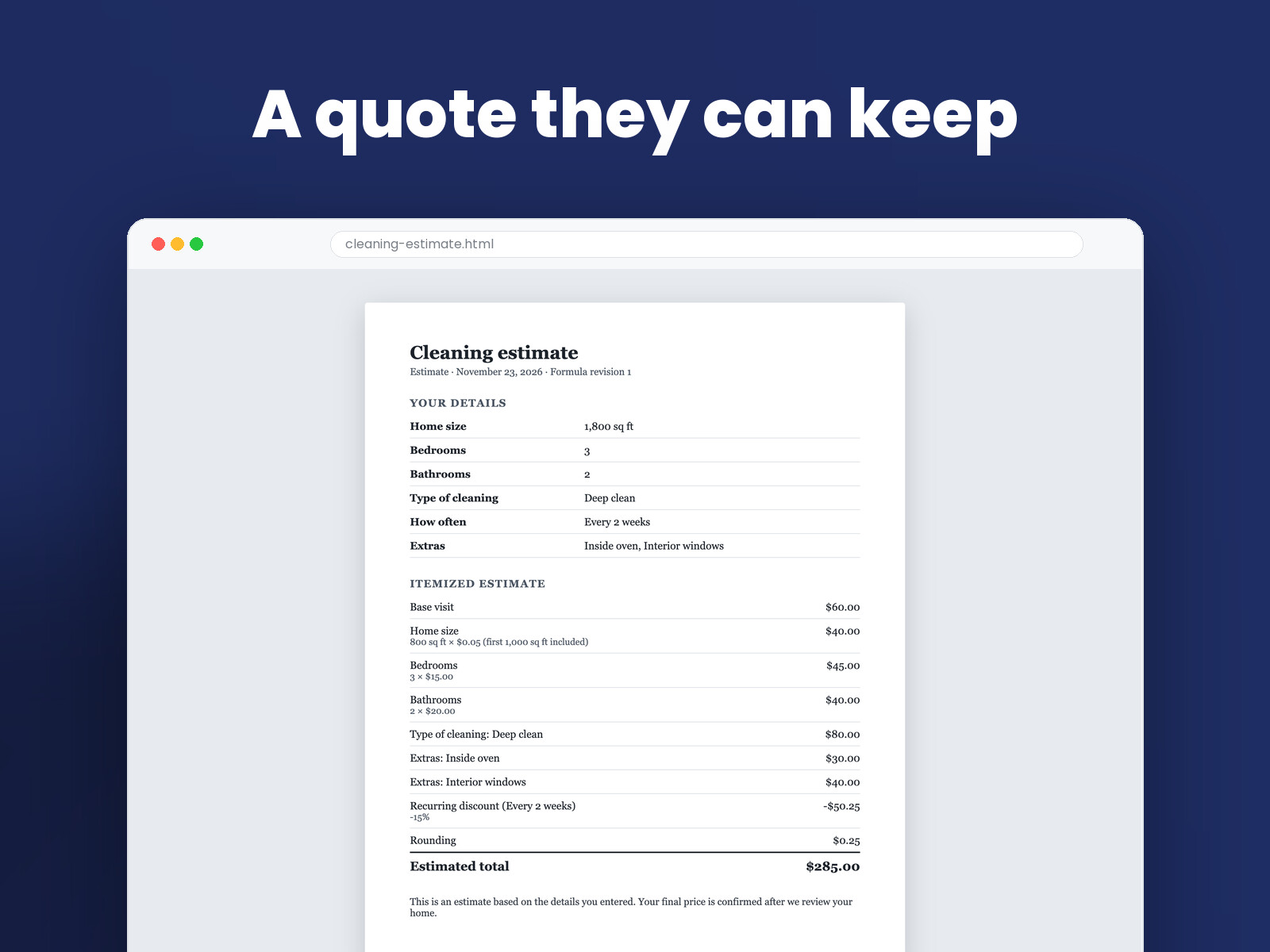
- Visitors can print or download their quote
- Check sample estimates before you save
Bedømmelse & anmeldelser
Denne app har ikke modtaget nogen bedømmelser endnu, vær den første til at bedømme den.Priser og betalingspakker
Free-abonnement
Gratis
One calculator, up to 6 questions
Up to 10 price rules
Print and download for visitors
Pro-abonnement
$
3
32
/måned
$416
Up to 30 questions per calculator
Up to 60 price rules
All Free features included
* Prisen er i USD.