

webshop
Bookinger
Begivenheder
Popup

Pinterest Board Feed
Fra
Show Pinterest boards beautifully on your site
Ingen anmeldelser endnu
Gratis abonnement er tilgængeligt

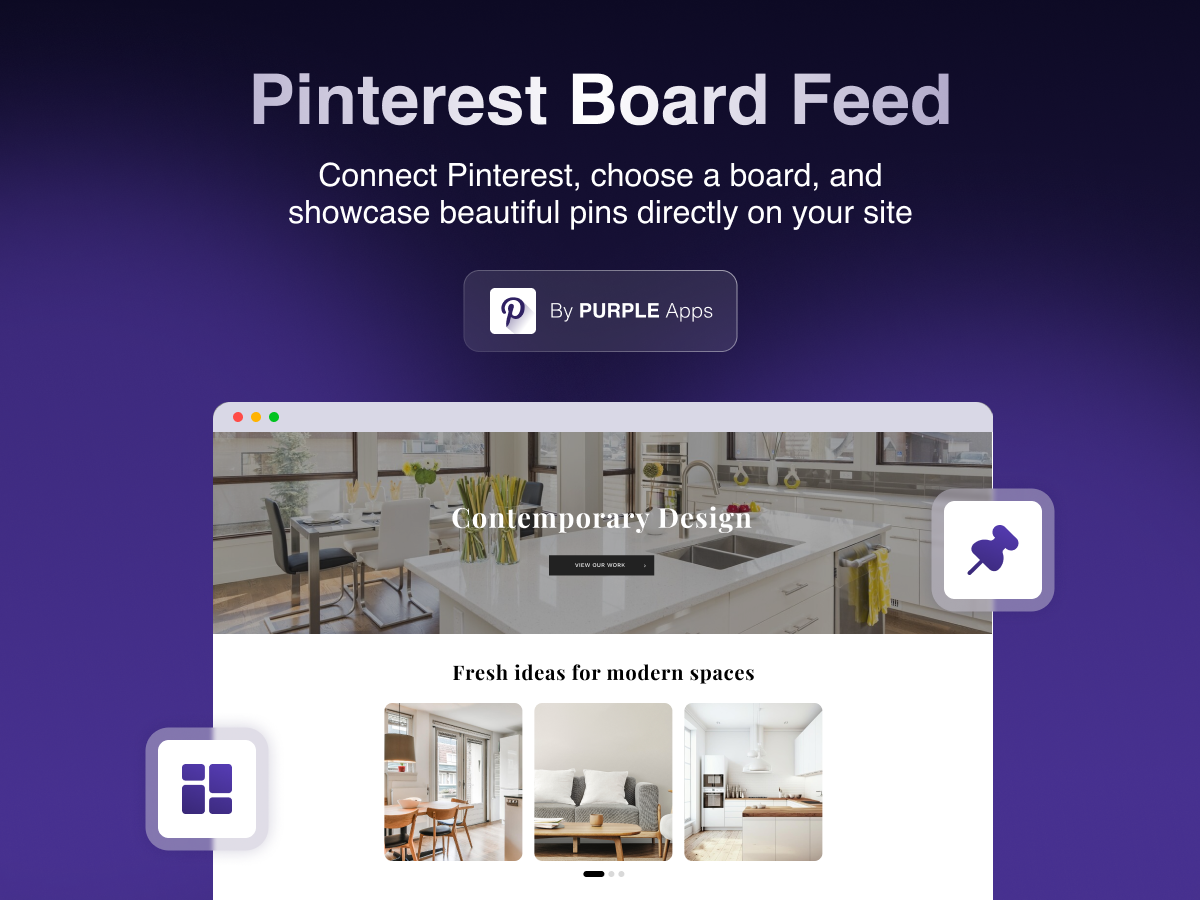
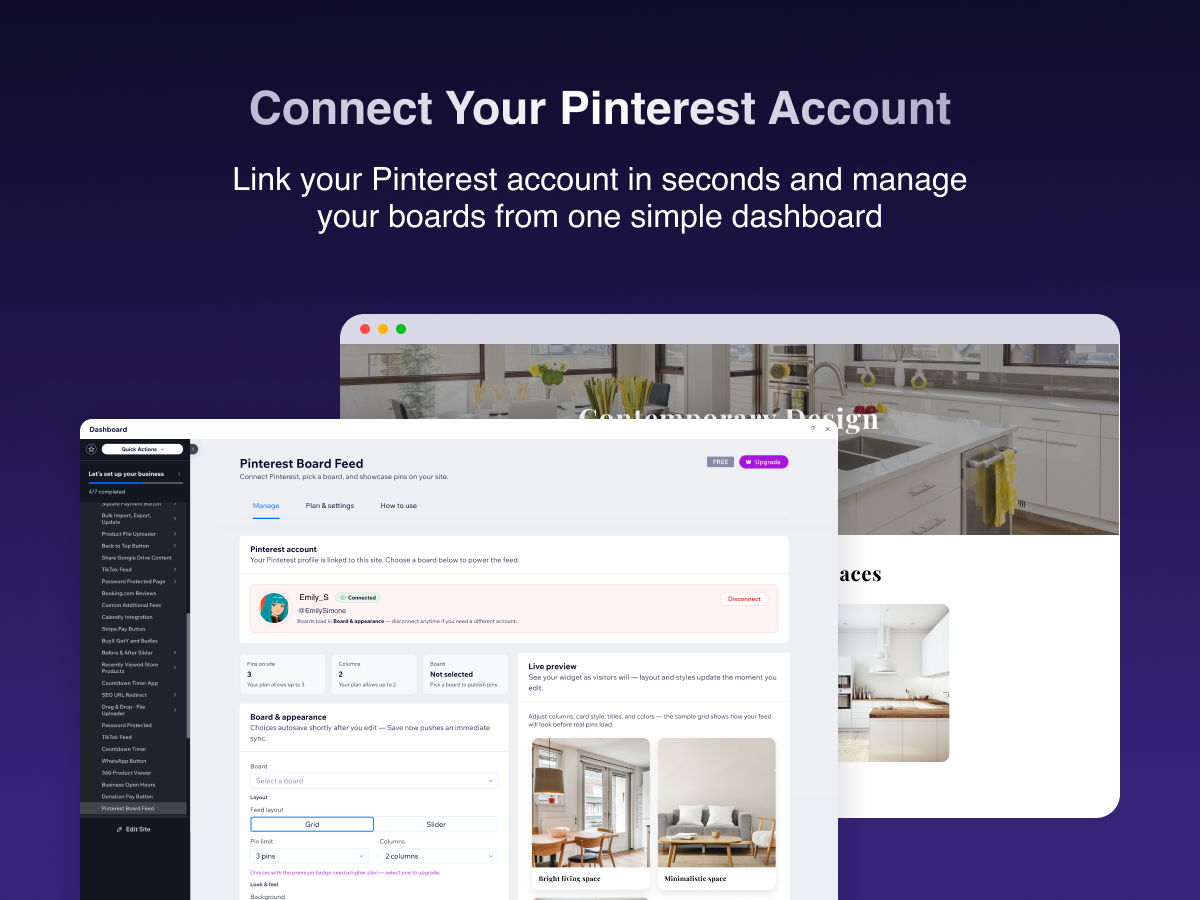
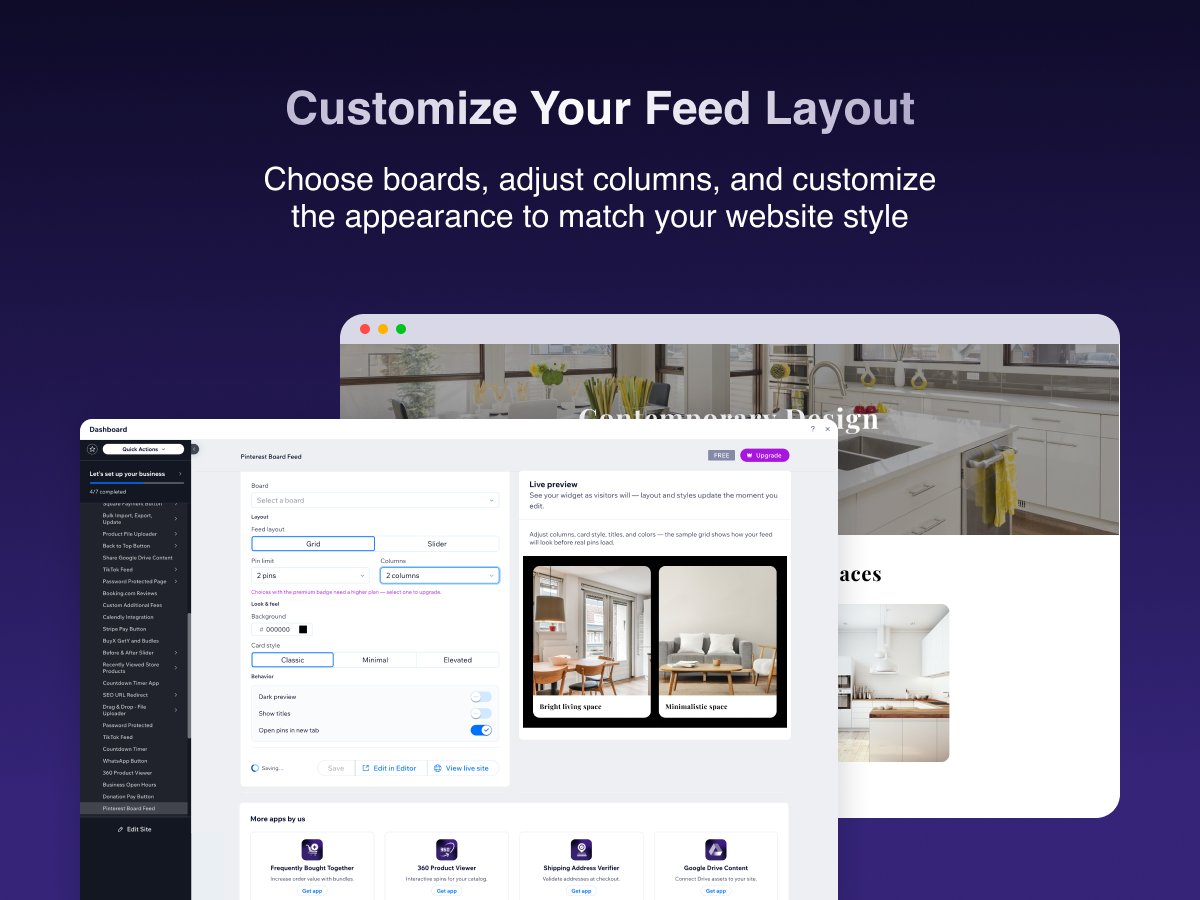
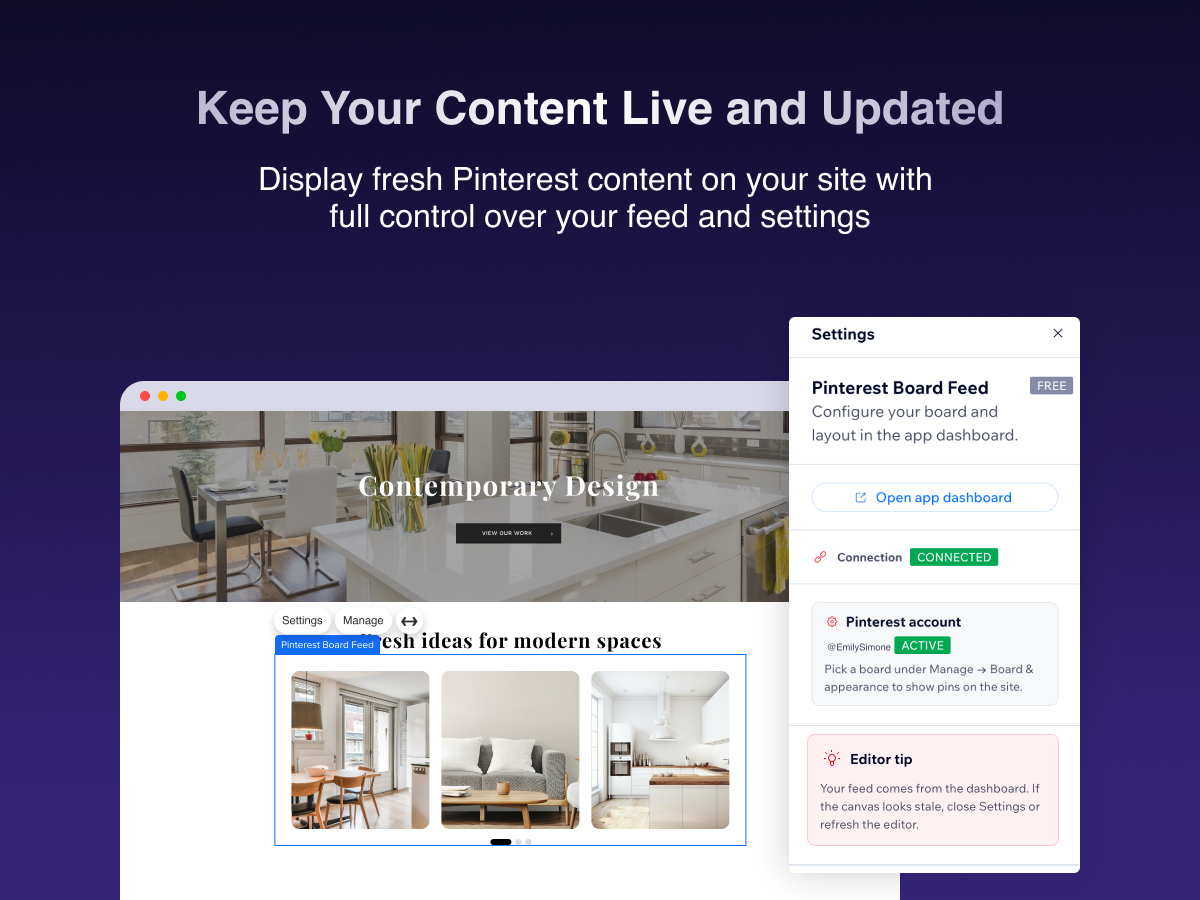
Pinterest Board Feed-oversigt
- Connect Pinterest securely and pick which board powers your feed
- Drop a customizable widget on your site - columns, pin count, background, and card styles
- Preview changes in the dashboard with autosave so your live widget stays in sync
- Plans with higher limits when you need more pins and a wider grid
Bedømmelse & anmeldelser
Denne app har ikke modtaget nogen bedømmelser endnu, vær den første til at bedømme den.Priser og betalingspakker
Basic-abonnement
Gratis
Up to 3 pins per board
Up to 2 grid columns
Grid & slider layouts
Light & dark themes
Starter-abonnement
$
0
99
/måned
Everything in Free
Up to 20 pins per board
Up to 3 grid columns
3 card style presets
Pro-abonnement
$
1
49
/måned
Everything in Starter
Up to 50 pins per board
Up to 4 grid columns
Priority email support
* Prisen er i USD.