

webshop
Bookinger
Begivenheder
Popup

Casebook
Fra
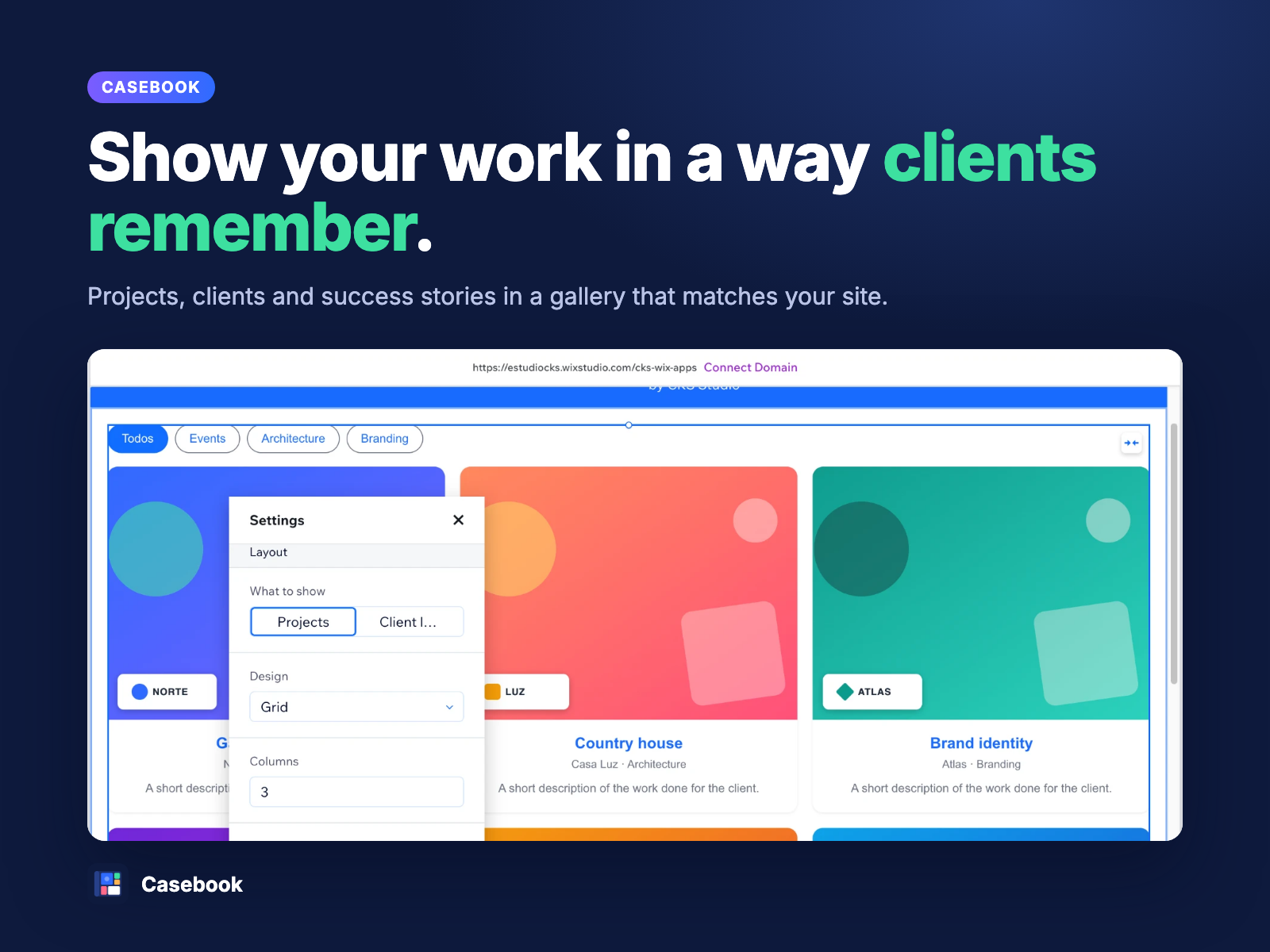
Show your work in a gallery that fits your site
Ingen anmeldelser endnu
Gratis abonnement er tilgængeligt

Casebook-oversigt
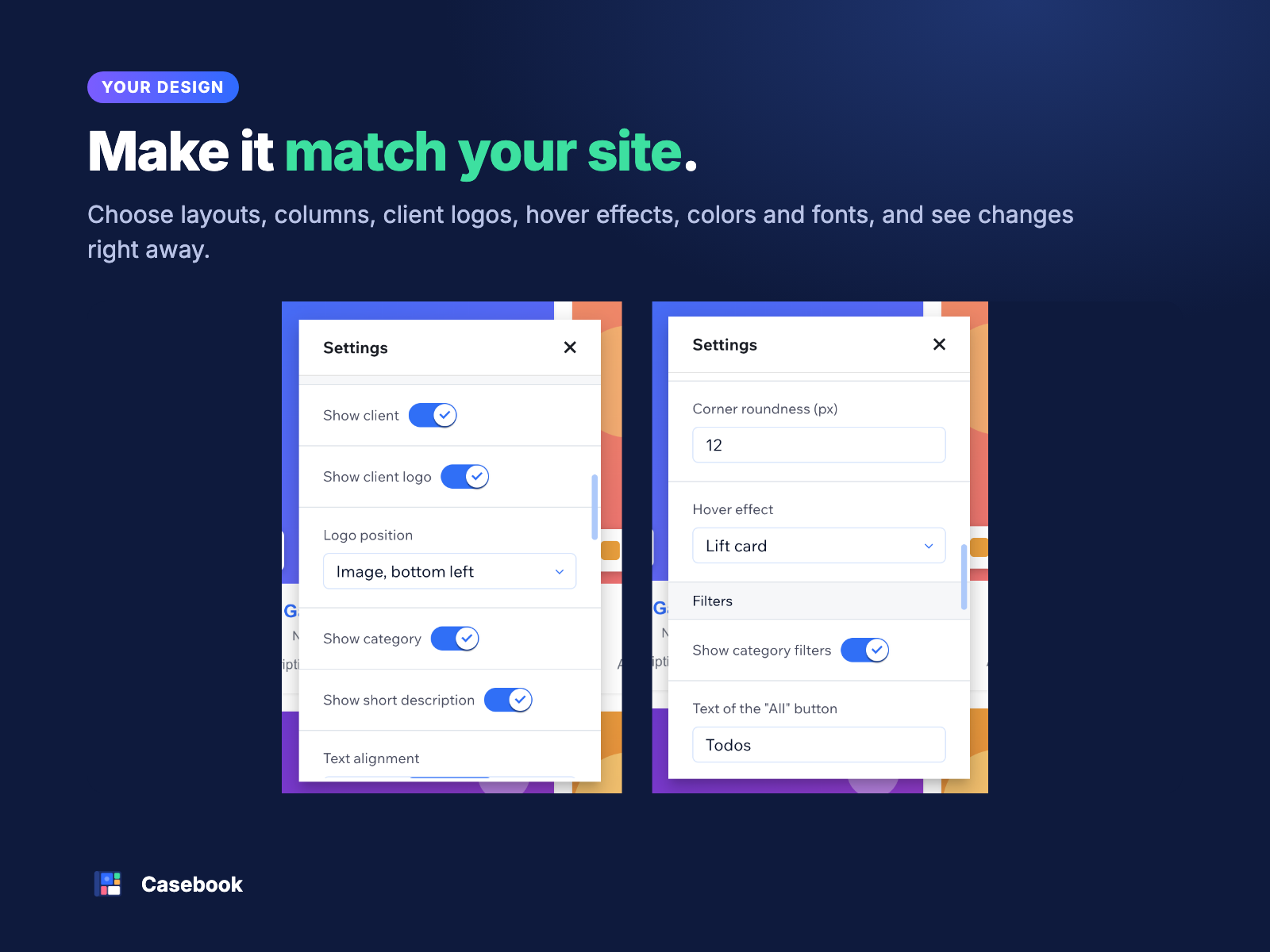
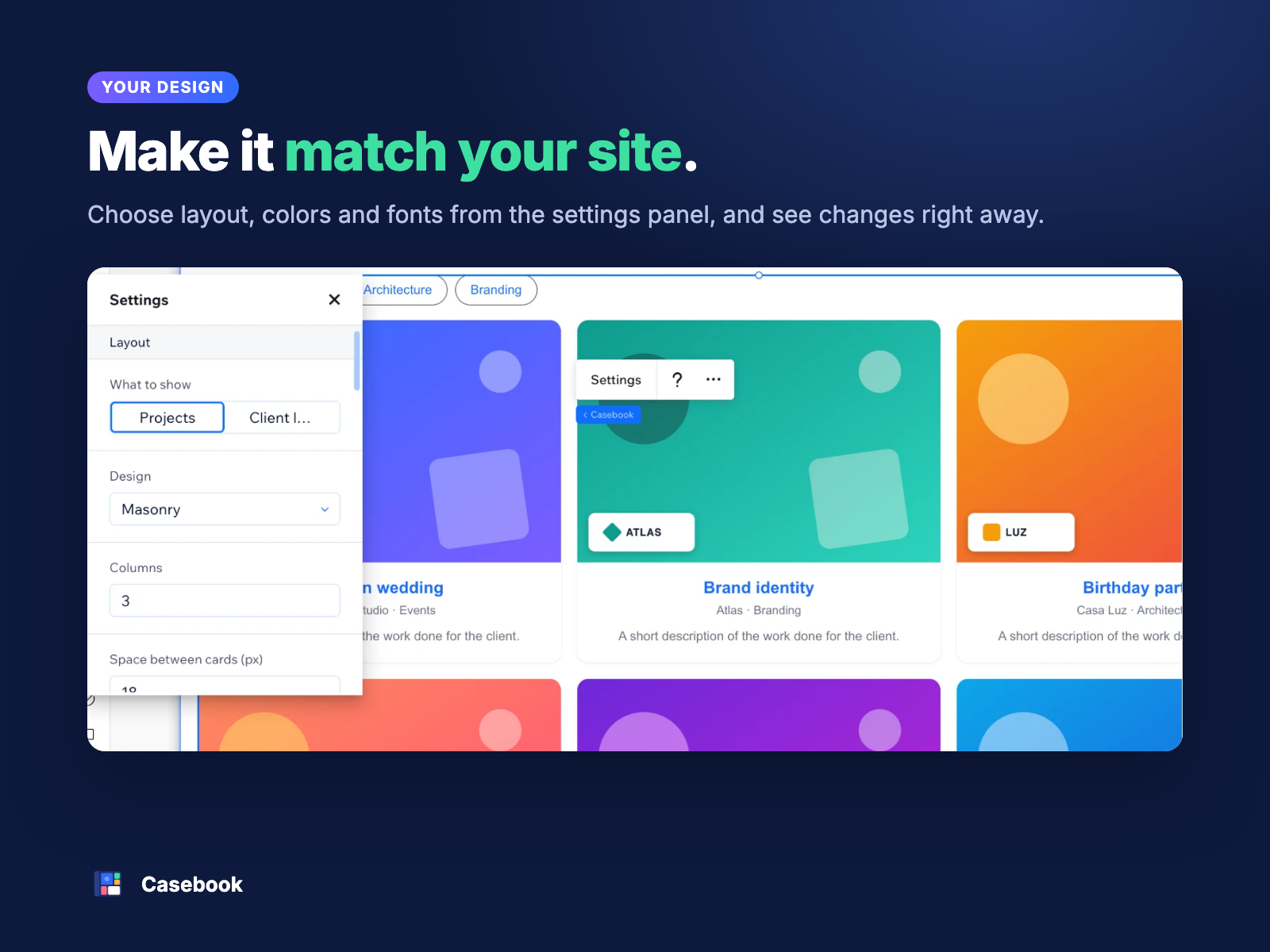
- A gallery that matches your site: Choose the layout, colors and fonts, and see every change live in the editor
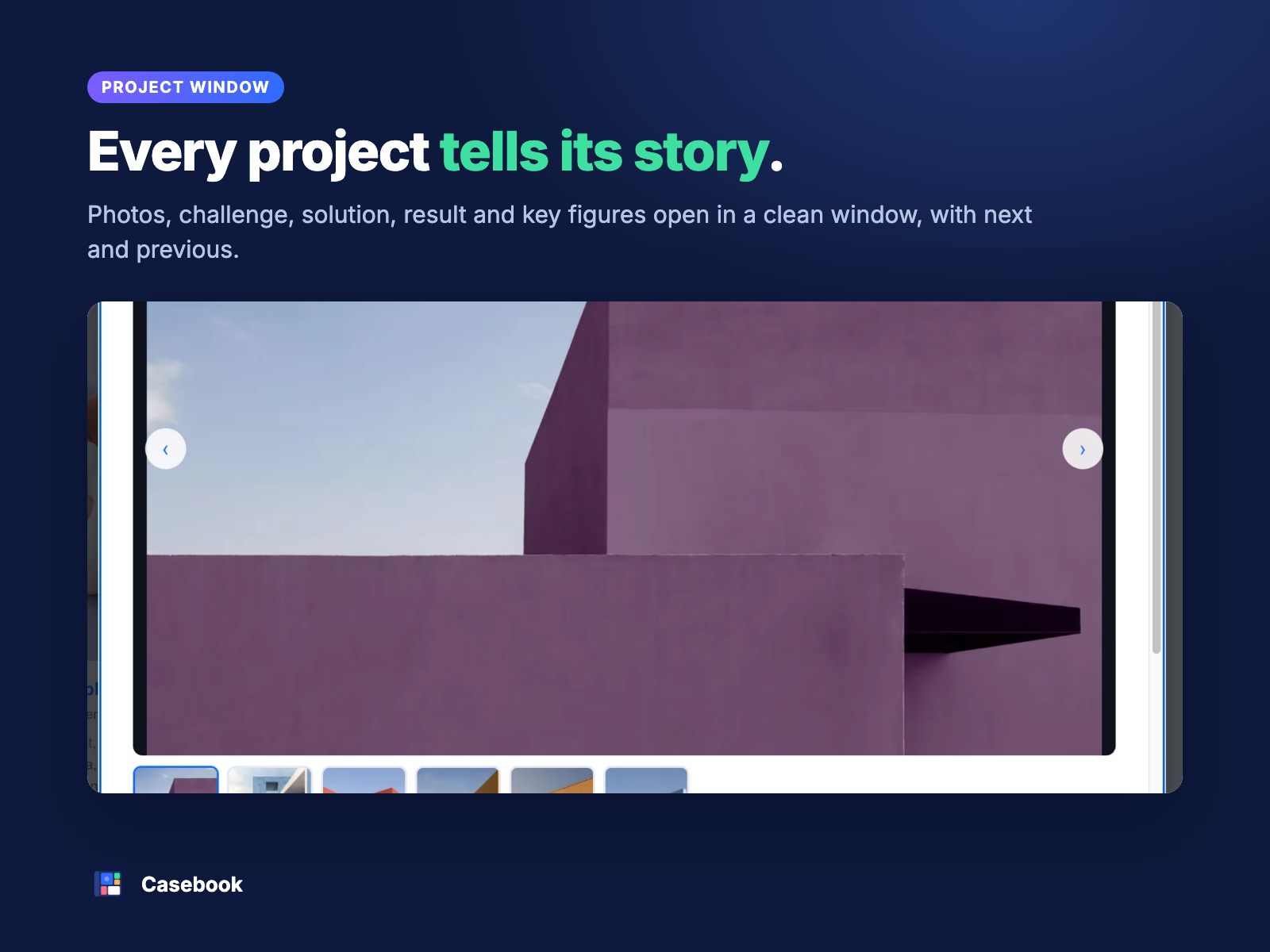
- Projects with a full story: Each project opens in a window with photos, a success story, key figures and a testimonial
- Group work by industry: Sort projects into categories and let visitors filter them in one click
- Client logos: Show your clients’ logos on the cards and in the project window
Bedømmelse & anmeldelser
Denne app har ikke modtaget nogen bedømmelser endnu, vær den første til at bedømme den.Priser og betalingspakker
Basic-abonnement
Gratis
Up to 6 projects
Grid gallery
Project window with photos
Clients and categories
Premium-abonnement
$
7
50
/måned
Unlimited projects
Category filters for visitors
Mosaic, bricks, bento and carousel
Videos, key figures, before and after
* Prisen er i USD.