

webshop
Bookinger
Begivenheder
Popup
Before & After Gallery
Fra
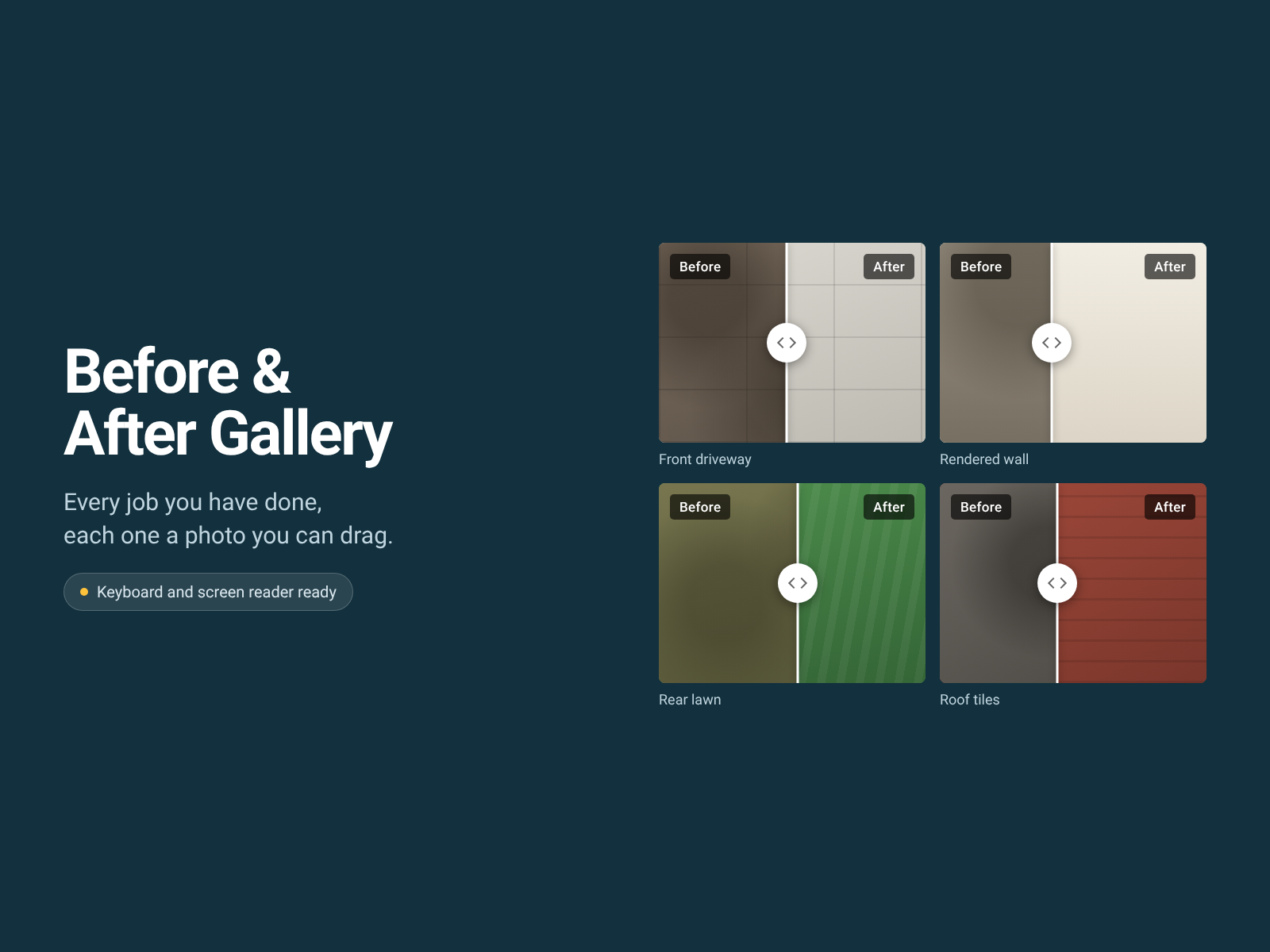
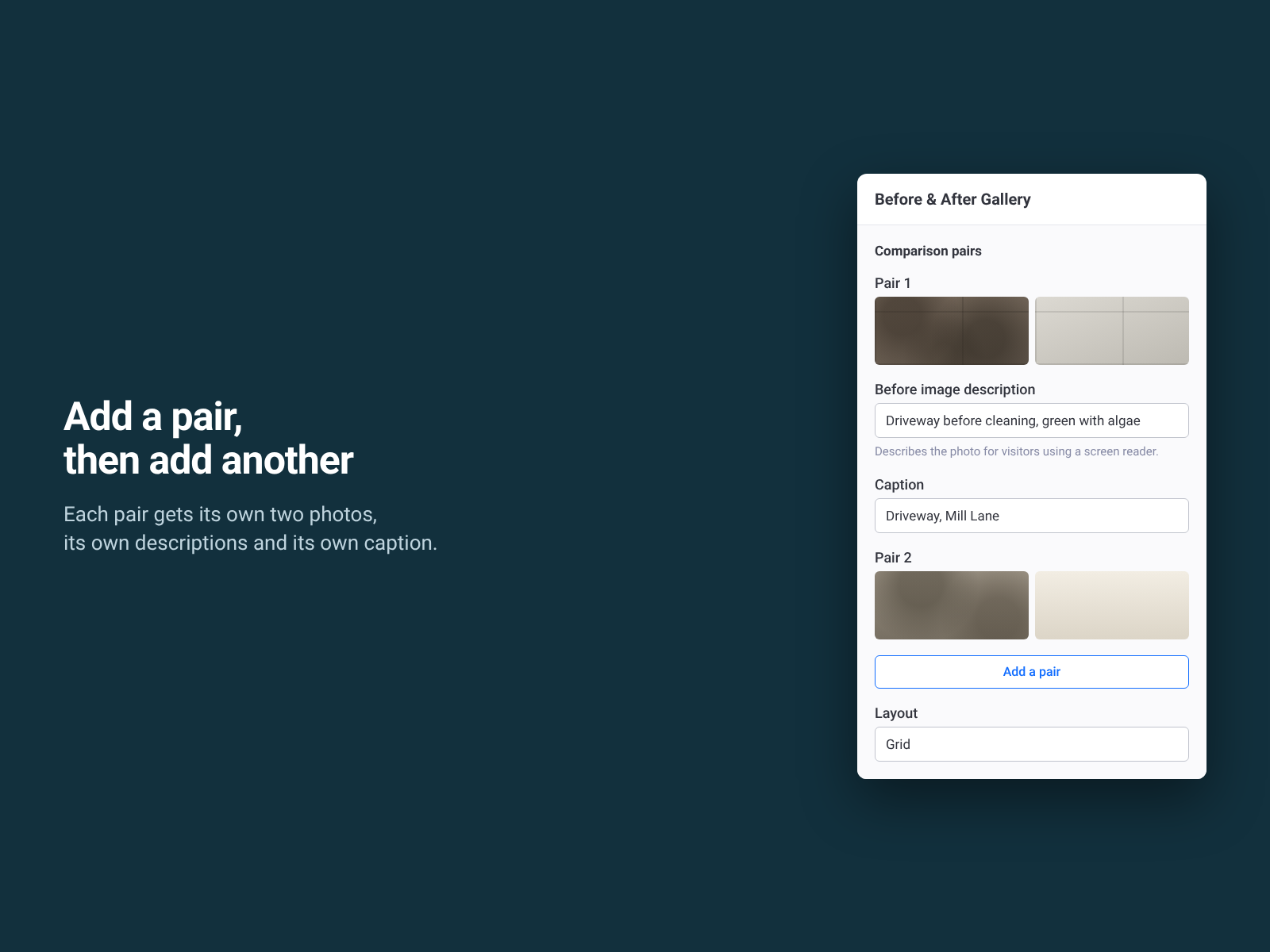
Several before and after pairs in one widget
Ingen anmeldelser endnu
Gratis abonnement er tilgængeligt

Before & After Gallery-oversigt
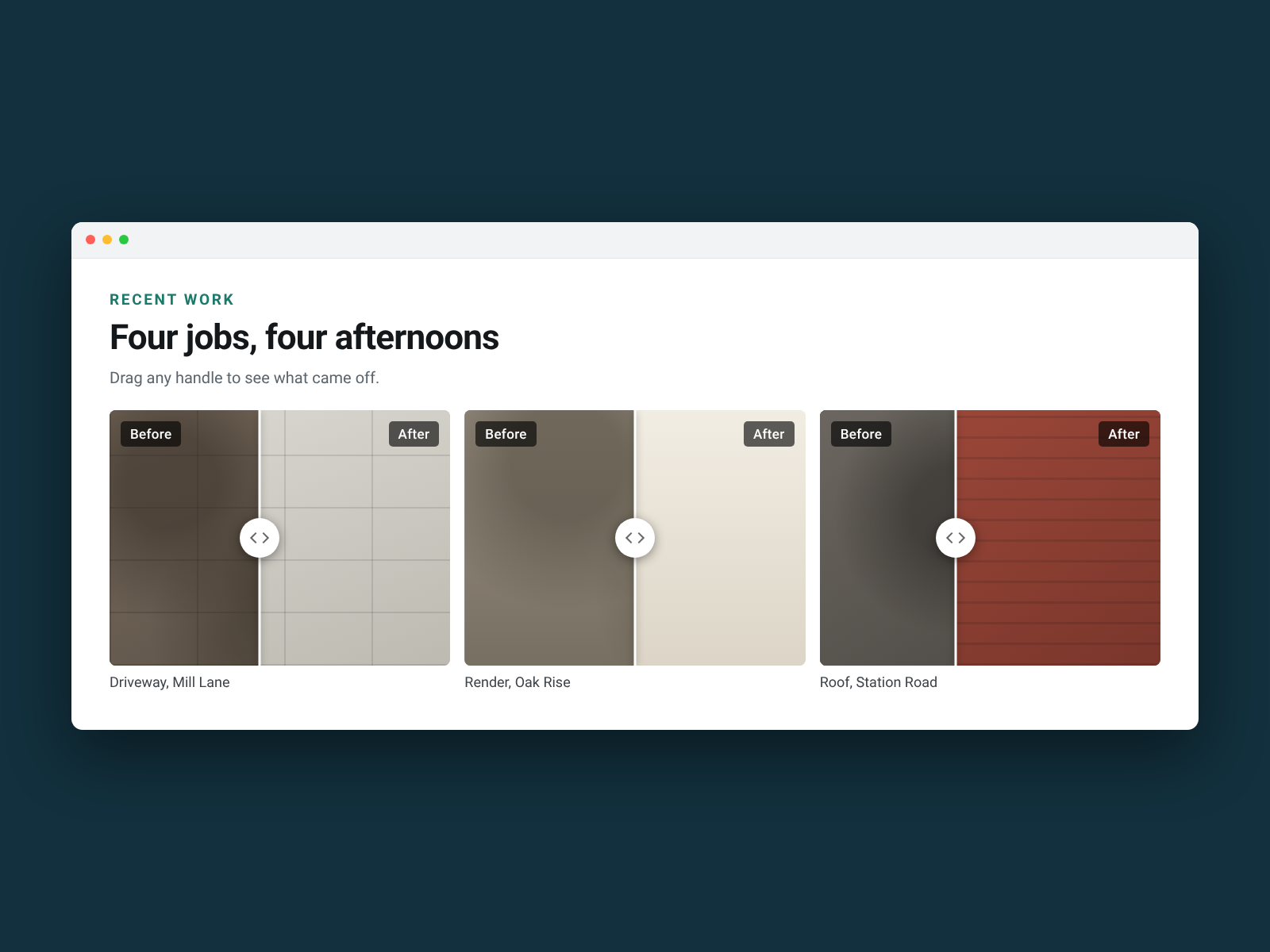
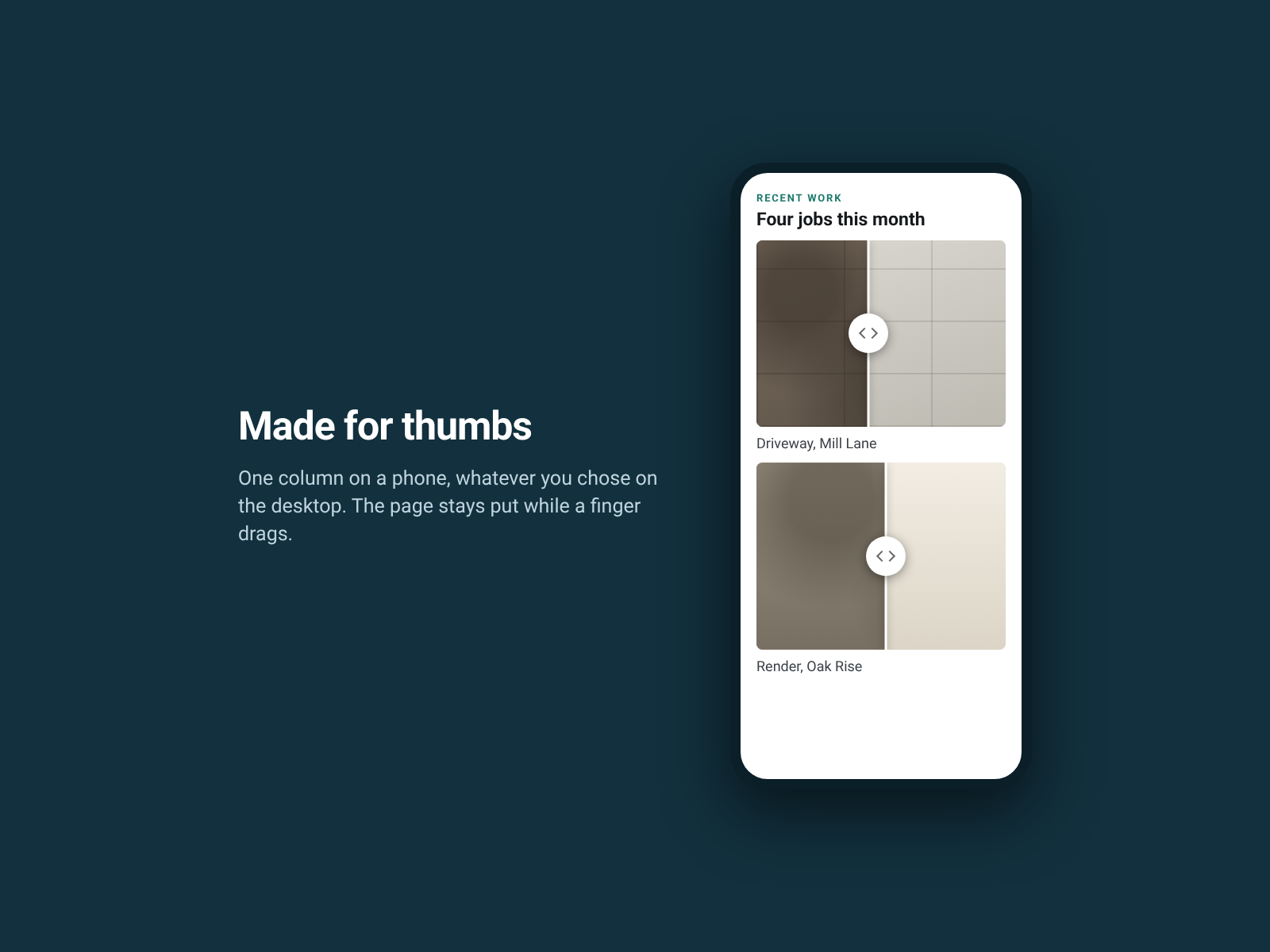
- Several before and after pairs in one widget, each with its own drag handle
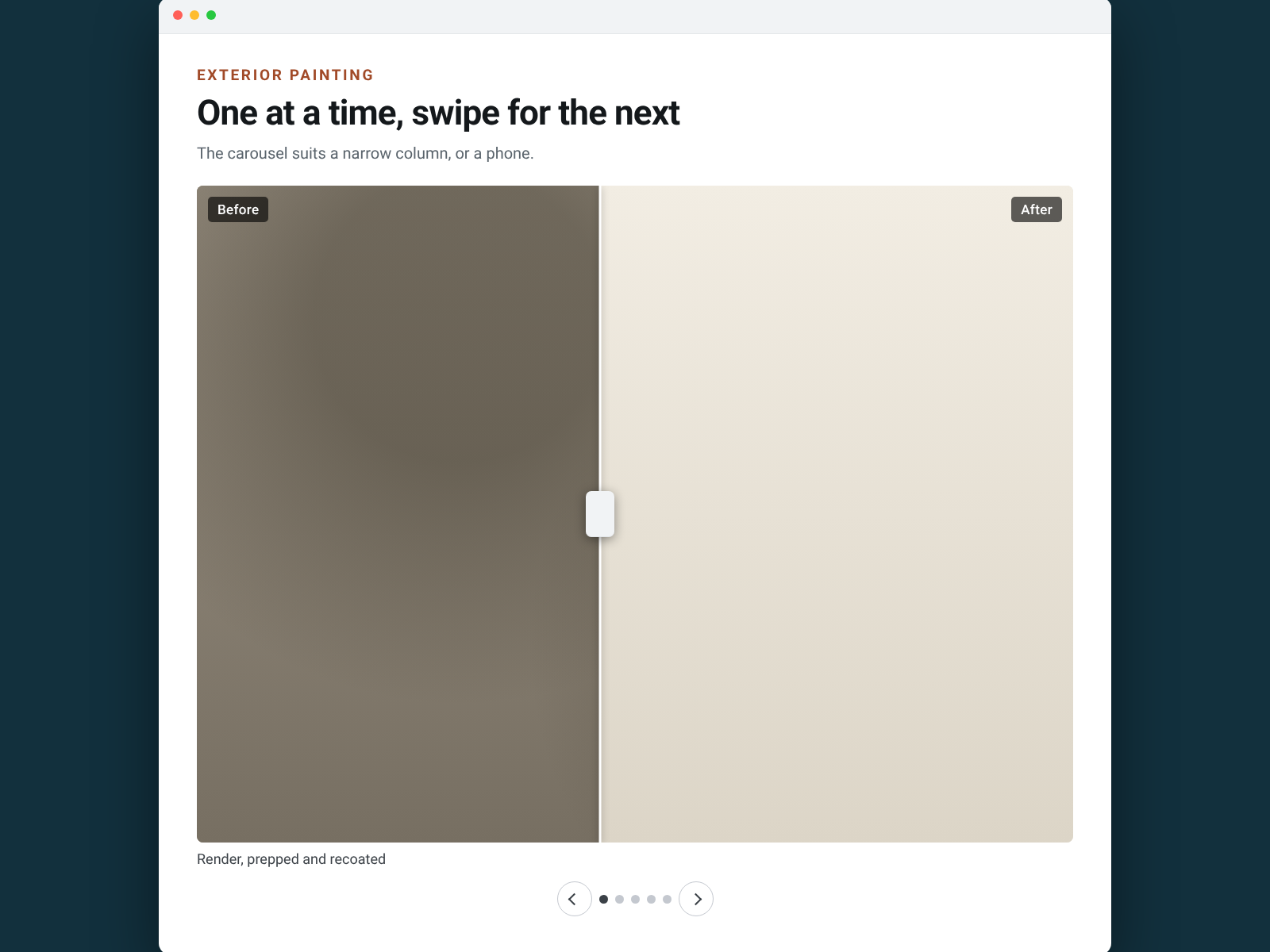
- Lay them out as a grid of one to four columns, or as a carousel
- Every photo comes from your media library, with its own description and caption
- Keyboard and screen reader ready — arrow keys move any handle
Bedømmelse & anmeldelser
Denne app har ikke modtaget nogen bedømmelser endnu, vær den første til at bedømme den.Priser og betalingspakker
Basic-abonnement
Gratis
Three comparison pairs in a gallery
Both layouts and both drag directions
Every colour, caption and screen reader label
Permanent, and it never expires
Pro-abonnement
$
4
08
/måned
No cap on comparison pairs in a gallery
Both layouts and both drag directions, same as free
Every colour, caption and screen reader label stays free
Free plan: three pairs per gallery, fully working
* Prisen er i USD.