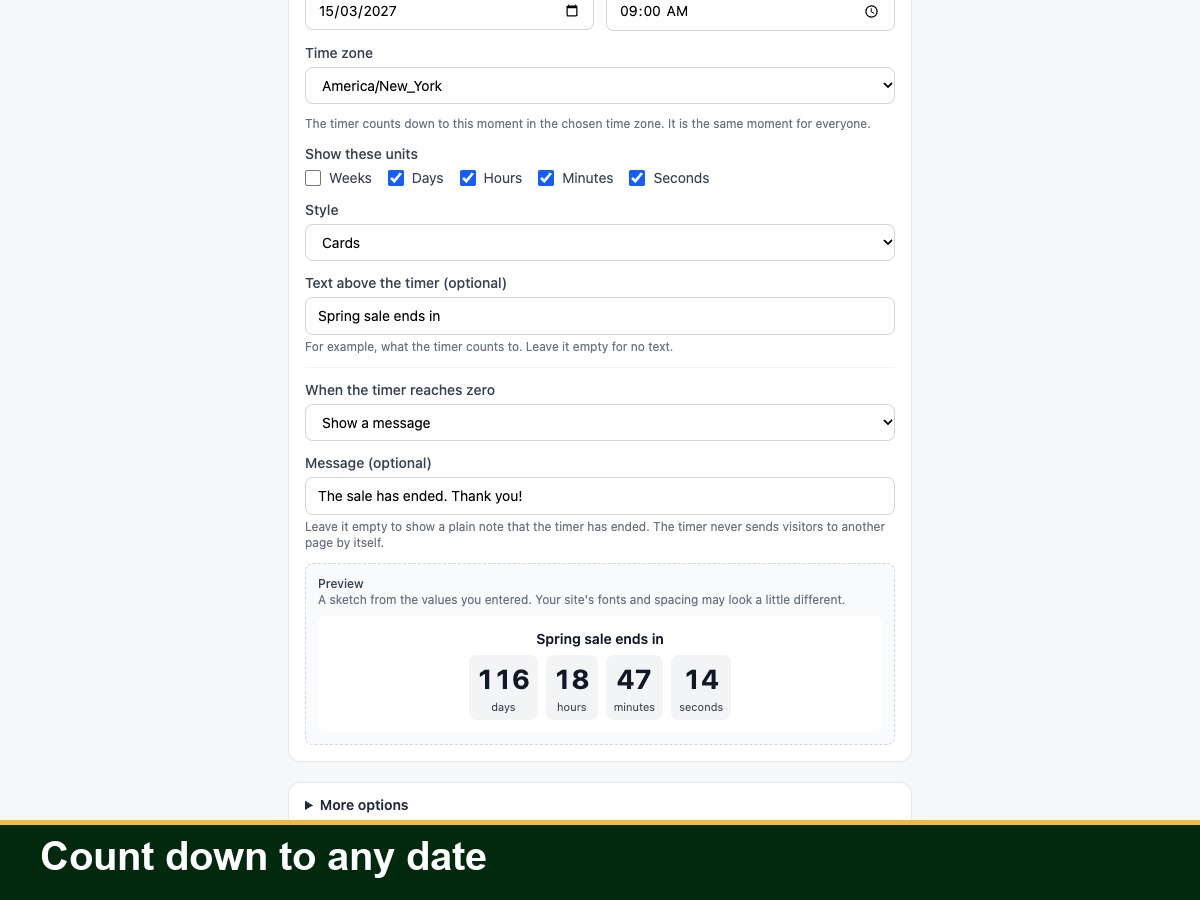
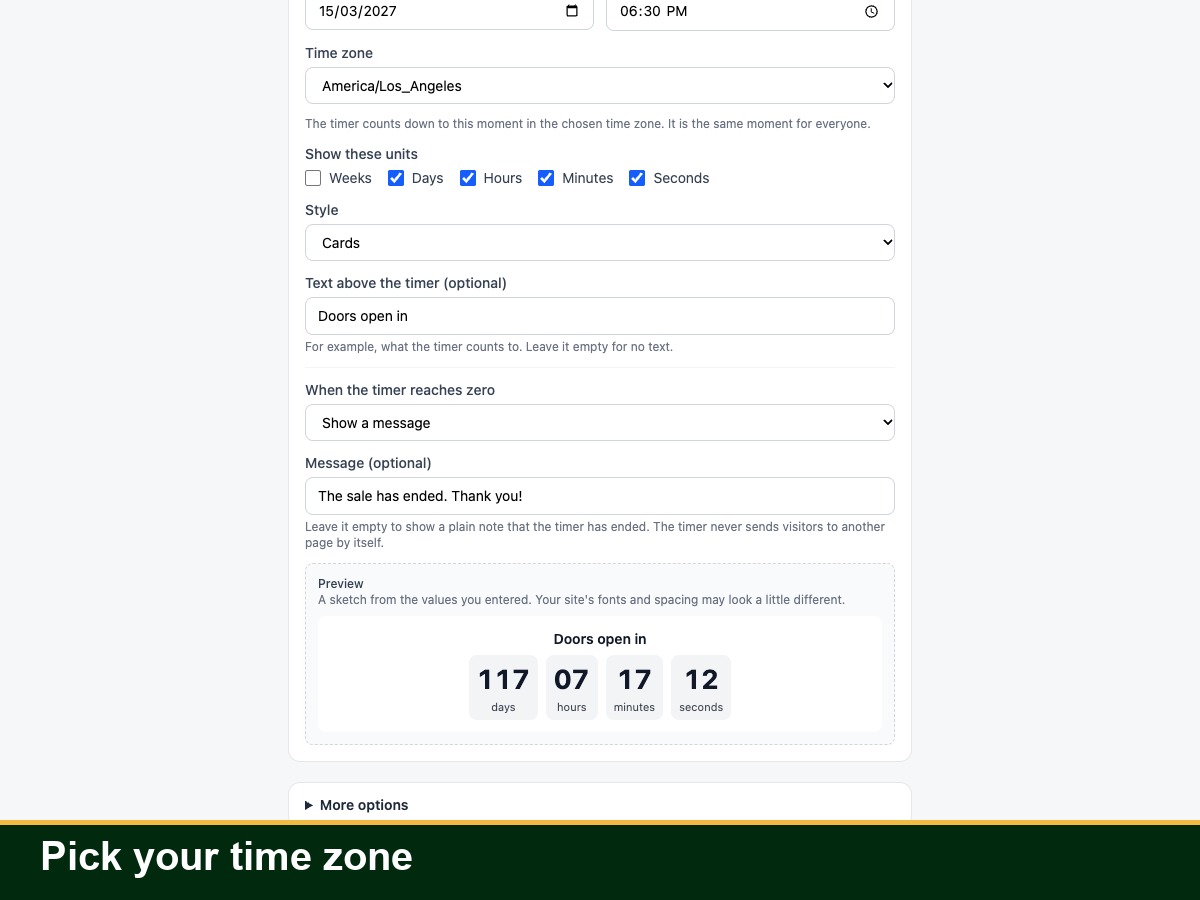
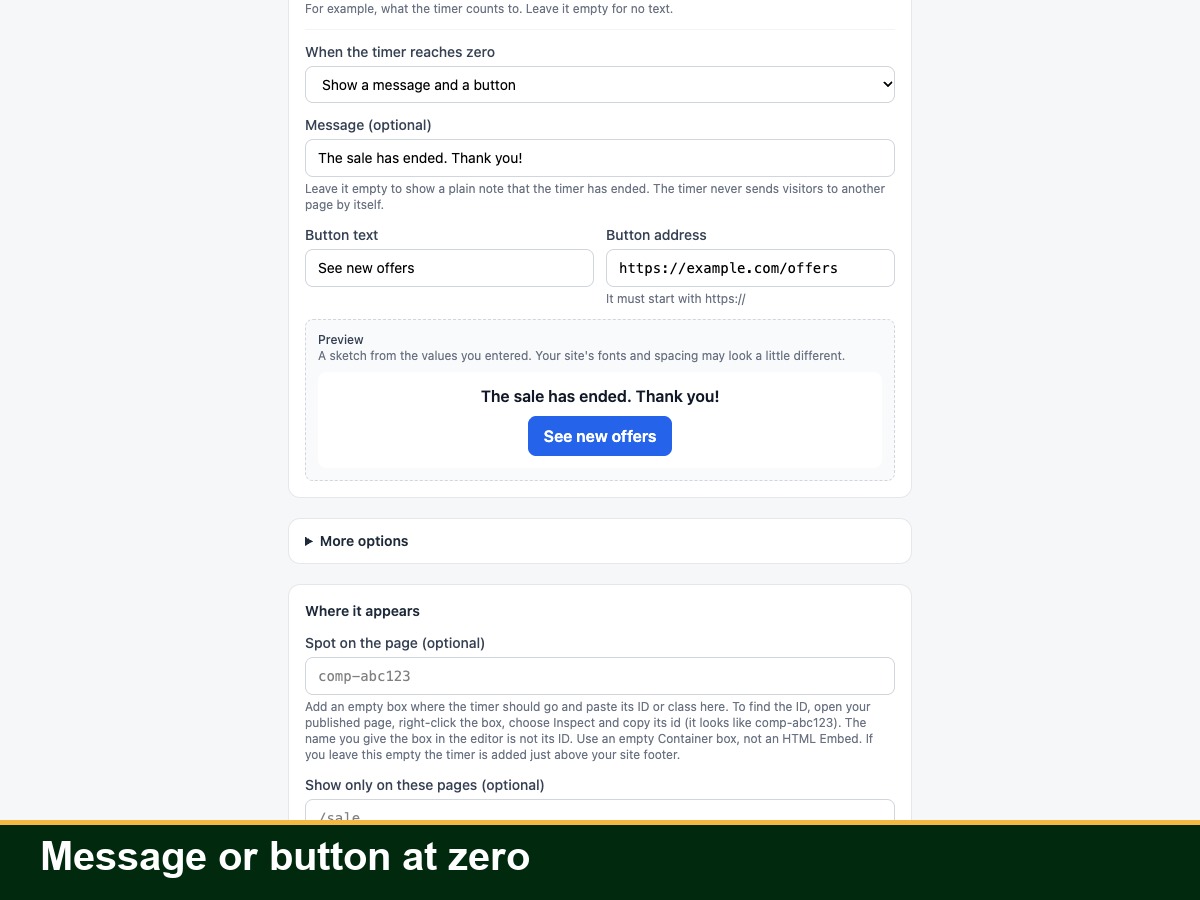
Countdown Timer shows a timer on your site in one of three ways: a countdown to a date and time you choose, a timer that repeats every day at a set time, or a count-up since a date. Everyone sees the same moment, unless you choose the visitor's own time zone, which follows the local clock of each device. Pick the time zone, the units, a style (flat numbers, cards, circles or a minimal line), colors, size and font. Choose what happens at zero: a message, hiding the timer, or a message with a link button. An optional urgent color switches on in the last minutes. Place it in a spot you name or above your footer, with page rules. The timer reads the clock of the visitor's device, so a wrong device clock shows a wrong time. The timer sends nothing to us and stores nothing in the visitor's browser, and the app sends only one install or uninstall event (your site's app instance ID and app ID) to our install counter. It does not change prices, apply discounts, send emails or redirect visitors. It works in 23 languages and right-to-left pages; the 22 languages other than English are machine-translated and have not been checked by native speakers.