

webshop
Bookinger
Begivenheder
Popup

Tablekit
Fra
Readable tables that survive a phone screen
Ingen anmeldelser endnu
Gratis abonnement er tilgængeligt

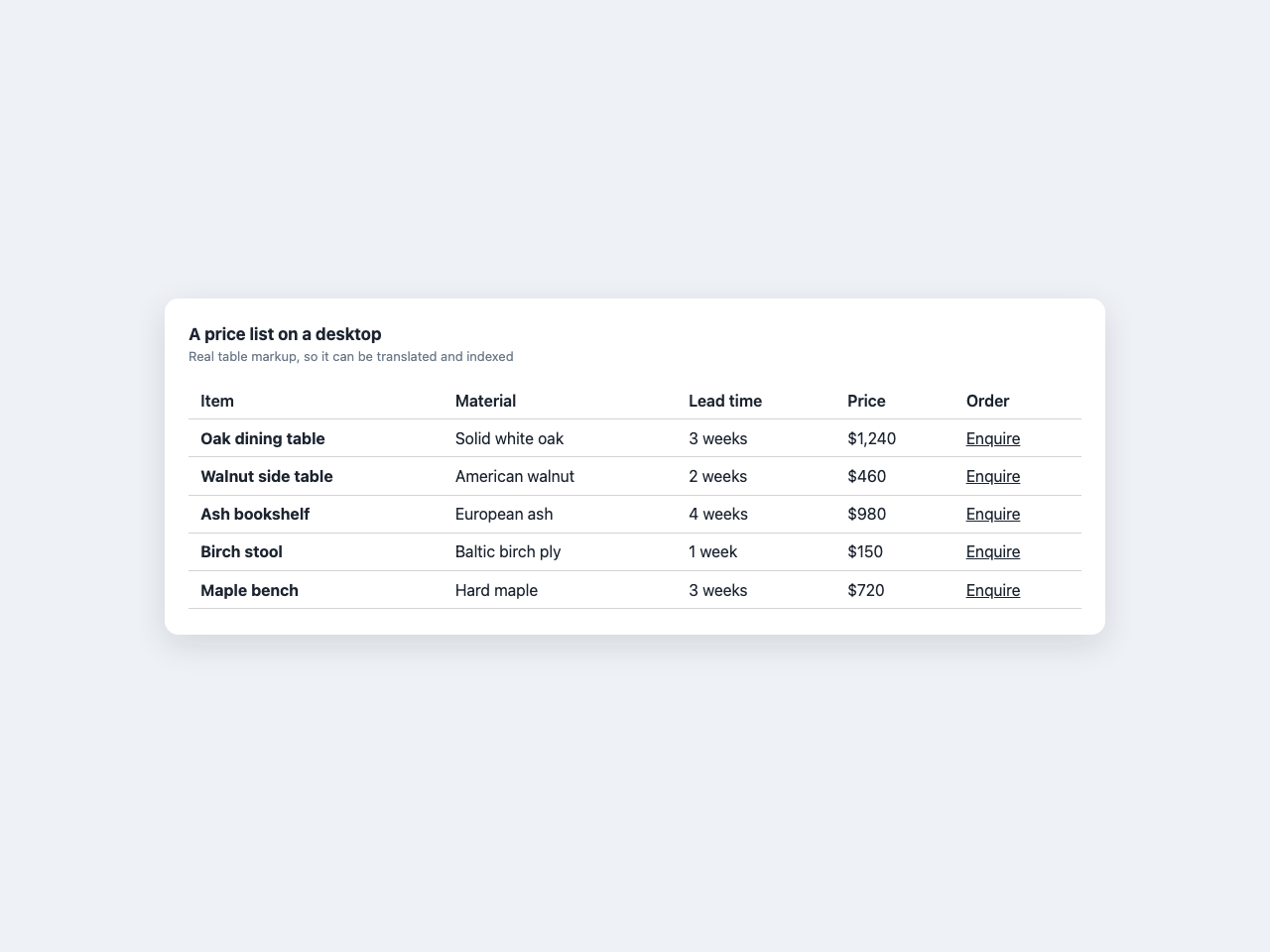
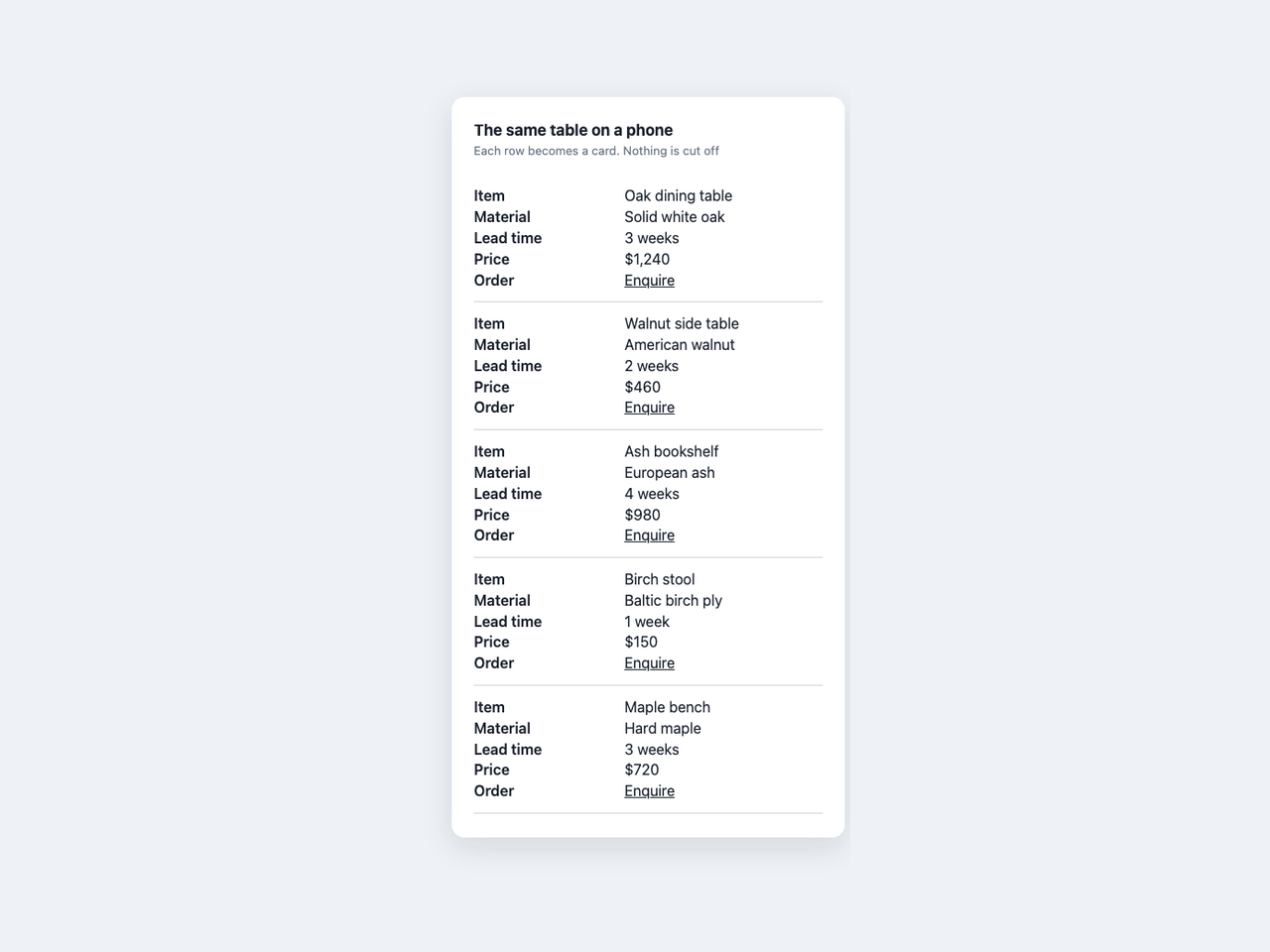
Tablekit-oversigt
- Rows stack into cards on narrow screens, so nothing gets cut off
- Real text, so translation tools and search engines can read it
- Paste rows straight from Google Sheets, Excel or Numbers
- Import a shared Google Sheet by pasting its address
Bedømmelse & anmeldelser
Denne app har ikke modtaget nogen bedømmelser endnu, vær den første til at bedømme den.Priser og betalingspakker
Basic-abonnement
Gratis
Up to 100 rows in a table
Stacks into cards on a phone
Connect a shared Google Sheet
Sorting and search for visitors
Plus-abonnement
$
6
00
/måned
No row limit on your tables
Visitors can download the table as CSV
Everything in the free plan
Pro-abonnement
$
16
00
/måned
Filter rows by several conditions
No row limit on your tables
Visitors can download the table as CSV
* Prisen er i USD.