

webshop
Bookinger
Begivenheder
Popup

Scroll Video Animation
Fra
Turn videos and image sequences into smooth scro
1.0
Gratis abonnement er tilgængeligt

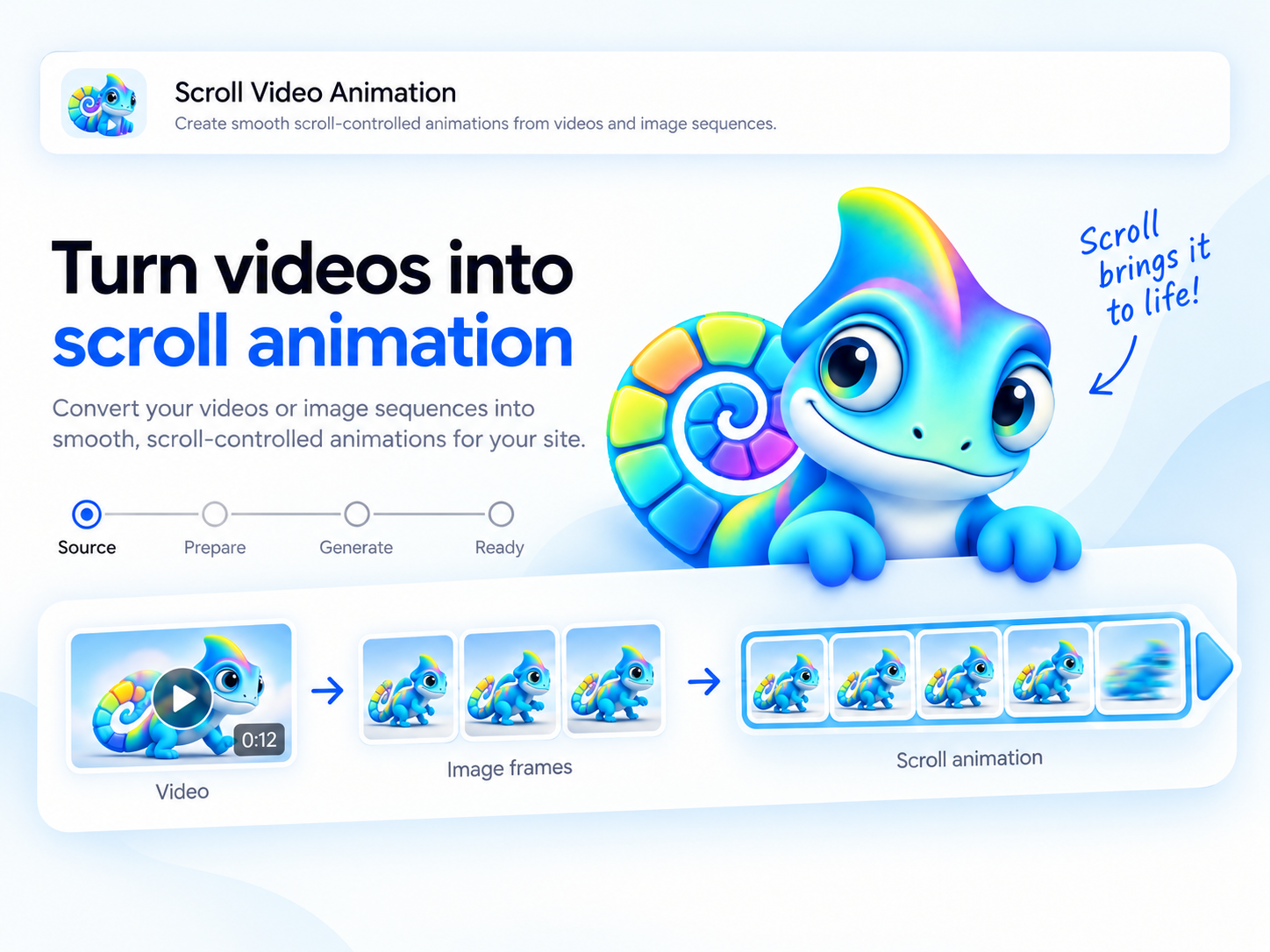
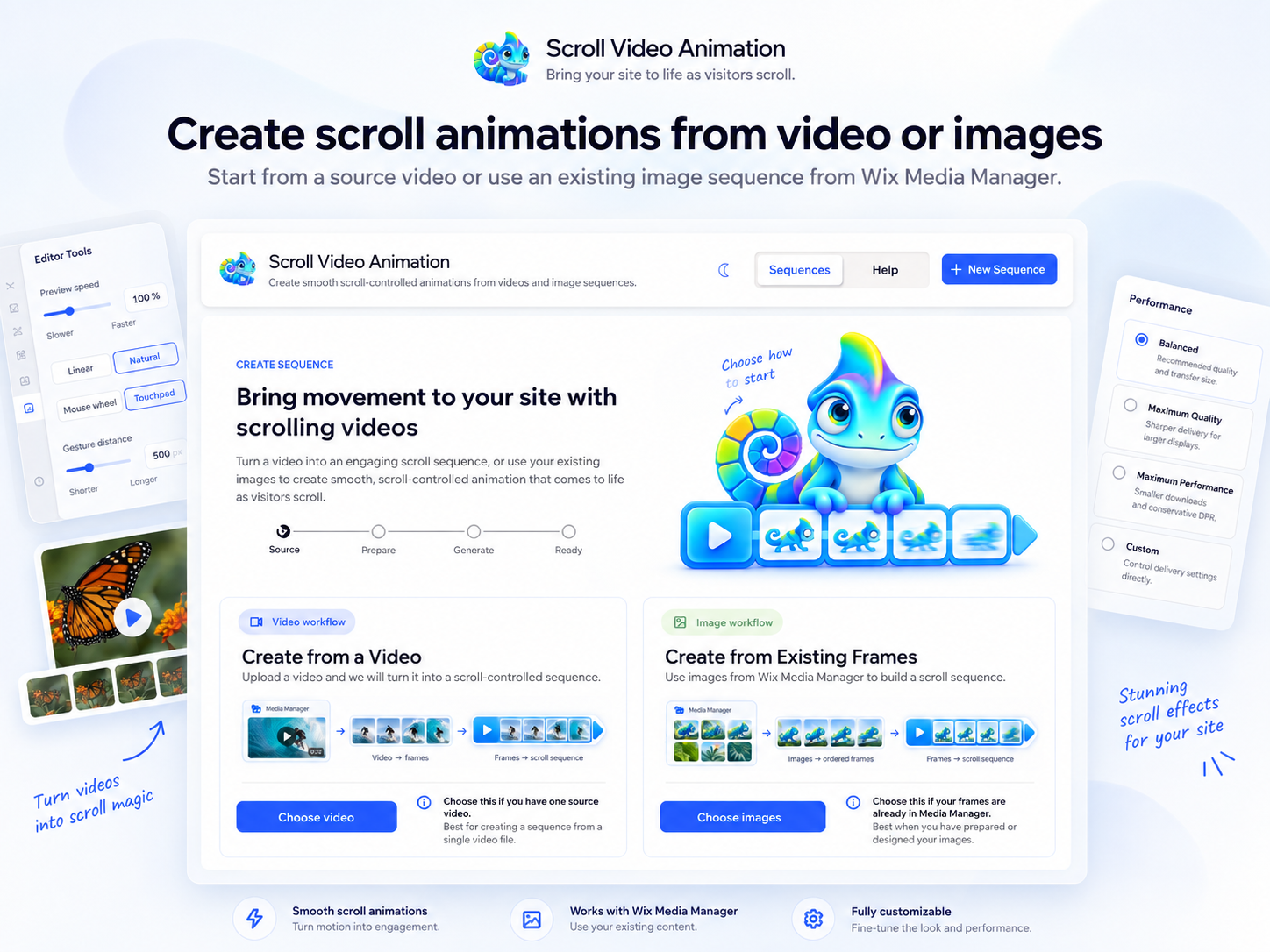
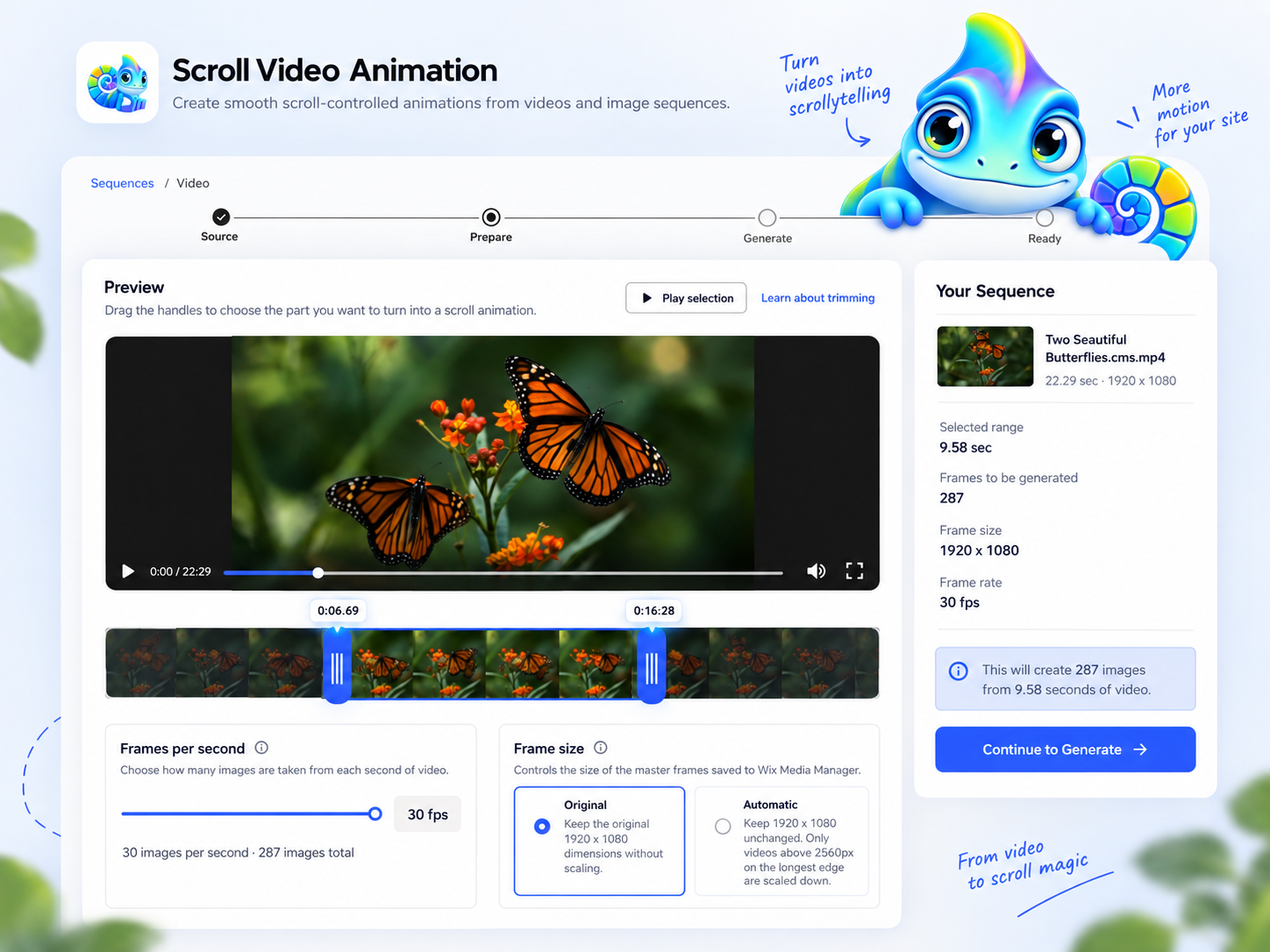
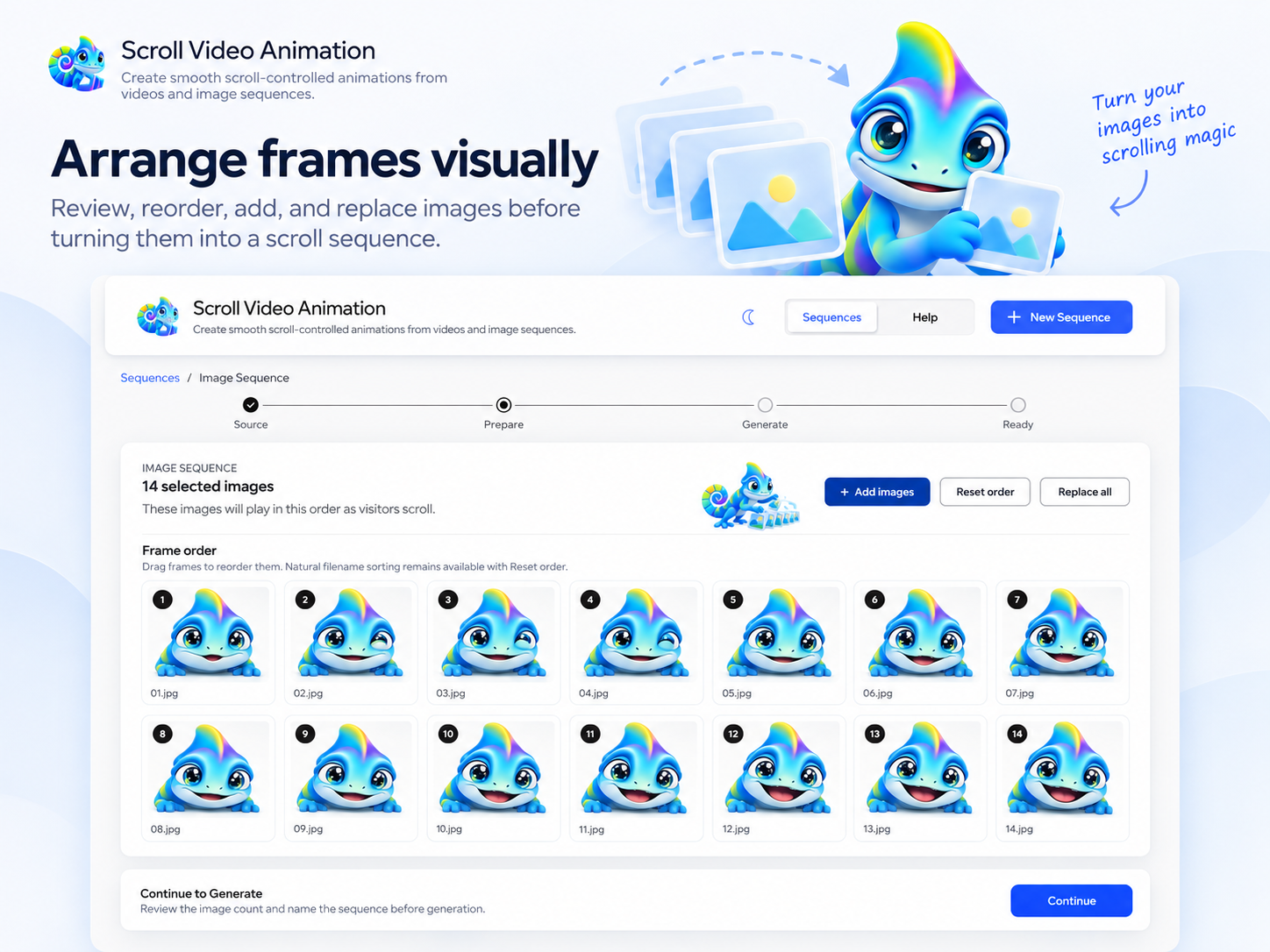
Scroll Video Animation-oversigt
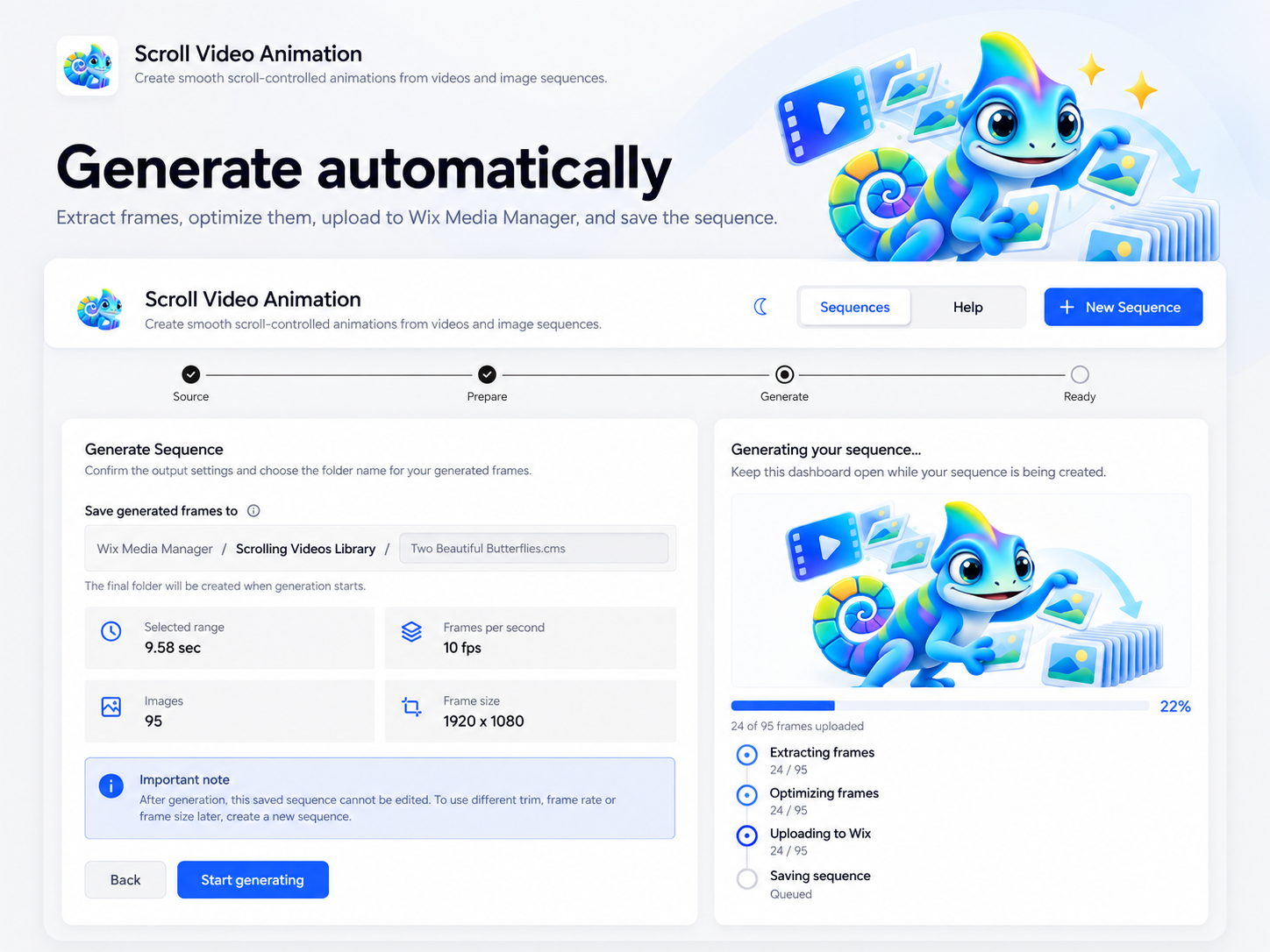
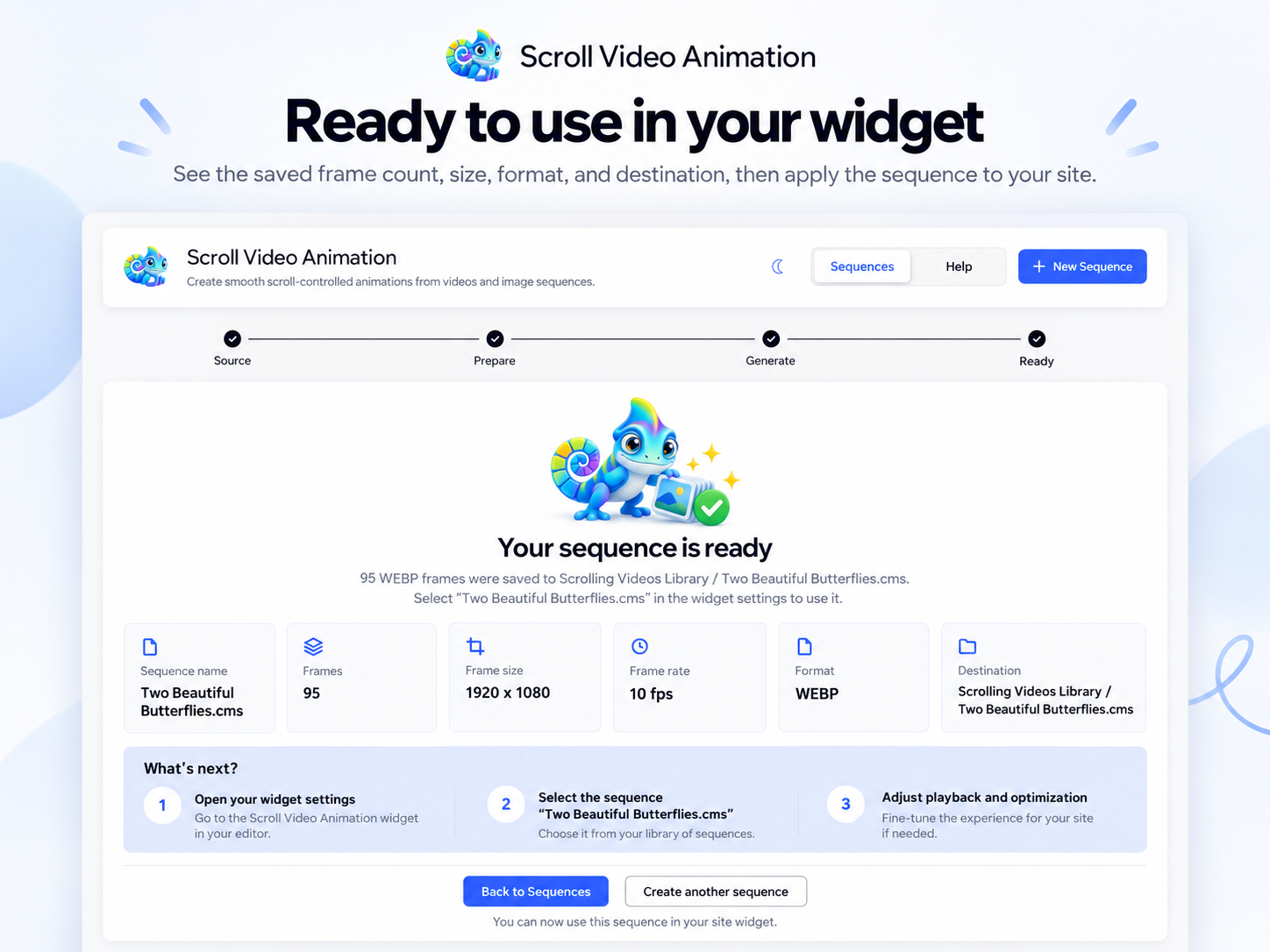
- Video to Scroll Animation : Turn videos into frame-by-frame scroll animations directly from Site Media Manager. Trim the exact range you need, choose frame rate and resolution, and generate an optimized image sequence automatically. Already have rendered frames? Import an existing image sequence and arrange the frames in the order you want
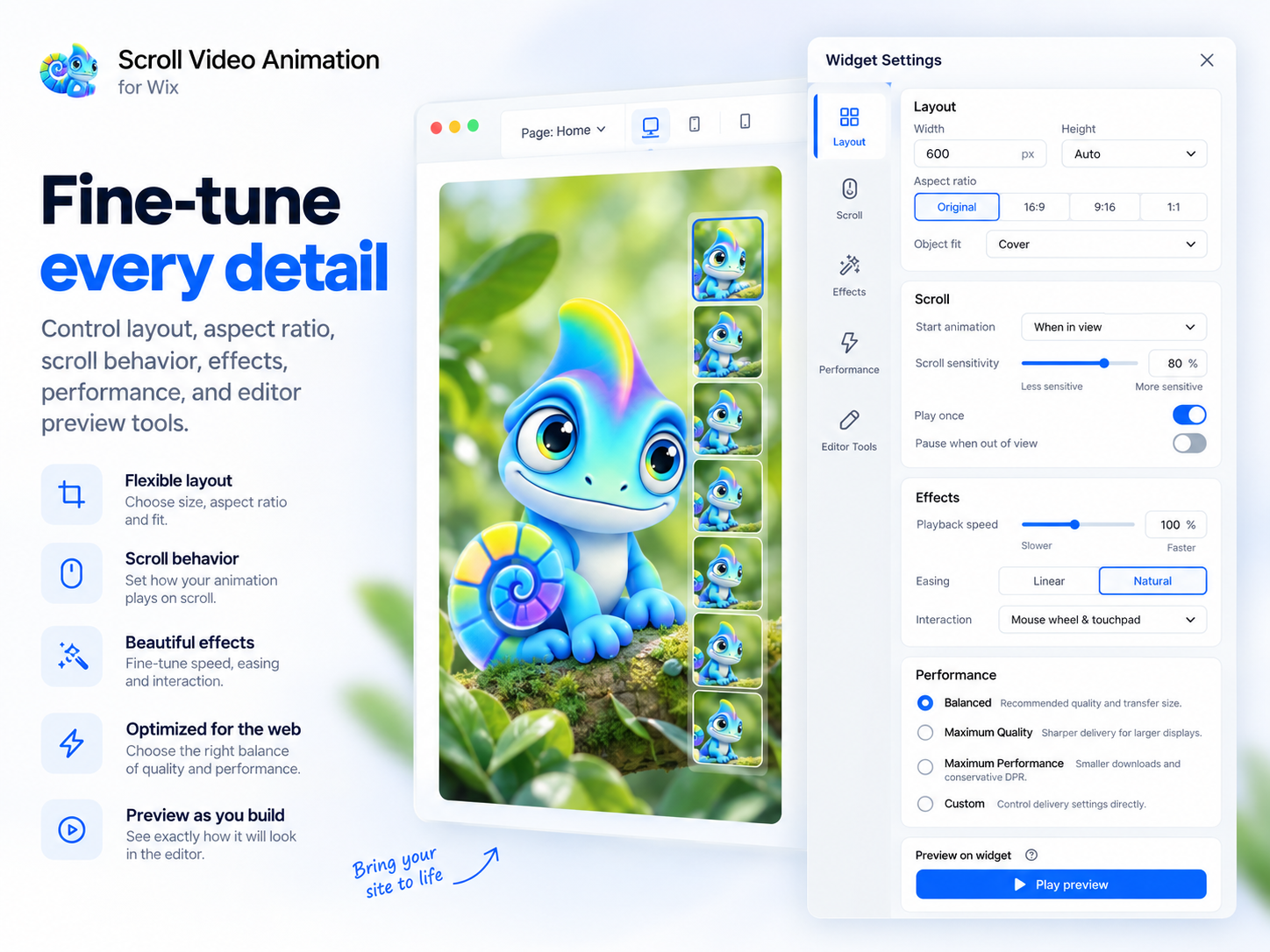
- Precise Video Scroll Controls : Control exactly how your video on scroll reacts to page movement. Set scroll distance, start offset, forward or reverse playback, smoothing, frame blending and custom progress curves to create anything from fast product reveals to cinematic scrolling video experiences
- Responsive Layouts & Scroll Effects : Adapt each scroll animation for desktop and mobile with separate sequences, responsive breakpoints, custom aspect ratios, fit and positioning controls. Add brightness, contrast, saturation, grayscale, scale, movement, rotation and opacity effects without changing the original frames
- Smart Performance & Editor Preview : Balance image quality and loading speed with performance profiles and advanced controls for resolution, quality, high-density displays and sharpening. Frames are loaded progressively around the visitor’s current scroll position, while editor guides and preview tools let you test the animation before publishing
1.0 gennemsnitlig bedømmelse
1 bedømmelse
5
0
4
0
3
0
2
0
1
1
LI
Linkmyting/ Oct 1, 2026
scrollt nicht. sehr süss gemacht mit dem chameleon. aber scrollt nicht. spielt einfach das video ab. braucht ewigs zum laden. funktioniert nicht.
VA
team Vanyadoing
Hi there,
Der Kommentar zum Chamäleon hat uns kurz gefreut - der Rest dafür umso neugieriger gemacht. 😄
Dass das Video einfach normal abspielt, statt durch Scrollen gesteuert zu werden, ist definitiv nicht das Verhalten,...(0)
Tak for din feedback
Priser og betalingspakker
Free-abonnement
Gratis
Create and use scroll-driven animation
Access full widget customization
Use generated video or image sequences
Includes a small watermark
Pro-abonnement
$
4
99
/måned
Everything in Free
Remove the widget watermark
Access direct support requests
First-line support for app issues
Support Developers-abonnement
$
9
99
/måned
Everything in Pro
No widget watermark
Suggest features and improvements
Support app continued development
* Prisen er i USD.