

webshop
Bookinger
Begivenheder
Popup

Sales Journal CSV for Yayoi
Fra
Turn paid orders into Yayoi or freee sales CSVs
Ingen anmeldelser endnu
Gratis abonnement er tilgængeligt

Sales Journal CSV for Yayoi-oversigt
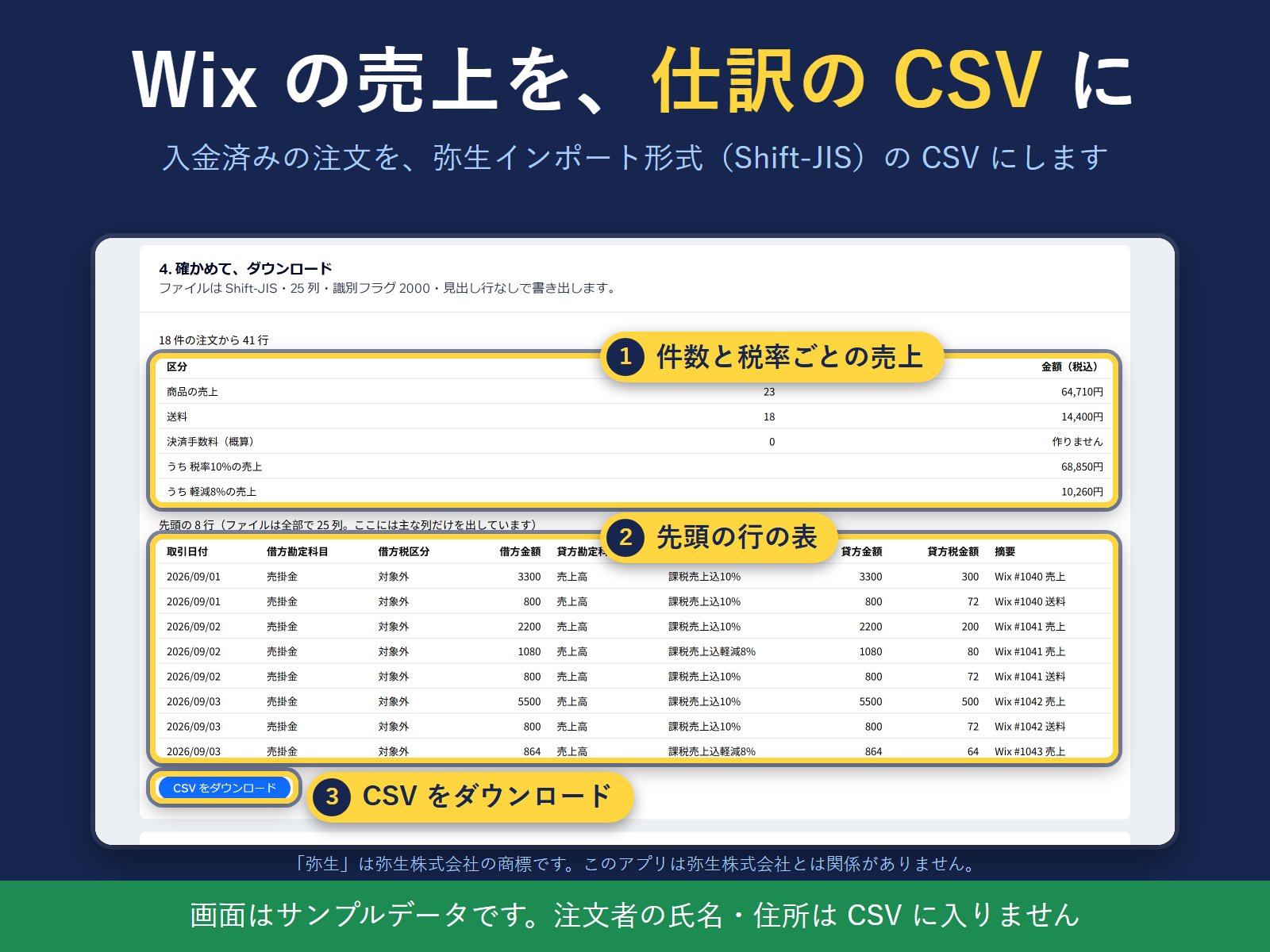
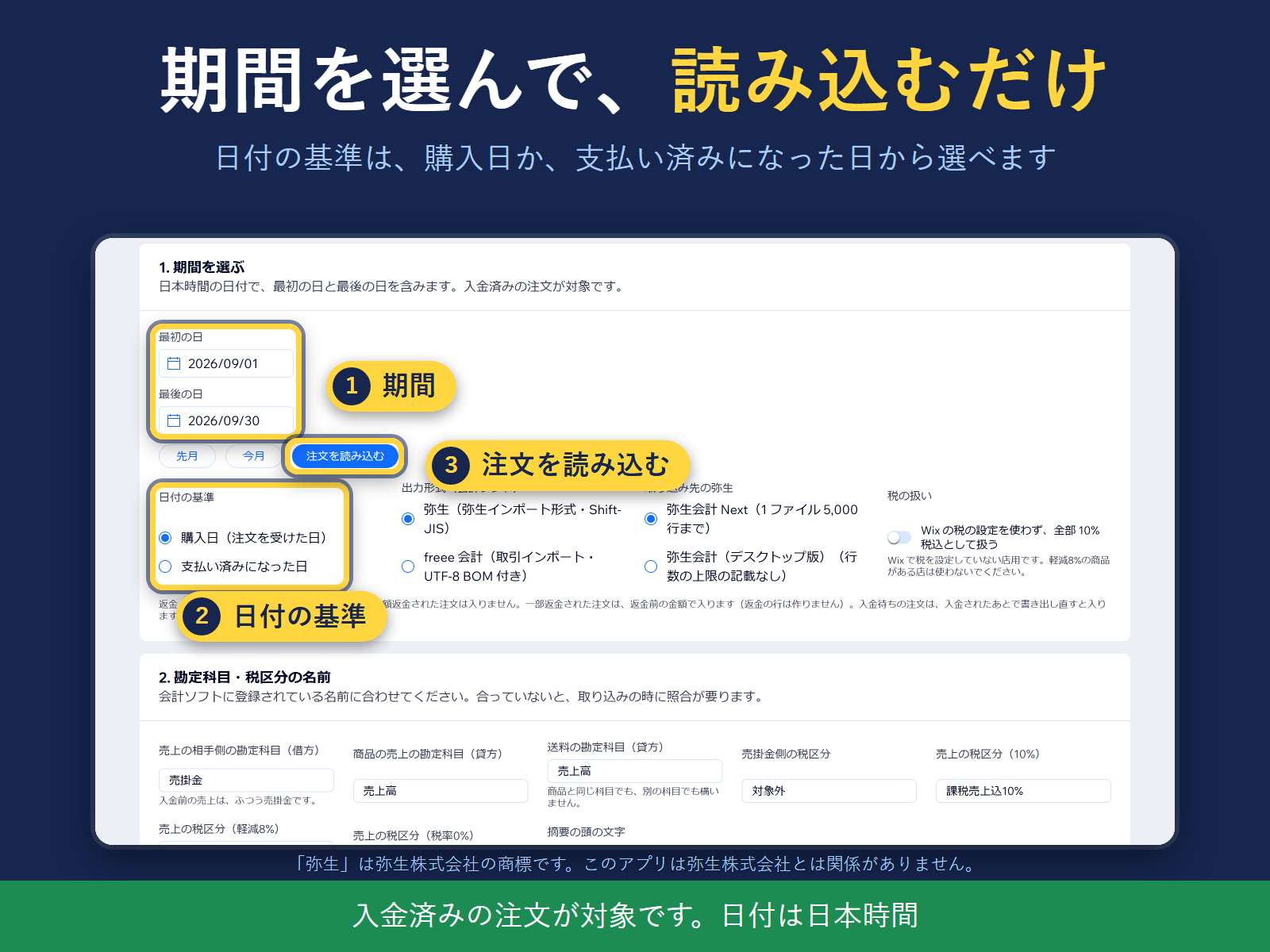
- Paid orders to a Yayoi or freee import CSV in a few clicks
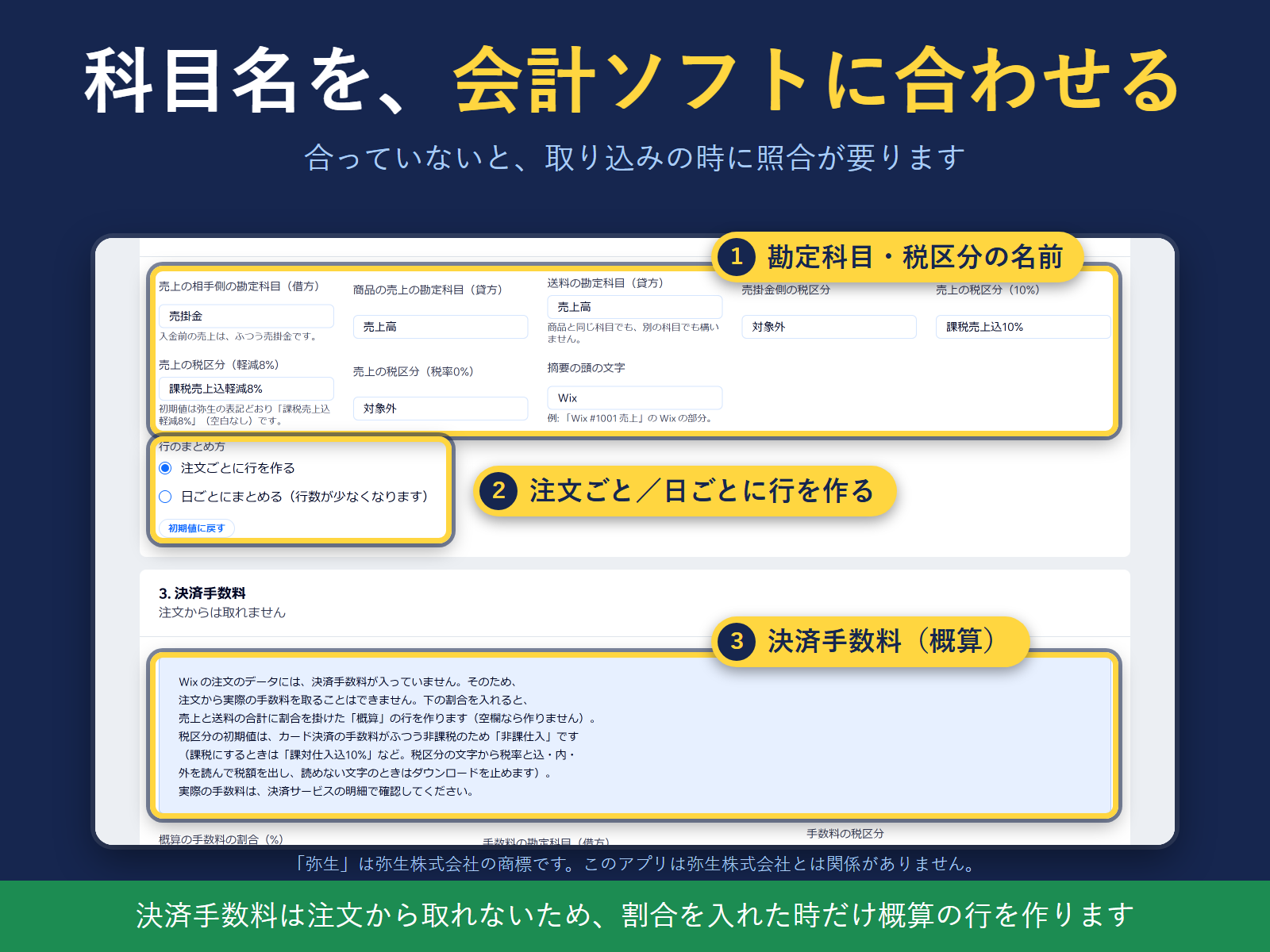
- Separate rows and tax per rate: 10%, reduced 8%, shipping
- Check totals before download; no buyer names in the CSV
Bedømmelse & anmeldelser
Denne app har ikke modtaget nogen bedømmelser endnu, vær den første til at bedømme den.Priser og betalingspakker
Free-abonnement
Gratis
Up to 20 orders per month
Yayoi import and freee CSV formats
Tax split by 10% and reduced 8%
Pro-abonnement
$
4
99
/måned
Unlimited orders per month
Yayoi import and freee CSV formats
Tax split by 10% and reduced 8%
Processed in your browser only
* Prisen er i USD.